98
Appendix Raw Data Recording (RDR) SeaBat Sonar UI - User Manual
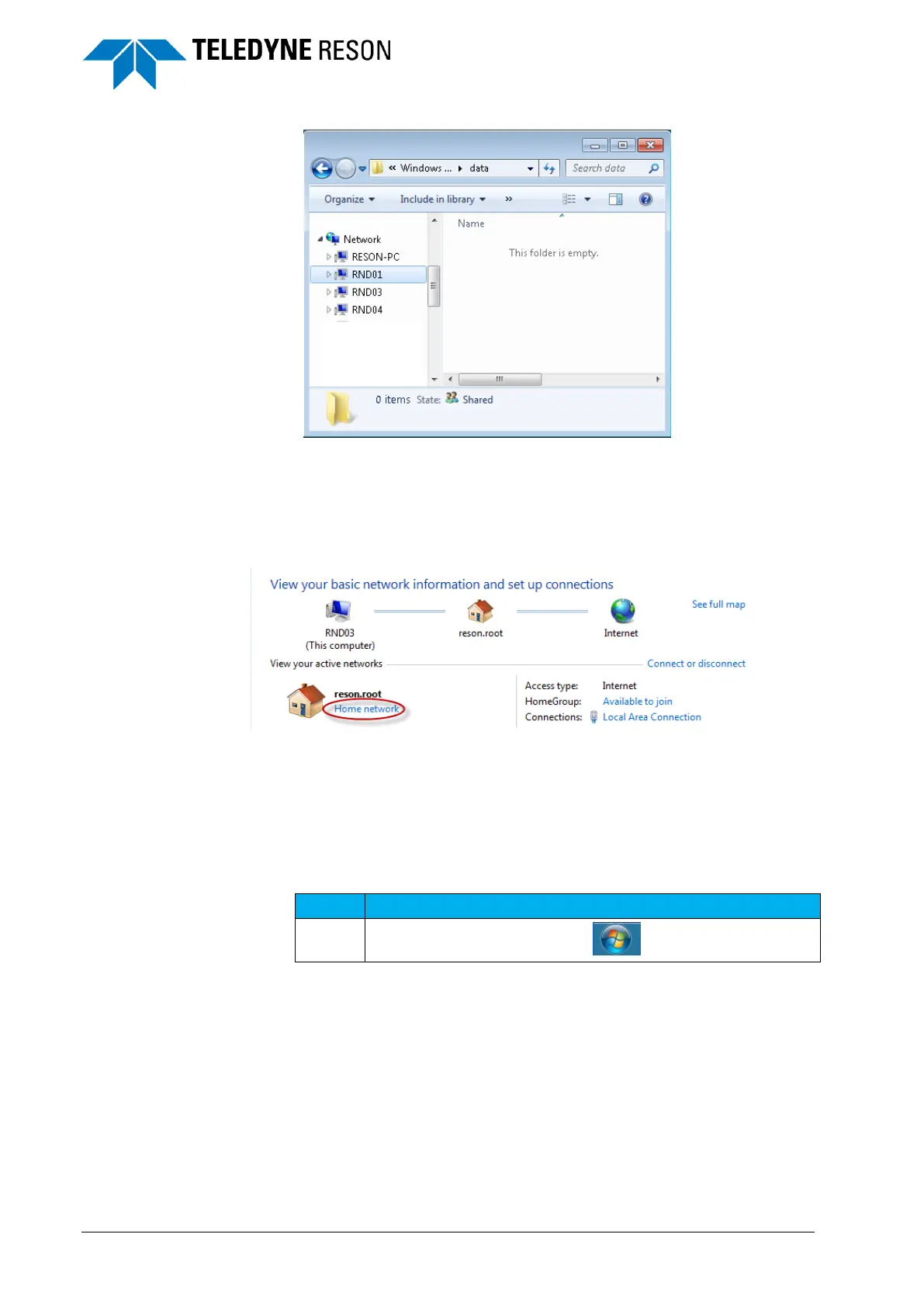
Figure 7-8 Computer names available in the windows explorer network list.
It could be necessary to enable ‘Network discovery’ in the advanced sharing settings. See
section ‘file sharing’ on page 102 how to access the advanced sharing settings.
It could be necessary to have Home group network file sharing selected.
Figure 7-9 Home network
Contact your administrator in case of issues.
7.3 Creating a workgroup
The connected computers/processors must be in the same workgroup.
The table below summarizes the procedure.
Open the windows start menu.



 To Next Page