SeaBat Sonar UI - User Manual Service
81
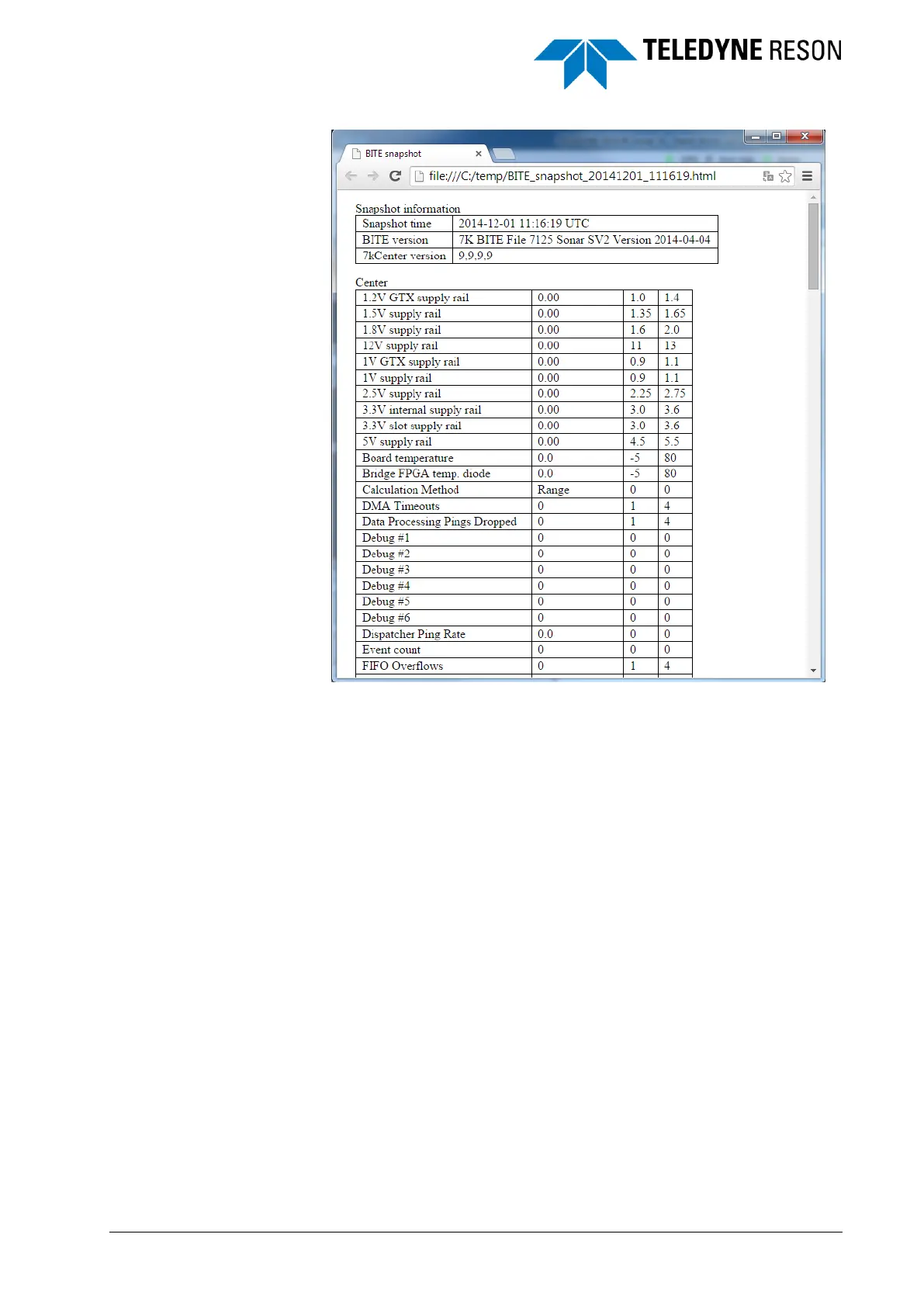
Figure 5-5 Example of part of the HTML file
5.3.2 Details
In the Details tab the BITE information of the selected component, wire, or
pin in the diagram will be displayed. Press Ctrl+B on the keyboard to
access more information for some items in the diagram.
At the top the name and unique ID of the selected component, wire, or pin
is given. Below this the available BITE information is displayed with the
actual value or status for each item. The accepted range for each item is
displayed between brackets.



 To Next Page