84
Service SeaBat Sonar UI - User Manual
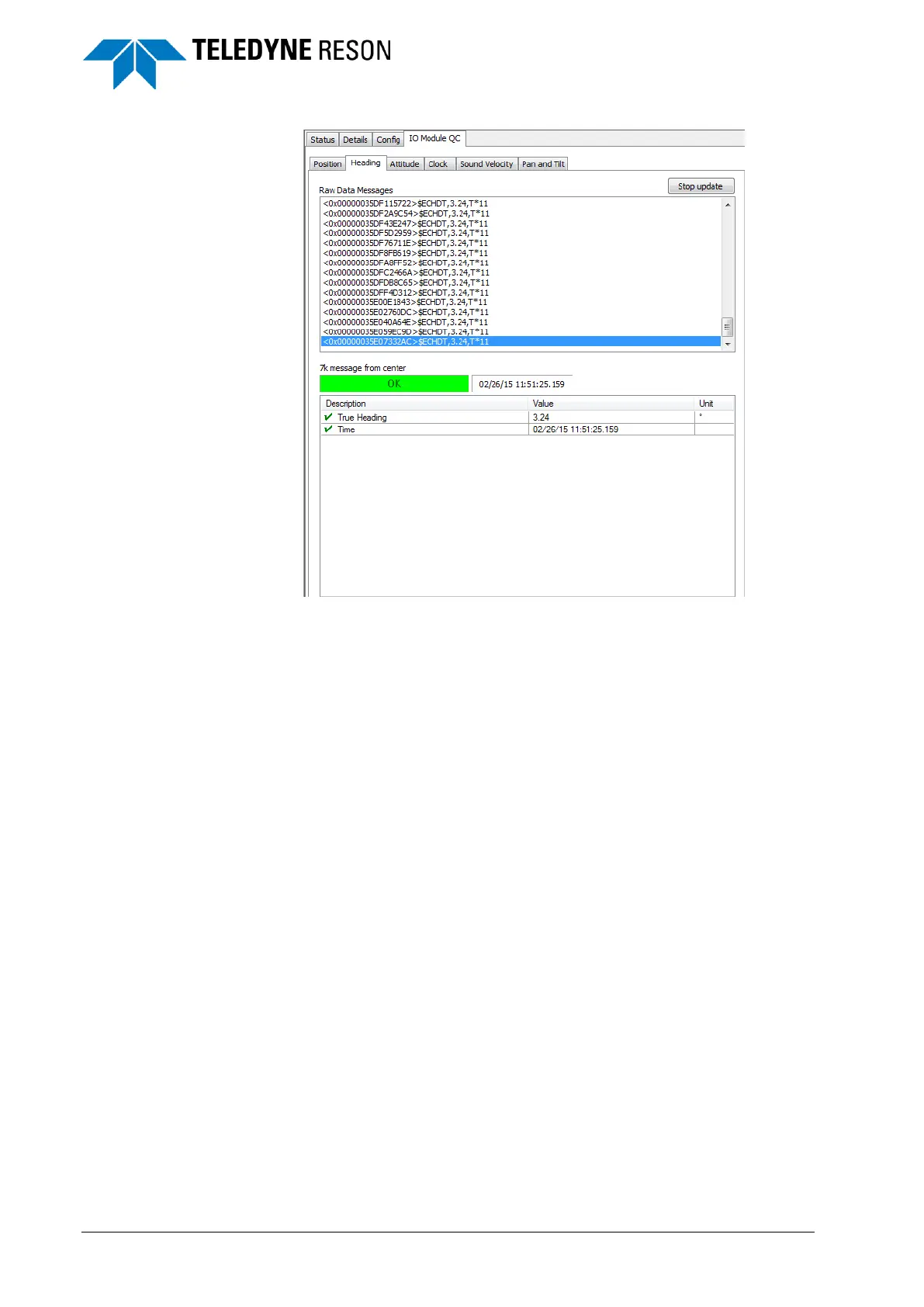
Figure 5-8 IO Module QC page with good heading data
When the message is received correctly, this is indicated by a green
colored ‘ok’ status box. See Figure 5-8.
If data from one of the devices is not received properly it is indicated by a
red colored ‘time out’ box. See Figure 5-9.



 To Next Page