C-2
Communication with Other Devices
Con
necting an External Device to the Port
This section explains how to connect an external serial device to the CDI OneView and
how to set the communication parameters.
1. Use a 9-pin, D-type, RS-232 straight through cable to attach the CDI
OneView Module to the external device.
The cable must have a female connector to attach to the Module. The length
and type of cable that attaches to the external device depends on the needs of
that device. Check to make sure the connections are secure.
2. Congure the device to communicate with the CDI OneView System.
Follow the instructions in the device’s manual to set the appropriate baud
rate and other communication parameters. For DMS Output, use the following
serial port settings: 38400 baud, 8 bits, no parity, 1 stop bit.
The serial port settings for Pump and Oximeter Devices are provided in the
tables on pages C-5 and C-6.
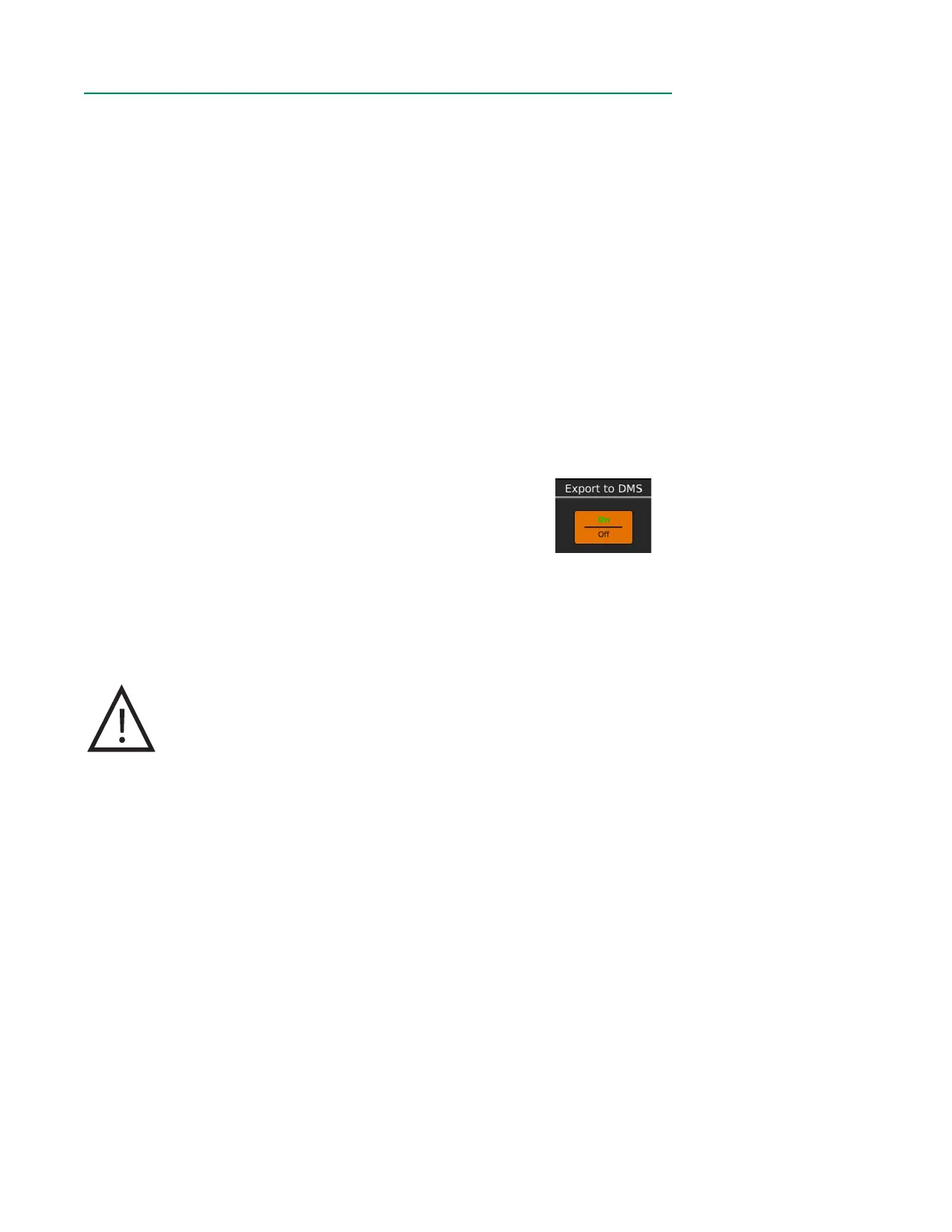
3. If you are connecting a DMS device, toggle on the Export to DMS option
in the Data Options tab during Prole Conguration.
Note: The values sent to the external device at the specied interval are not averaged
blood parameter values. They are the values displayed on the screen at the moment
the data is sent.
Caution
Subsequent changes to a connection between the system
and an external device could introduce unidentied risks
requiring additional analysis. Such changes include altering
communication or interface conguration, connecting additional
devices, disconnecting interface congurations, and updating/
upgrading external equipment communicating with the system.



 To Next Page