3-3
Case Profile Configuration
Volume IndicatorVolume Indicator
This icon indicates whether the alarm volume is enabled, paused or muted. For further
information on conguring the alarm volume settings, see Chapter 5 “Volume Settings.”
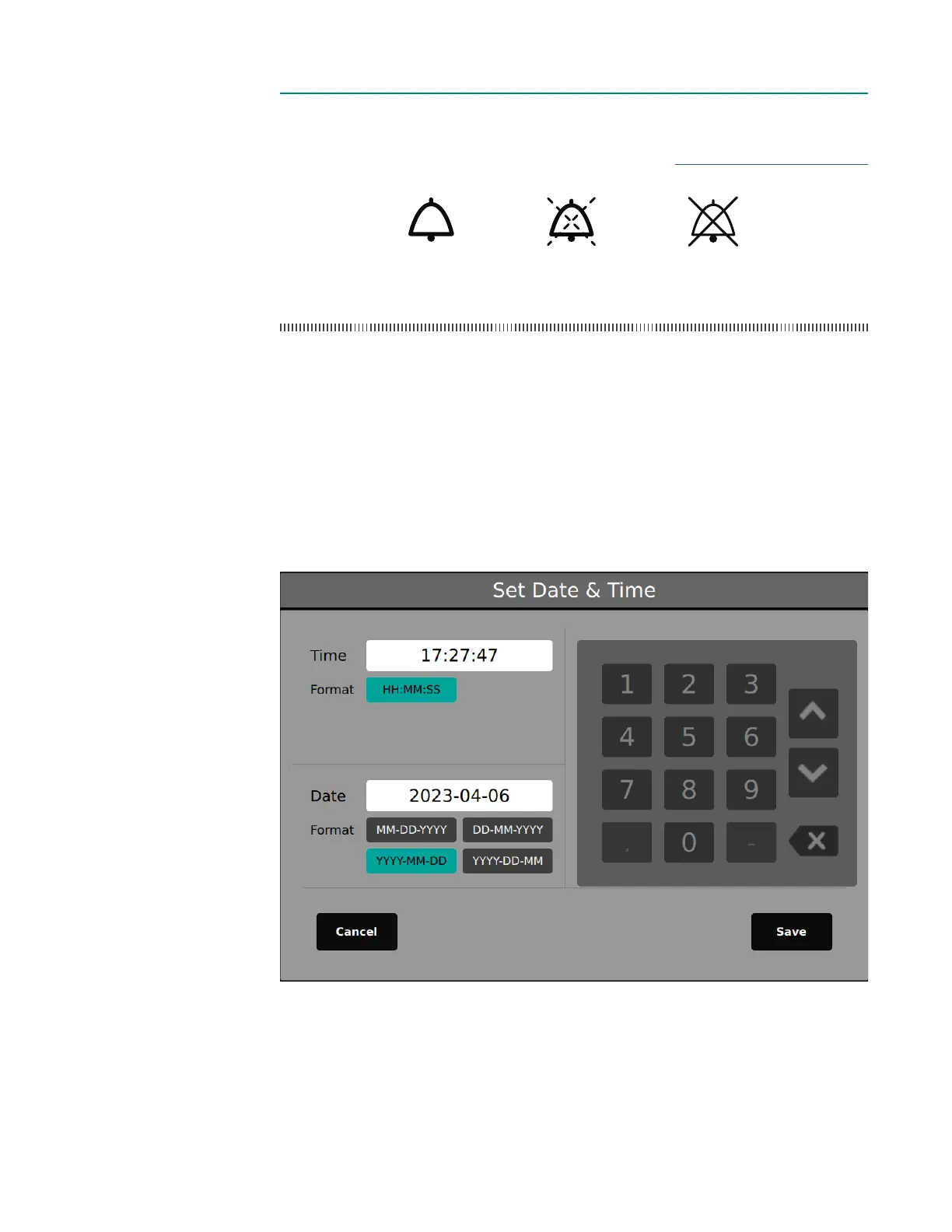
Time/DateTime/Date
To change the date or time:
1. Tap the time/date area to activate the number pad.
2. Select desired date format.
3. Tap Save.
The time can be set in increments of one minute.
Note: The time/date cannot be changed while in Measurement Mode.
On Paused Muted



 To Next Page