2-9
Initial Assembly and Admin Setup
Module ConnectionsModule Connections
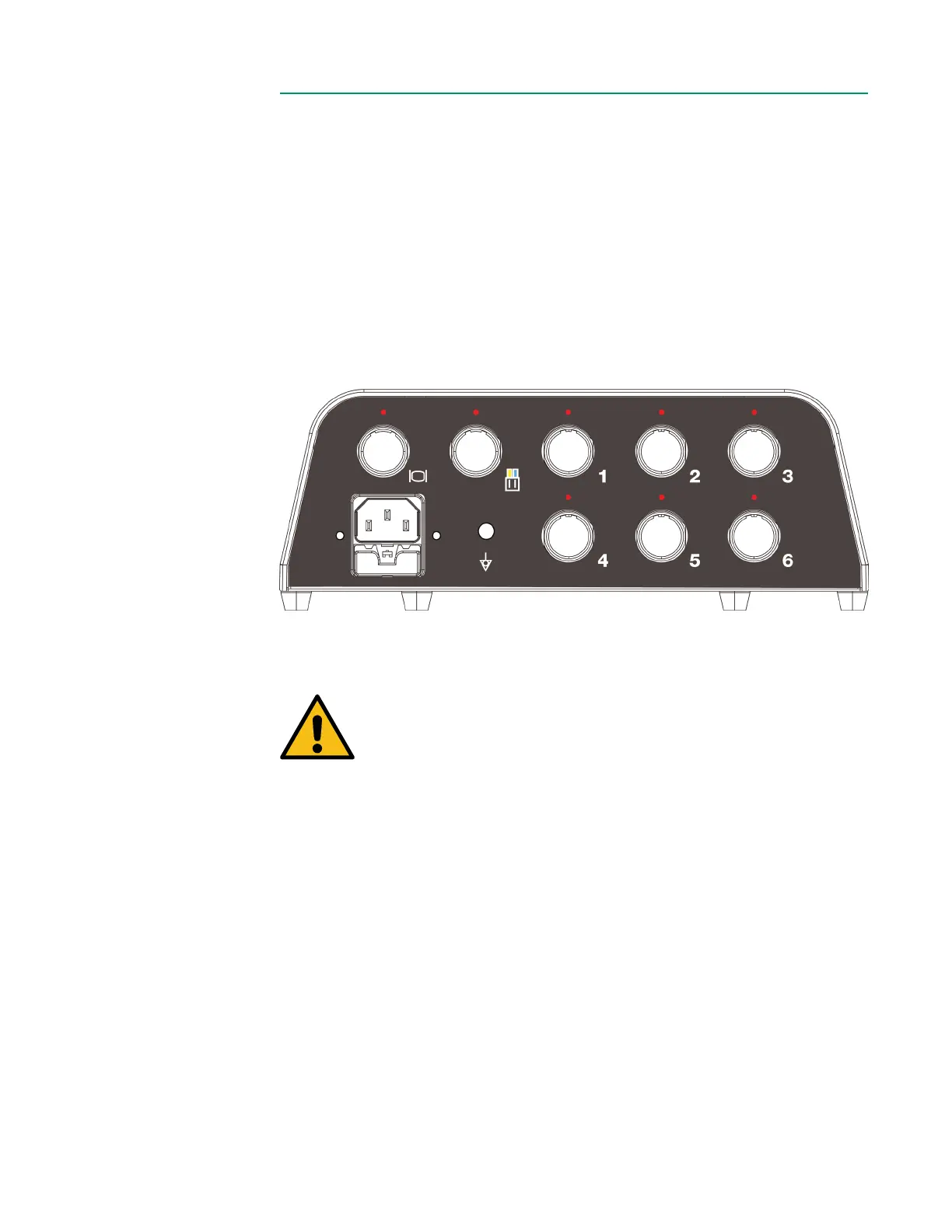
Prepare all the module connections to the Core.
1. Connect desired modules [BPM(s), H/S(s), External Device Module(s) and Flow
Interface] to any module ports (1-6) on the back of the Core by aligning the
red dots and pushing until they click.
2. Connect serial
cable(s) to the appropriate Module(s) and position them as
desired.
3. Connect Flow Sensor cable(s) to the Flow Interface Module and position the
Flow Sensor(s) as desired.
4. Route all cables to minimize risk of damage and exposure to spills.
Warning
Do not position the Core or any component, module or mounting
assembly in a location that will hinder disconnecting the AC power
cord from the Core.
Ensure that all cables are undamaged and properly connected.
Secure all excess cabling to prevent movement hazards and
prevent inadvertent disconnections.
Do not damage or stress any cables.
The use of accessories and cables other than those specied
by the manufacturer could result in increased electromagnetic
emissions and/or decreased electromagnetic immunity.



 To Next Page