2-3
Initial Assembly and Admin Setup
Display SetupDisplay Setup
Warning
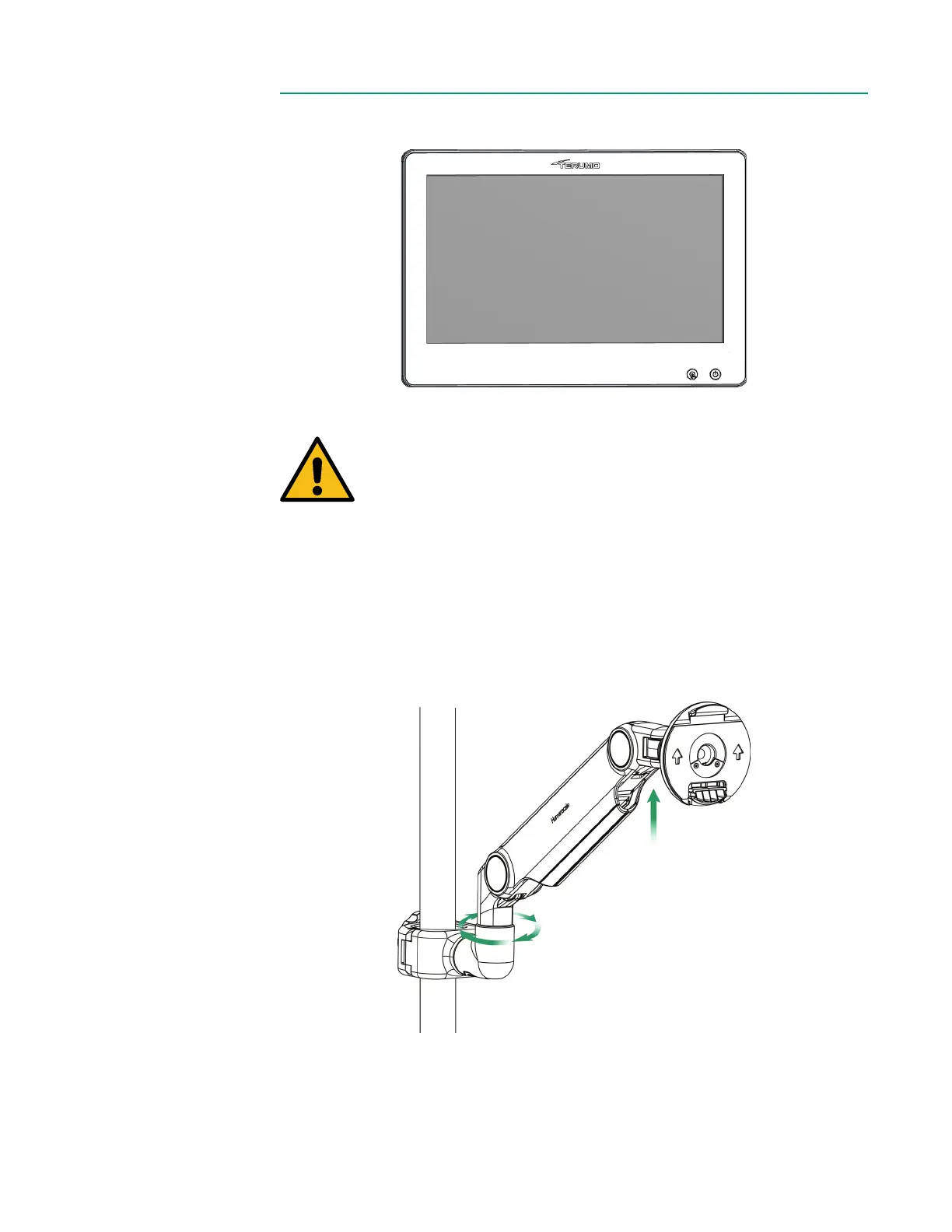
The Display Bracket pole clamp cannot be placed on a horizontal
pole. It must only be placed on a vertical pole.
To assemble the Display, follow the steps below:
1. Close the pole clamp around an HLM pole, then tighten the knob clockwise.
2. Ensure the bracket is securely attached before proceeding.
Note: The Display Bracket is under tension and will be at its highest position until the
Display is attached.
Mounting Disk
Pole Clamp



 To Next Page