4-1
Calibration and Circuit Setup
Calibration
This section explains how to gas-calibrate Shunt Sensors prior to clinical use.
For the calibration procedure, you need the following:
• CDI OneView Touchscreen Display [CDI751]
• CDI OneView Processing Core [CDI750]
• CDI OneView Calibrator [CDI740] with Gas 1 and Gas 2 bottles installed
• CDI OneView BPM Probe(s) [CDI753]
• CDI Shunt Sensor(s) [CDI510H] to be calibrated (Arterial and/or Venous)
Before calibration, make sure the calibrator is set up as described in Chapter 2,
“Calibrator Setup.”
Note: A full two-point gas calibration procedure is necessary to achieve maximum
measurement performance. In cases where the user cannot perform a full two-point
gas calibration, the user should still input the K
+
calibration code from the sensor
pouch to ensure optimal K
+
measurement performance.
Note: Gas calibration cannot be initiated while operating on backup battery power.
Warning
Failure to complete calibration as described in this section may
result in compromised system performance that does not meet
the System Accuracy Limits found in Appendix B.
Calibrator SetupCalibrator Setup
1. Connect the right-angle end of the calibrator
cable to the back of the Calibrator by aligning
the notch and red dots, then pushing in the cable
until it clicks.
2. Connect the other end of the Calibrator cable to
the Calibrator port on the back of the Core by
aligning the red dots and pushing in the cable
until it clicks. See Chapter 1, “Core” for Calibrator
port location.
3. Check the expiration dates on the labels of the
gas bottles.
4. Remove the caps from the gas bottles.
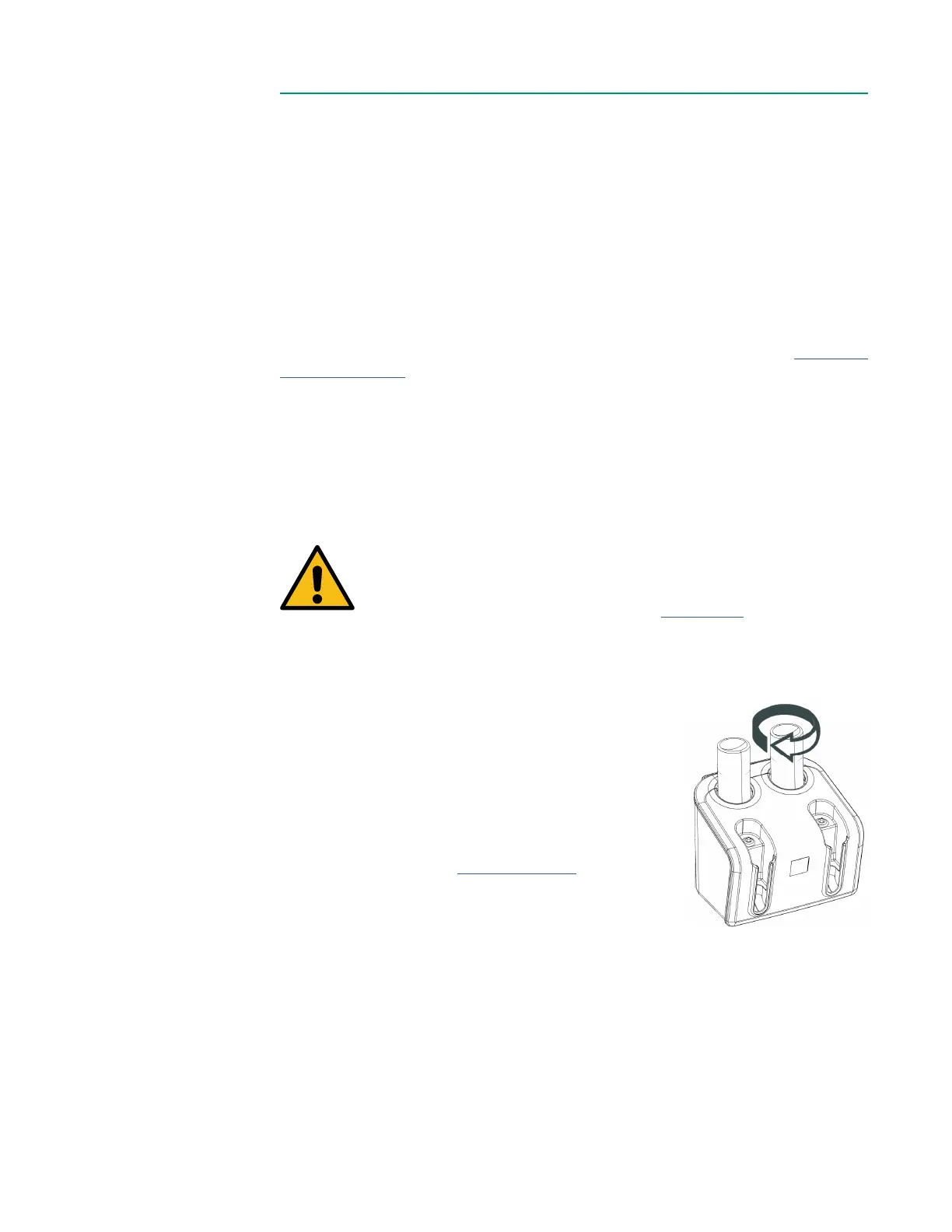
5. Place the Gas 1 bottle into the yellow slot on the calibrator and twist clockwise
until resistance is felt. Do not overtighten.
6. Place the Gas 2 bottle into the blue slot on the calibrator and twist clockwise
until resistance is felt. Do not overtighten.



 To Next Page