2-5
Initial Assembly and Admin Setup
Calibrator SetupCalibrator Setup
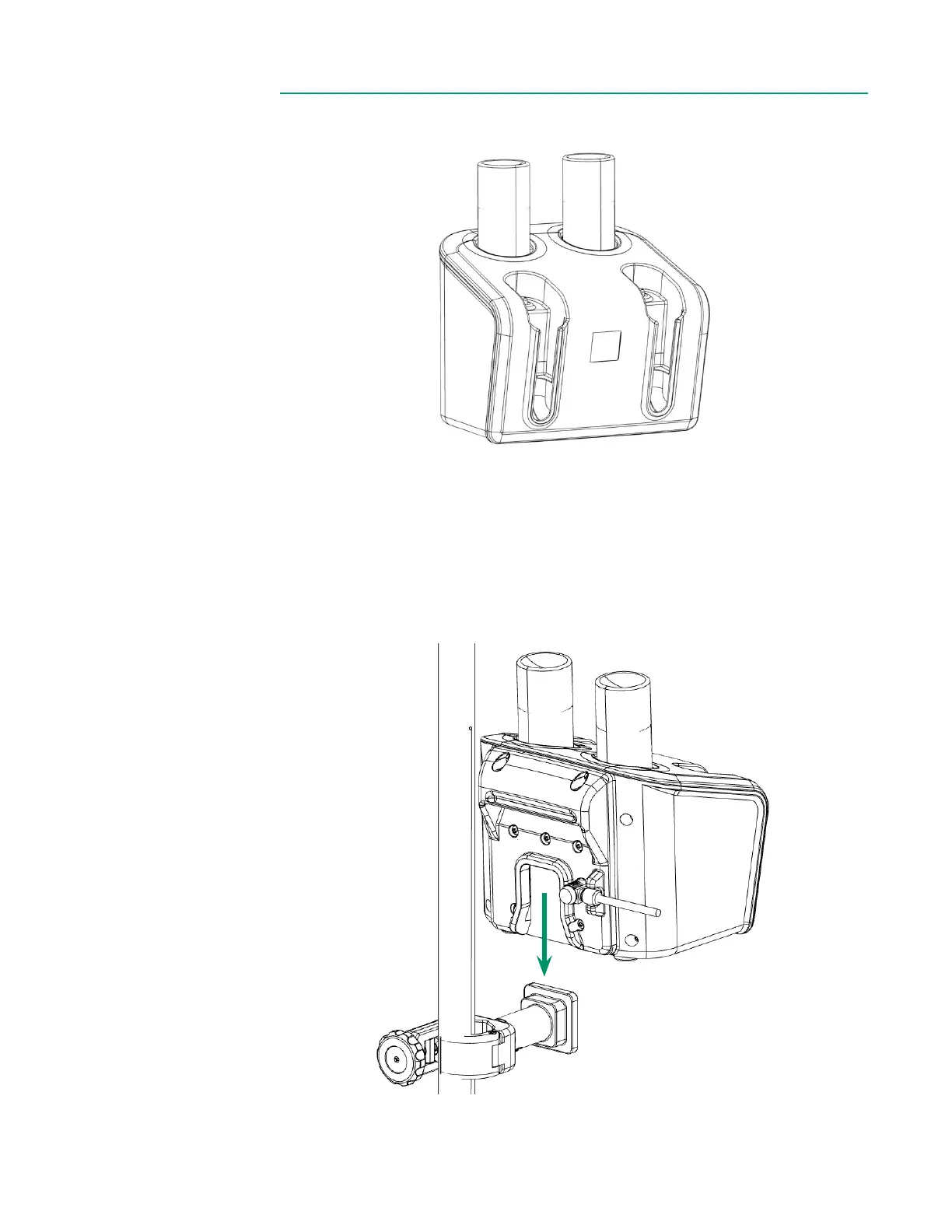
The CDI OneView Calibrator requires one Gas 1 bottle and one Gas 2 bottle to perform
a gas calibration of the sensors.
1. Close the pole clamp around an HLM pole, then tighten the knob clockwise.
2. Ensure the bracket is securely attached before proceeding.
3. Align the back of the Calibrator with the top of the bracket, then slide the
Calibrator downward into place.



 To Next Page