4-5
Calibration and Circuit Setup
Prepare to CalibratePrepare to Calibrate
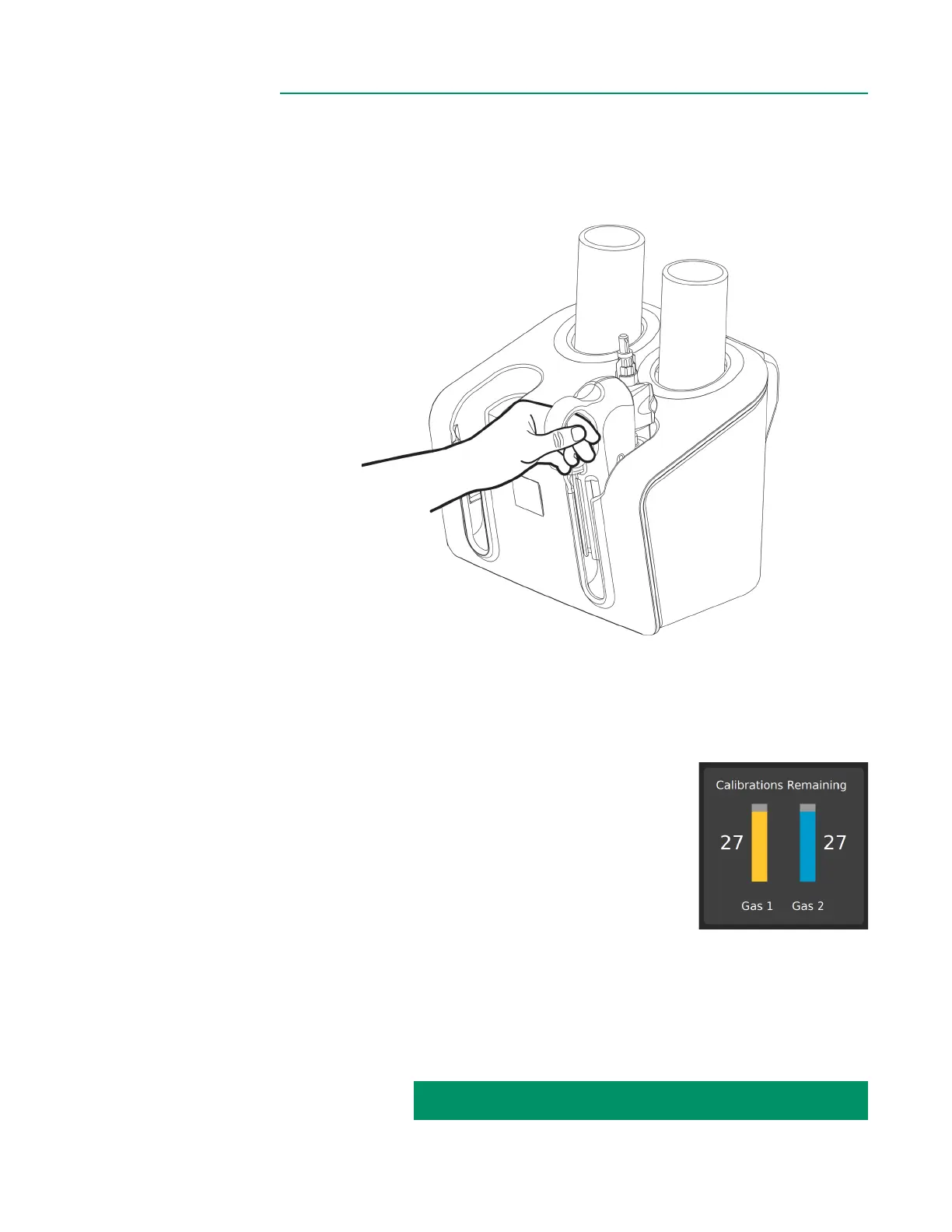
10. Place BPM assembly in either pocket of the Calibrator, pushing it down until it
stops and locks into place. The BPM is connected properly if it can resist a gentle
tug. This ensures a good connection between the sensor and Calibrator.
To calibrate a second sensor, repeat steps 1-10 for that sensor.
Note: If only one sensor is being calibrated, the Calibrator will automatically detect the
port being used and shut off ow to the unused port.
11. Ensure the gas bottles are inserted in the Calibrator
and that enough calibrations are remaining to
continue. If there are not enough calibrations
remaining, replace the gas bottles.
Note: The number of calibrations remaining approximates
the number of individual sensor calibrations left. When
calibrating both arterial and venous sensors, the count will
decrease by two. A set of full gas bottles provides enough
gas for roughly 30 individual sensor calibrations.
Note: If the gas in either bottle is insufcient to perform a calibration as indicated on
the display, the calibration process cannot be initiated.
12. Check expiration dates on the gas bottles. If they have expired, replace them.
CALIBRATION INSTRUCTIONS CONTINUED ON NEXT PAGE:



 To Next Page