5-9
Running a Case
Volume SettingsVolume Settings
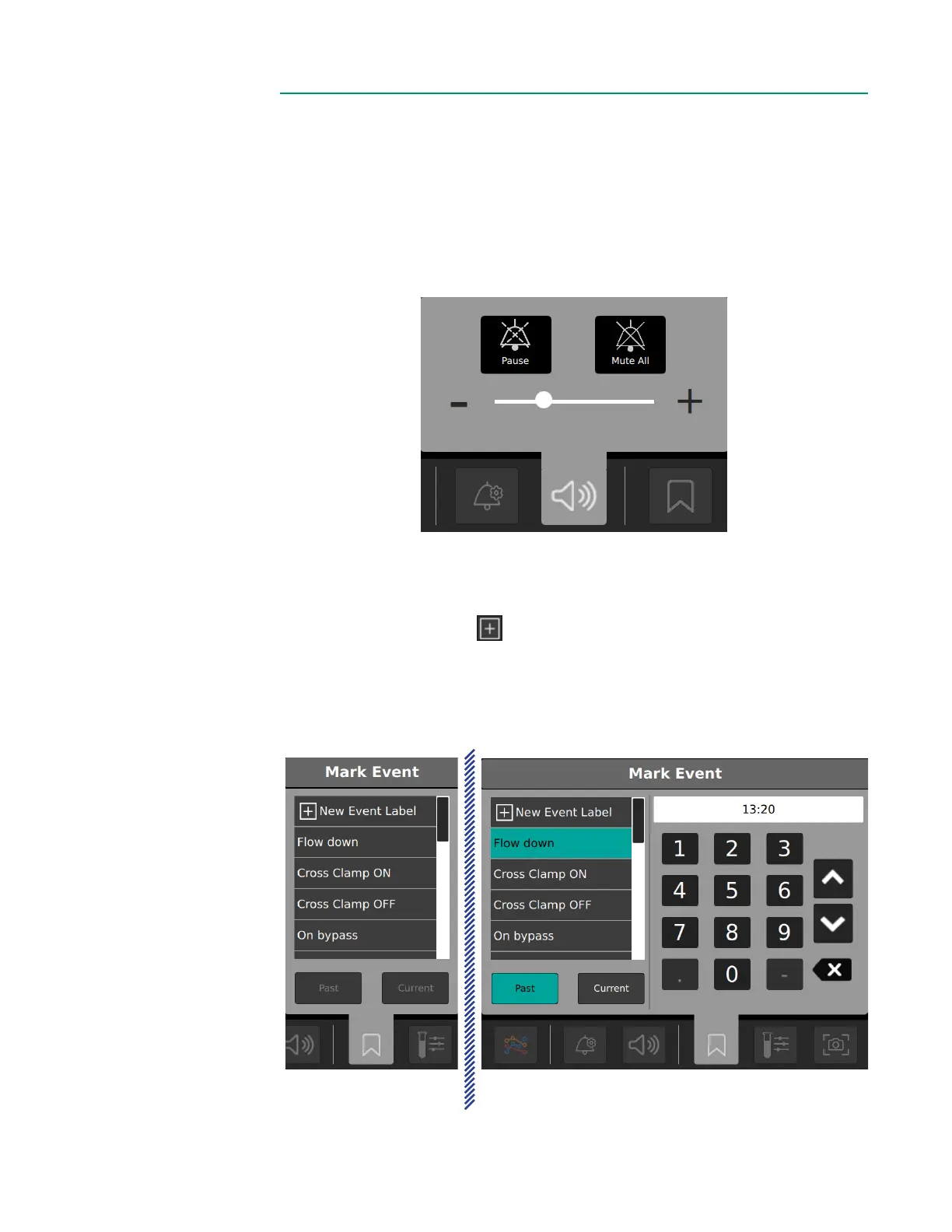
Tap the volume button to adjust the alarm volume setting.
• Tap the + or – icons or the slider to raise or lower the volume. The system will
generate an example sound to demonstrate the current volume level.
• Tap Pause to pause an alarm until another alarm is triggered.
• Tap Mute All to mute all alarms.
Events MenuEvents Menu
Tap the Events Menu to mark an event.
• To add a new event, tap New Event Label.
• To use an existing event, scroll through the events list and select the desired event.
• Tap Current to mark a current event. To mark an event in the past, tap Past and
enter the event time using the number pad.
New event Past event with number pad



 To Next Page