3-5
Case Profile Configuration
Modify a Case Profile Modify a Case Profile
To modify a case prole, select the desired case prole, then tap Congure at the bottom
of the screen.
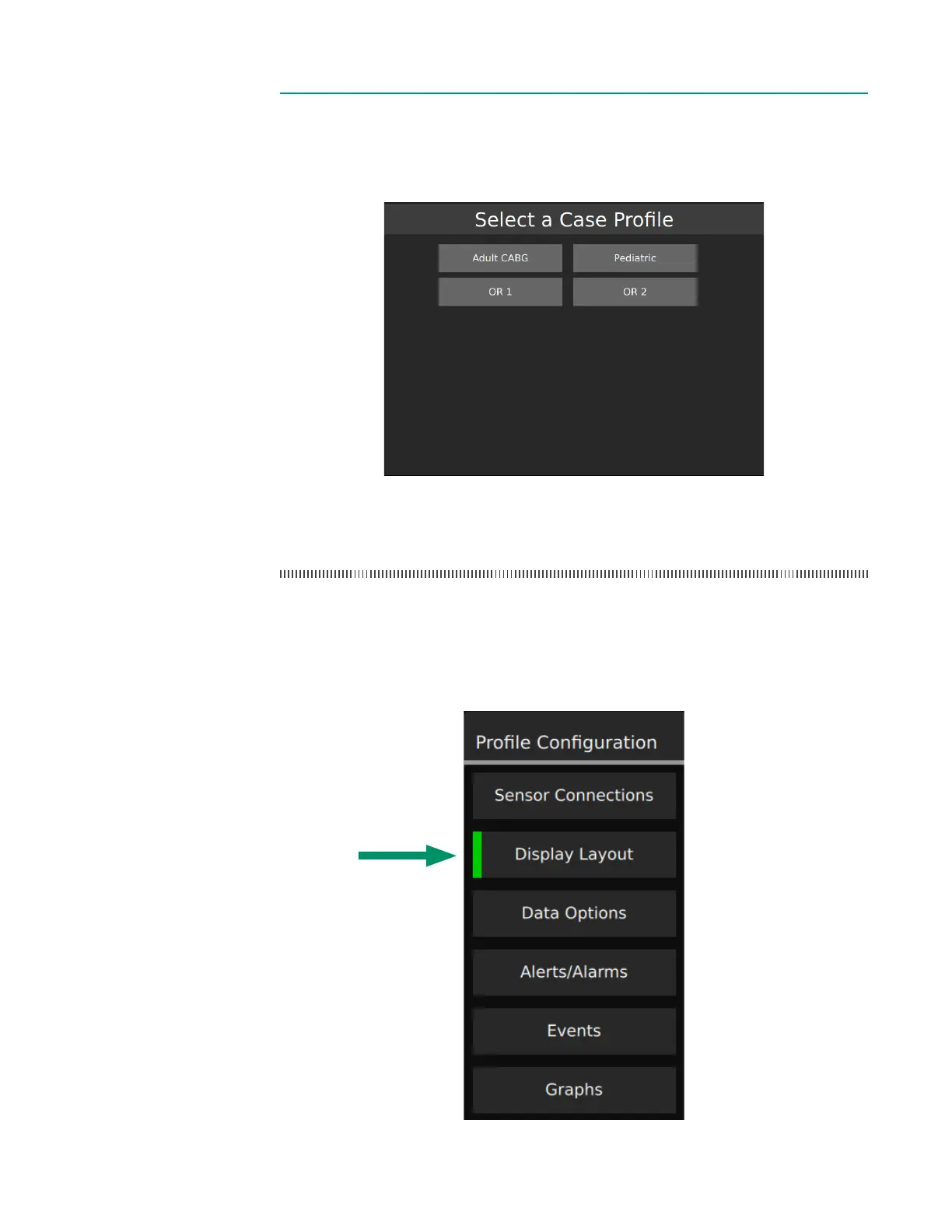
Case profile menu for normal users
Note: A message will be displayed if the selected prole has been modied by an
administrator since the last time it was used.
Case Profile Configuration Case Profile Configuration
After creating a case prole or tapping the Congure button, the following tab selector
appears on the upper left of the screen. Tap any menu item to go to that tab.
Currently selected tab



 To Next Page