3-8
Case Profile Configuration
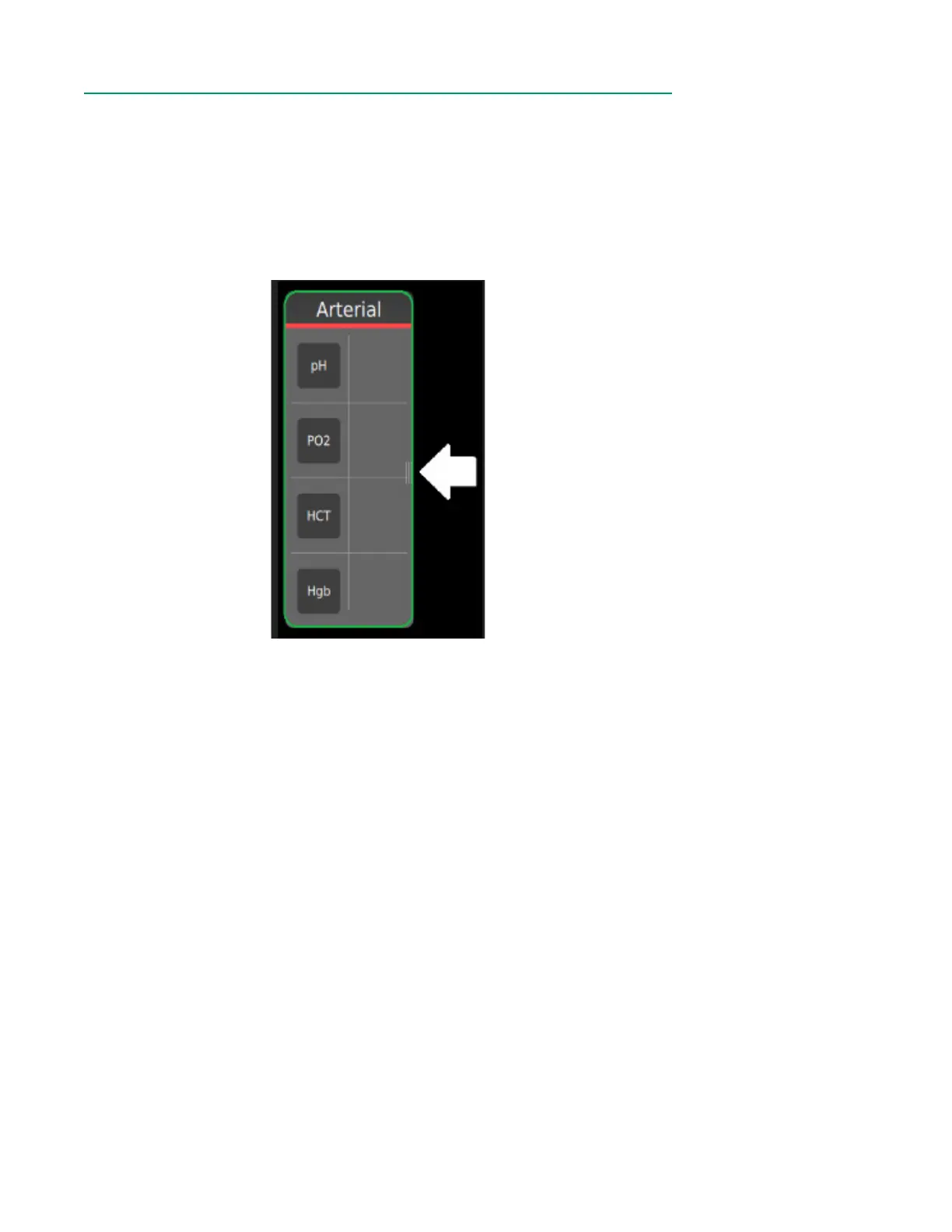
The Arterial, Venous and Other containers can be resized. To resize a container, follow
the steps below:
1. To expand a container, rst shrink another container.
2. Touch and hold the right side of the container to initiate resizing.
3. Slide the handle left to shrink and right to expand.
Note: The right-most column of a container must be empty to shrink the container.



 To Next Page