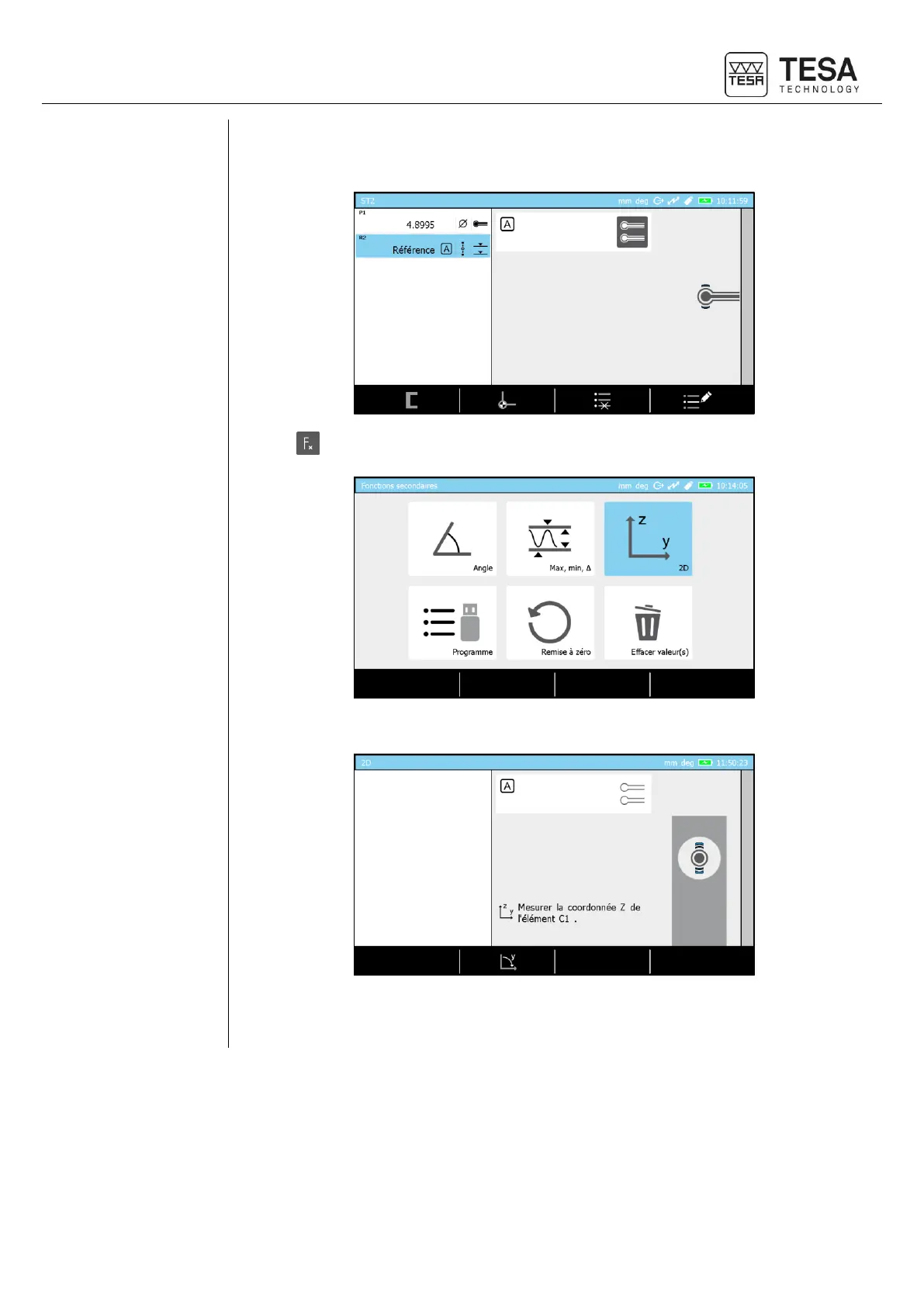
4. Take the reference on the table on which the part to be measured will be placed. Please
note that if the reference is not measured, you will not have the possibility to enter the 2D
mode.
5. Press button from panel keyboard.
6. Select 2D mode. The software shows now the page dedicated to raw data measurement.
7. Position the piece on the table so that the probe can access all elements you want to be
measured.











 To Next Page