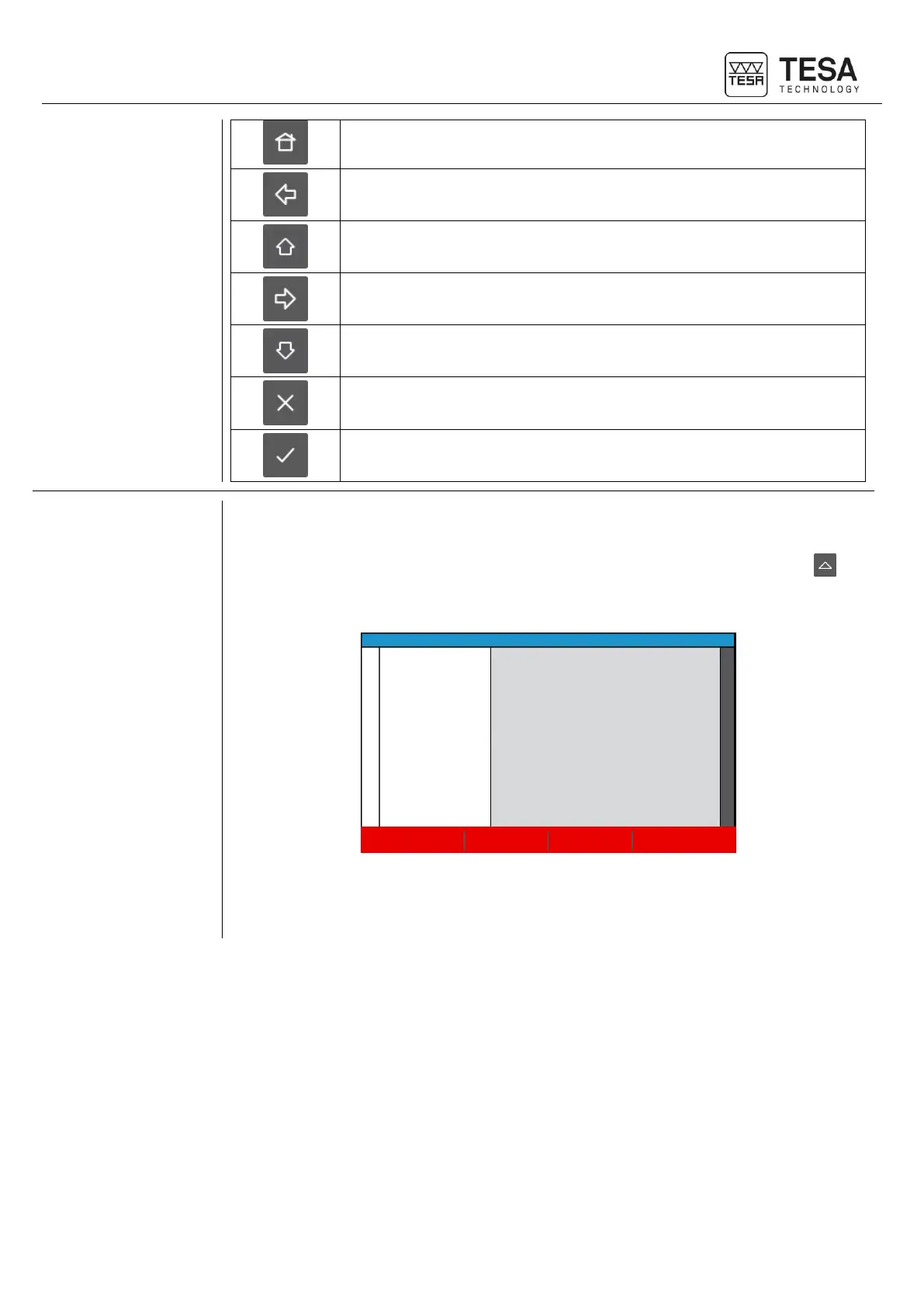
At any moment of the software use, context-based actions will be displayed in the black bar
positioned at the bottom of the screen.
These options can be selected either directly touching the screen or pressing the key that
corresponds to the respective action.
Location of additional options displayed according to the active page
A chapter which summarises the context-based actions is available at the end of this
document.











 To Next Page