Instruction manual for MH & MH+M
42
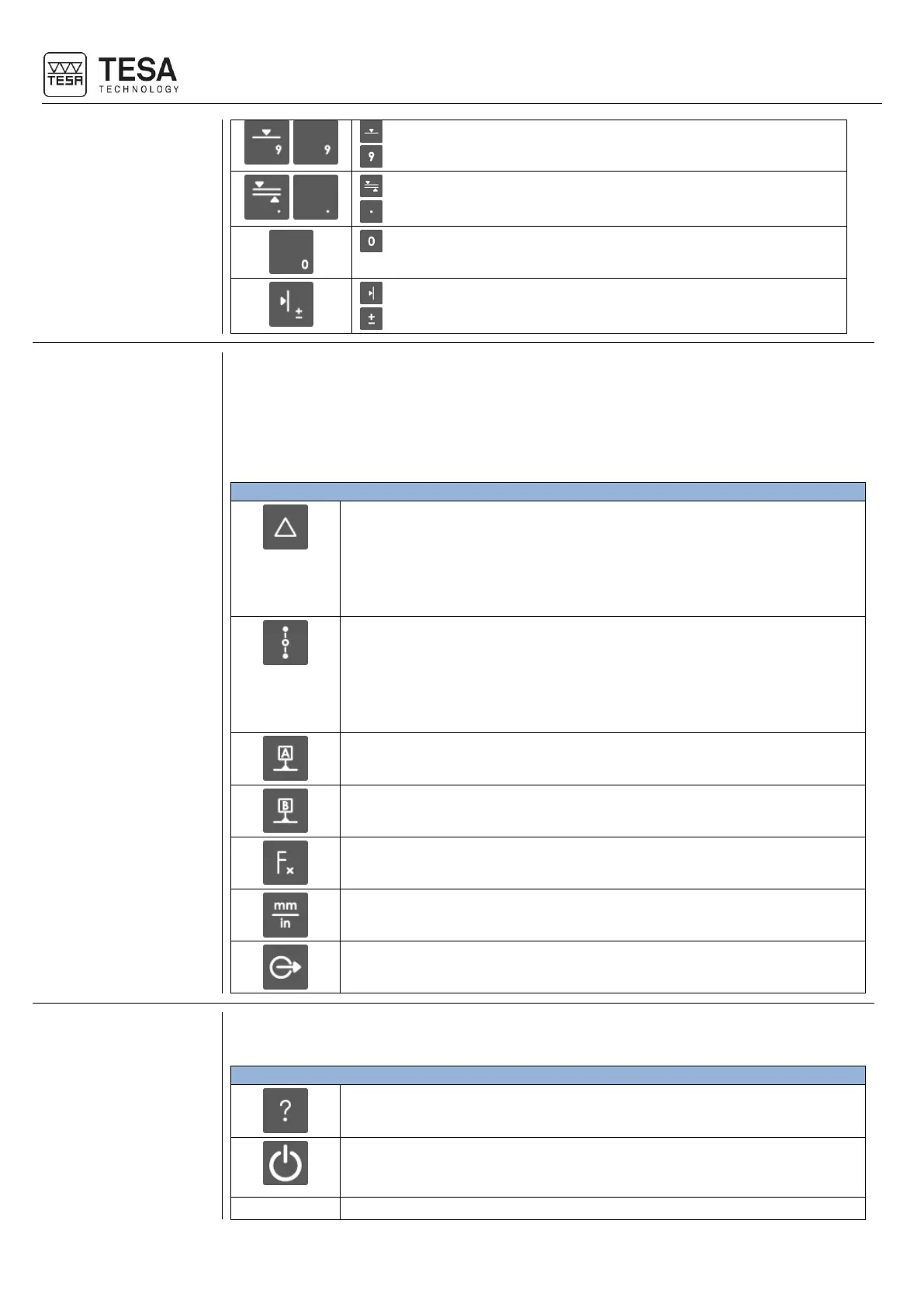
Start automatic measurement of lower point (MH+M)
Insert value 9
Start automatic measurement of a rib (MH+M)
Insert a point or comma
Save the position of the measuring probe in the memory
Change the sign of the active value
This zone features different functions:
• Calculation function
• Managing references
• Access to secondary menus
• Transmission of data
• Change of unit
• Calculation of the difference between two selected values
• Calculation of the distance between two points and creation of a result
block (2D mode)
• Calculation of the difference between the two last measurements (if two
blocks are not selected)
• Creation of a measurement block
• Calculation of the midpoint between two selected values
• Calculation of the midpoint between the two last measurements (if two
blocks are not selected)
• Creation of a measurement block
• Creation of a block corresponding to the midpoint between two selected
points (2D mode)
• Definition of reference A
• Recall reference A
• Definition of reference B
• Recall reference B
Access to secondary functions
• Manually send measurement values to the activated devices
• Screenshot saved in USB key
The keys in this zone allow the user to move the selected zone to the requested place and to
navigate through the software.
Activate the help menu for the active page
• Turning on and off the instrument.
• When the instrument is in standby mode, the backlight of this button
turns blue. It is the only backlit button on the entire keyboard.











 To Next Page