Instruction manual for MH & MH+M
40
7 CONTROL PANEL
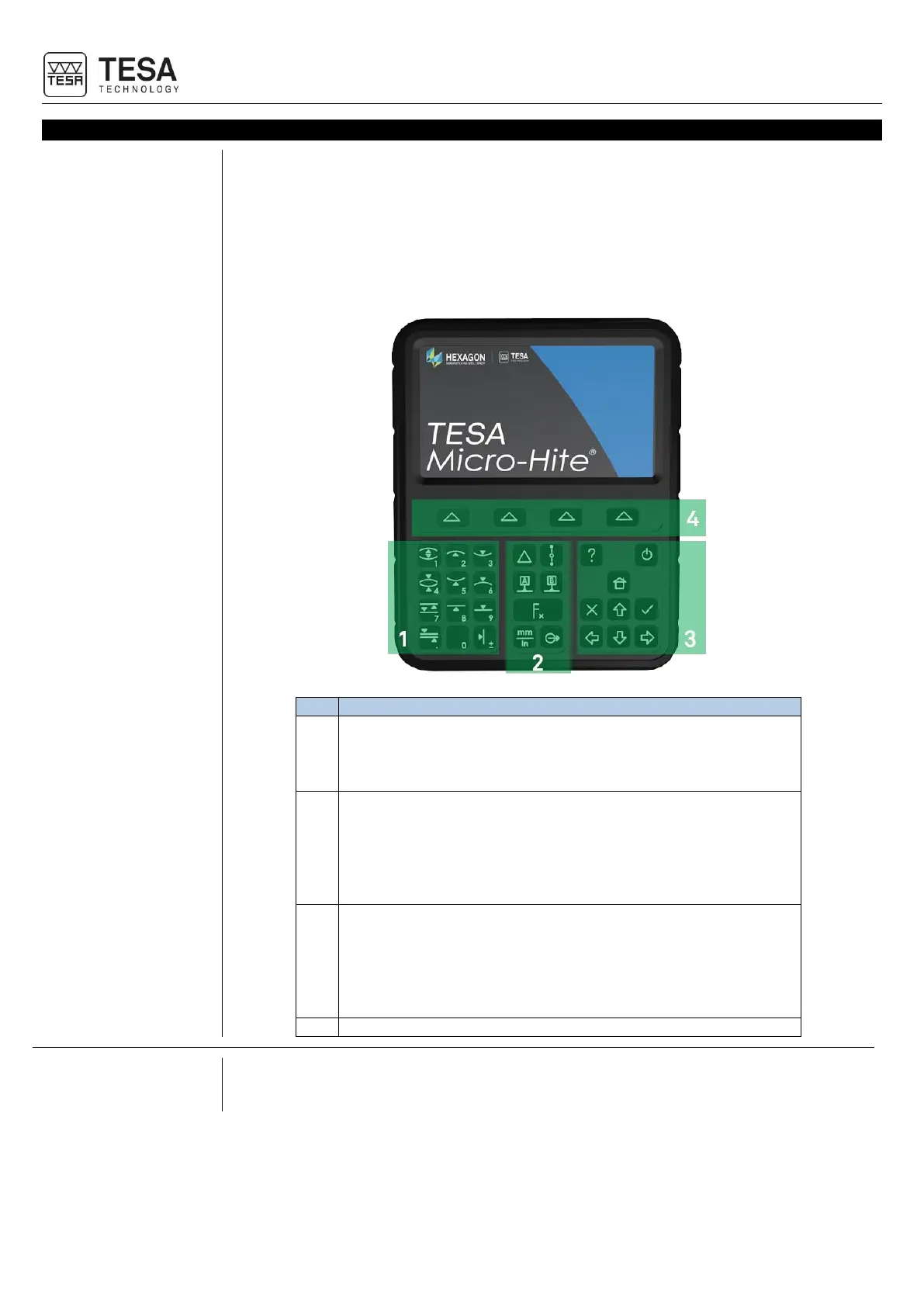
The control panel of your height gauge has been developed to enable an ideal navigation
through its software and an intuitive use.
Its keyboard is separated in four zones of keys that are easily distinguishable by the functions
accessible through them.
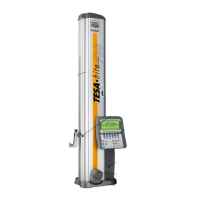
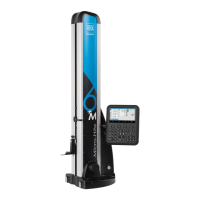
The panel below is defined for the motorized MICRO-HITE+M height gauges. The panel
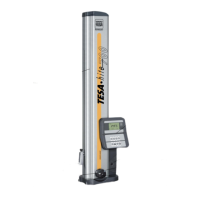
provided with the manual models has fewer features in zone No. 1.
Measurement zone + numerical keyboard
• Start a measurement (on MH+M)
• Define the type of measurement: axis or bore (on MH)
• Insert a numerical value
Calculation zone
• Calculate differences or averages
• Manage references
• Change measuring units
• Manage transmission of data
• Access to secondary functions
Software navigation
• Turn the instrument on or off
• Access to online help
• Validate or cancel actions
• Go back to main menu
• Displace selection of options
Validation of context-based options
To offer you more comfort, most of the functions available via the keyboard of the control
panel are also available via the touchscreen.



 To Next Page