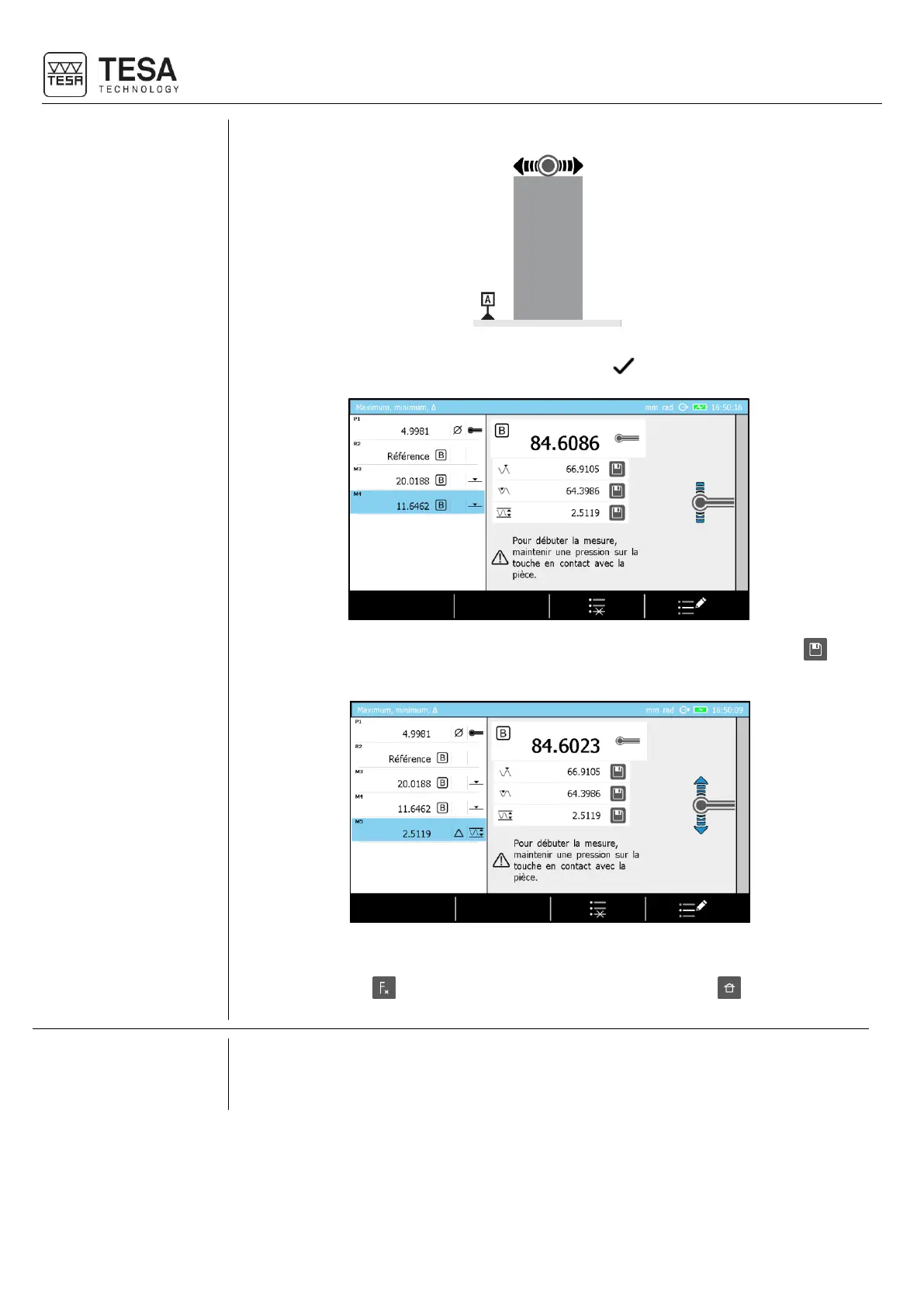
4. Validate and finish the measurement using the key .
5. Save one or several results in the measurement program/list by clicking on . For
example, the delta value below has been stored in the measurement memory.
6. You can restart a measurement by establishing contact between the surface and the
probe, pressing to go back to ST1 mode (respectively ST2) or to go back to the
main page.
In some cases, you might need to physically locate the maximum (respectively minimum)
position of the measured surface. During the measurement, a bar graph or galvanometer is
displayed to allow real-time visualization of the probe position.











 To Next Page