EasyManua.ls Logo

TESA MICRO-HITE - Screenshot

TESA MICRO-HITE
163 pages
Print Icon
To Next Page IconTo Next Page
To Previous Page IconTo Previous Page
Loading...
Instruction manual for MH & MH+M
142
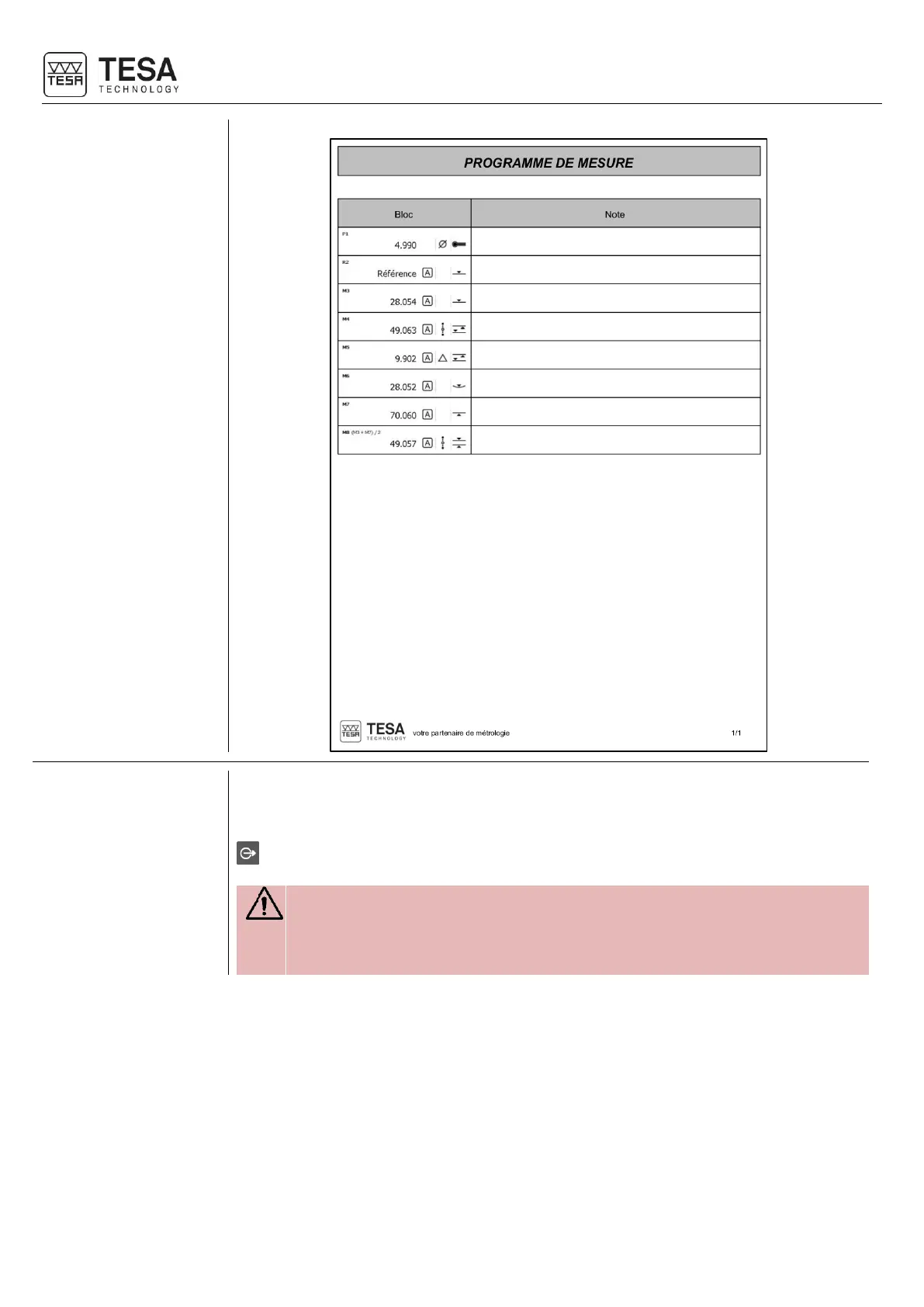
21.9 Screenshot
In order to simplify the creation of personalised procedures, sharing knowledge and training
employees, it is possible to take a screenshot at any time.
It is necessary to connect a USB key at the rear of the control panel and to maintain the key
pressed for approximately 3 seconds until a validation beep is generated.
It is possible that the control panel does not detect the USB key if the time
between the connection of the key to the panel and the screenshot is too short.
The panel needs a few seconds in order to recognise that an USB key has been
connected.

Table of Contents

Related product manuals