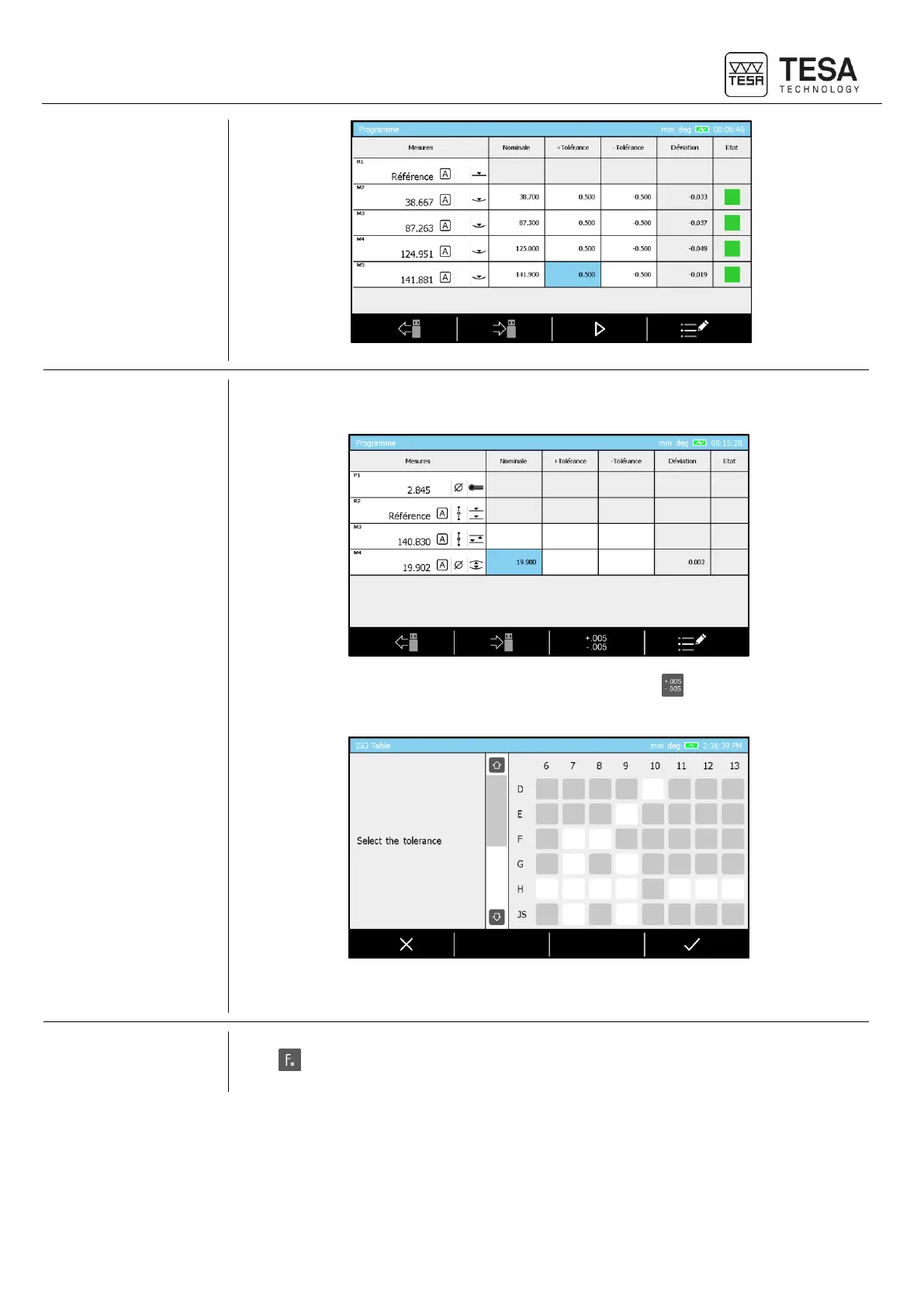
In order to use the ISO table to set tolerances it is mandatory to be located in the page
dedicated to tolerances insertion.
Once a nominal value for a diameter has been confirmed, the button is automatically
displayed at the bottom of the screen. It allows accessing the following table.
It mean snow only to select the wished tolerance and confirm it in order to load
automatically the values for the given characteristic.
Once your sequence has been correctly done you can save it into your USB stick. For this,
press button from the panel keyboard then select programs management option.











 To Next Page