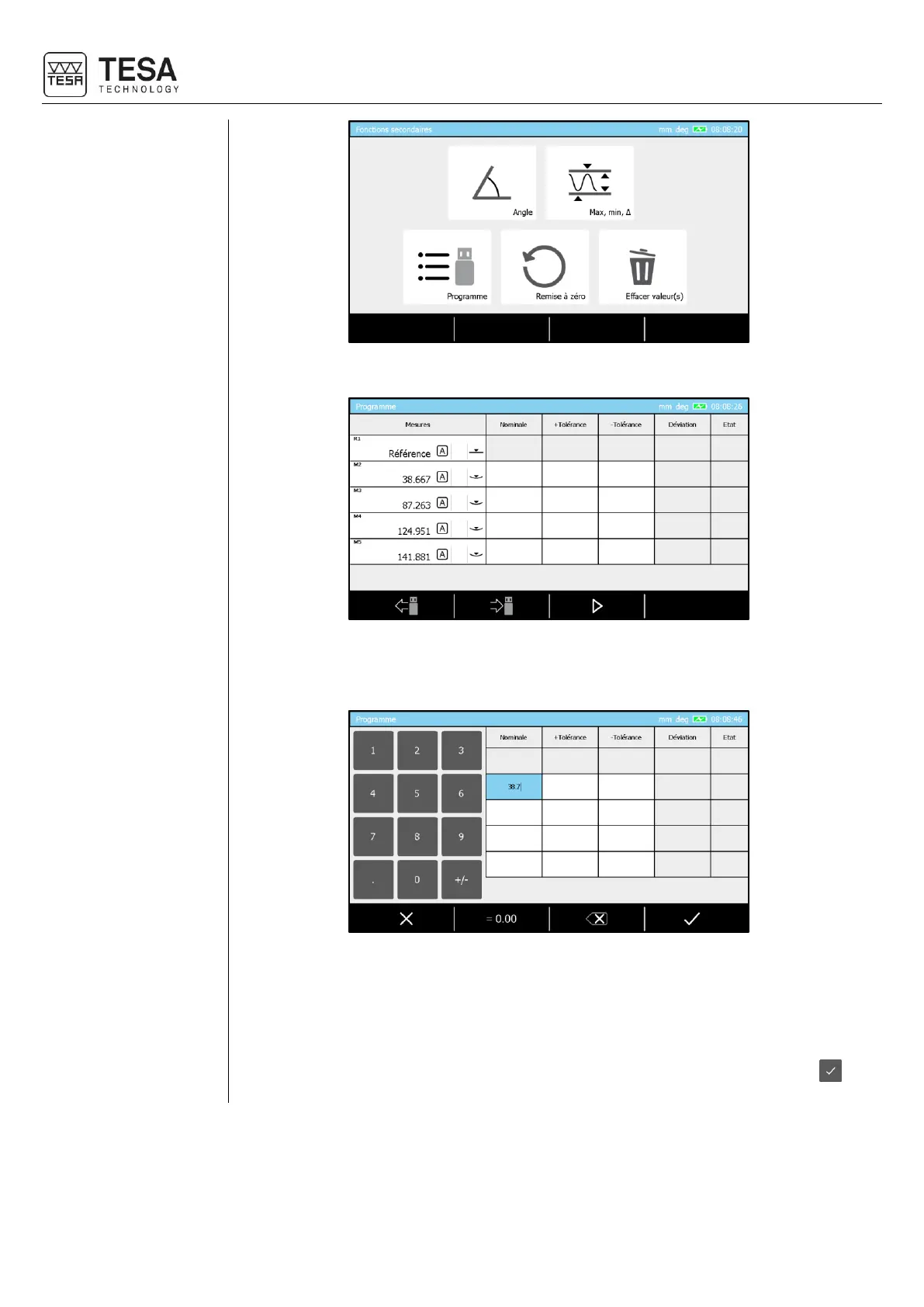
You have now the possibility to choose the option concerning programs management.
The displayed page corresponds to a blocks’ list equivalent to the one in memory. With this
sequence global view it is now possible to proceed to the tolerancing for all dimensions to
be controlled.
Inserting a value for this is possible :
• Clicking on the wished square (touch-screen) and enter the value using the panel
keyboard
• Double clicking (touch-screen) on the wished square and using the numerical keyboard
displayed on the screen
• Selecting the wished square with the panel keyboard arrows and confirming with .











 To Next Page