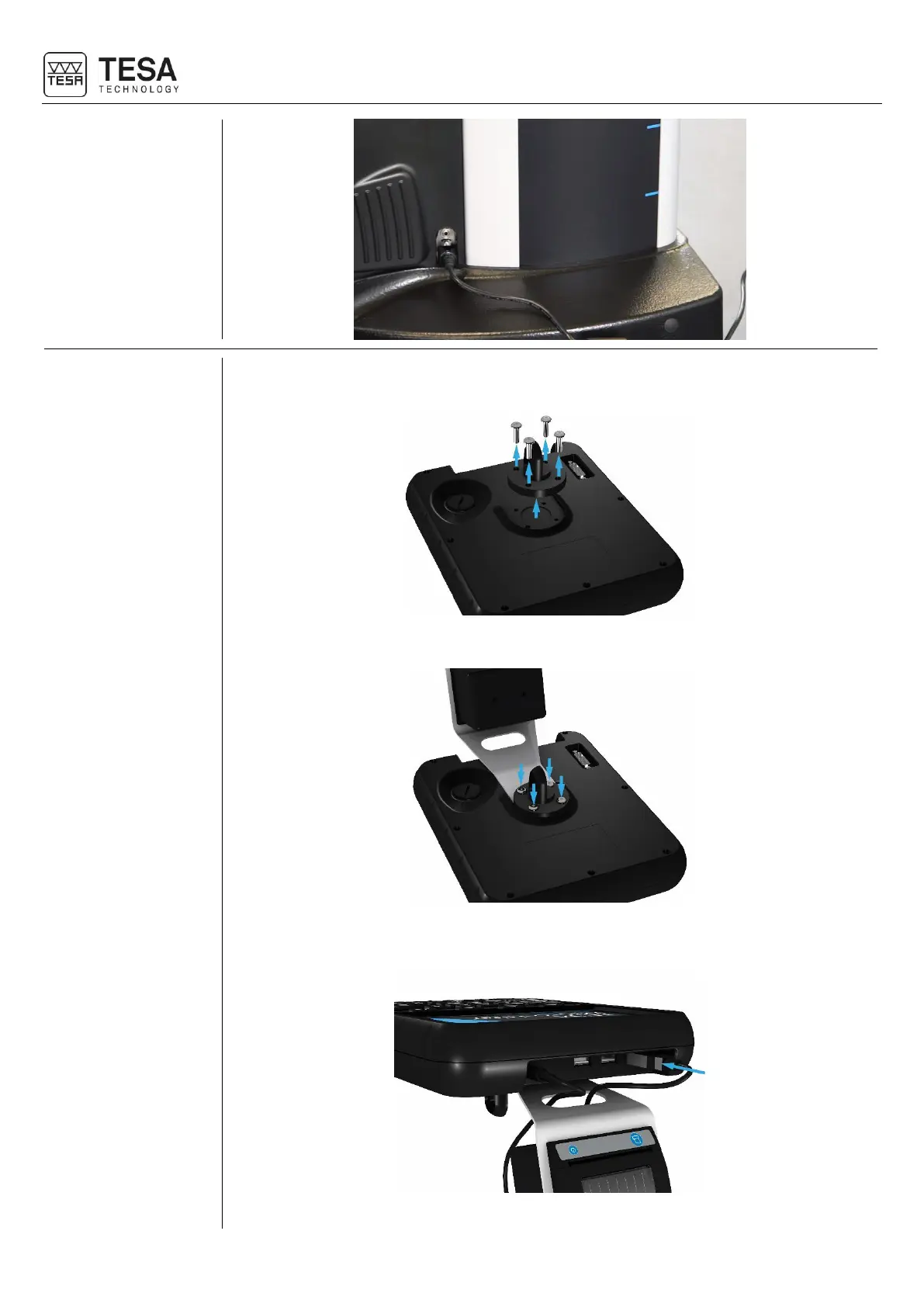
1. If necessary, remove the MICRO-HITE or MICRO-HITE+M control panel by unscrewing the
4 screws.
2. Hold the printer in position and screw the same 4 screws.
3. As soon as the printer is correctly fixed, it is necessary to connect it to the panel via the
USB cable provided with it.
4. Connect the power jack as well.











 To Next Page