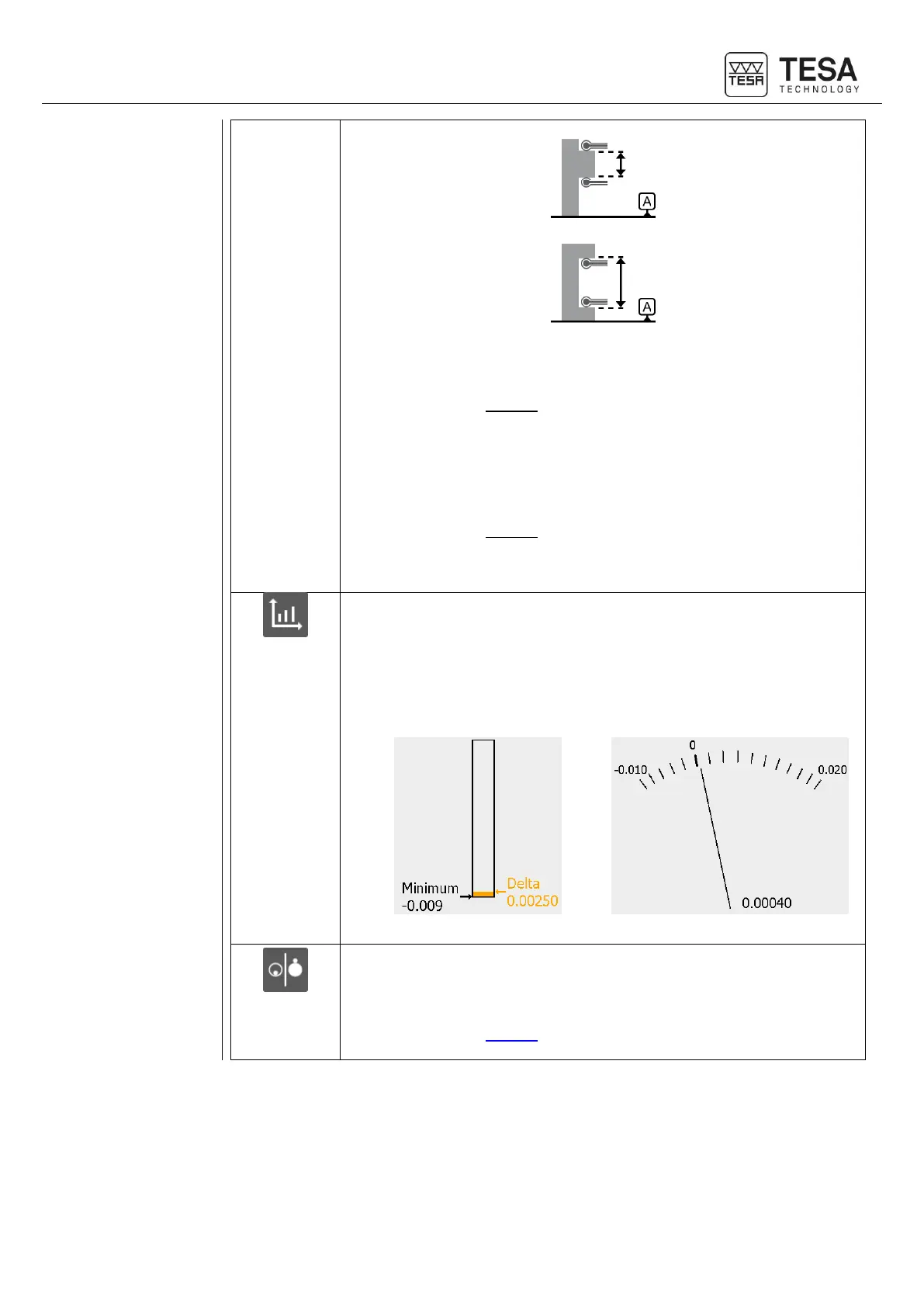
• Midpoint & size/width
The main value is the midpoint of the measured element (for further
details, see this chapter). However, two independent blocks will be
created automatically at the end of the measurement history. These
two blocks will store the midpoint value as well as the size/width of the
element.
• Size/width & midpoint
The main value is the size/width of the measured element (for further
details, see this chapter). However, two independent blocks will be
created automatically at the end of the measurement history. These
two blocks will store the midpoint value as well as the size/width of the
element.
Selection of the type of graph helping to detect the culmination point. This
selection defines the type of chart that will be displayed by default.
However, you can also change the type in the measurement mode when
the graph is displayed.
• Bar graph
• Galvanometer
Setting the results main value when measuring a bore or axis.
• Midpoint
The main value is the height of the centre of the element (for further
details, see this chapter).











 To Next Page