LLZ 421
Operation and Maintenance Operation
ILS 420
3−11Ed. 01.10
SOAC
3.4.6 LCP and LCD Screen for Indication and Control of the System
3.4.6.1 General Structure
The liquid crystal display (LCD) screen is used to indicate the system status with details to the monitor
status, the transmitter status and the status of maintenance data (e.g. power supply). Additionally the
display screen provides simple control activities to change the system state.
After switching on the equipment the application is started and the Status window appears on the
display screen (see Fig. 3−6), which contains information about the actual system status and opera-
tional mode. Starting from this Status window the user is able to change to other windows via the con-
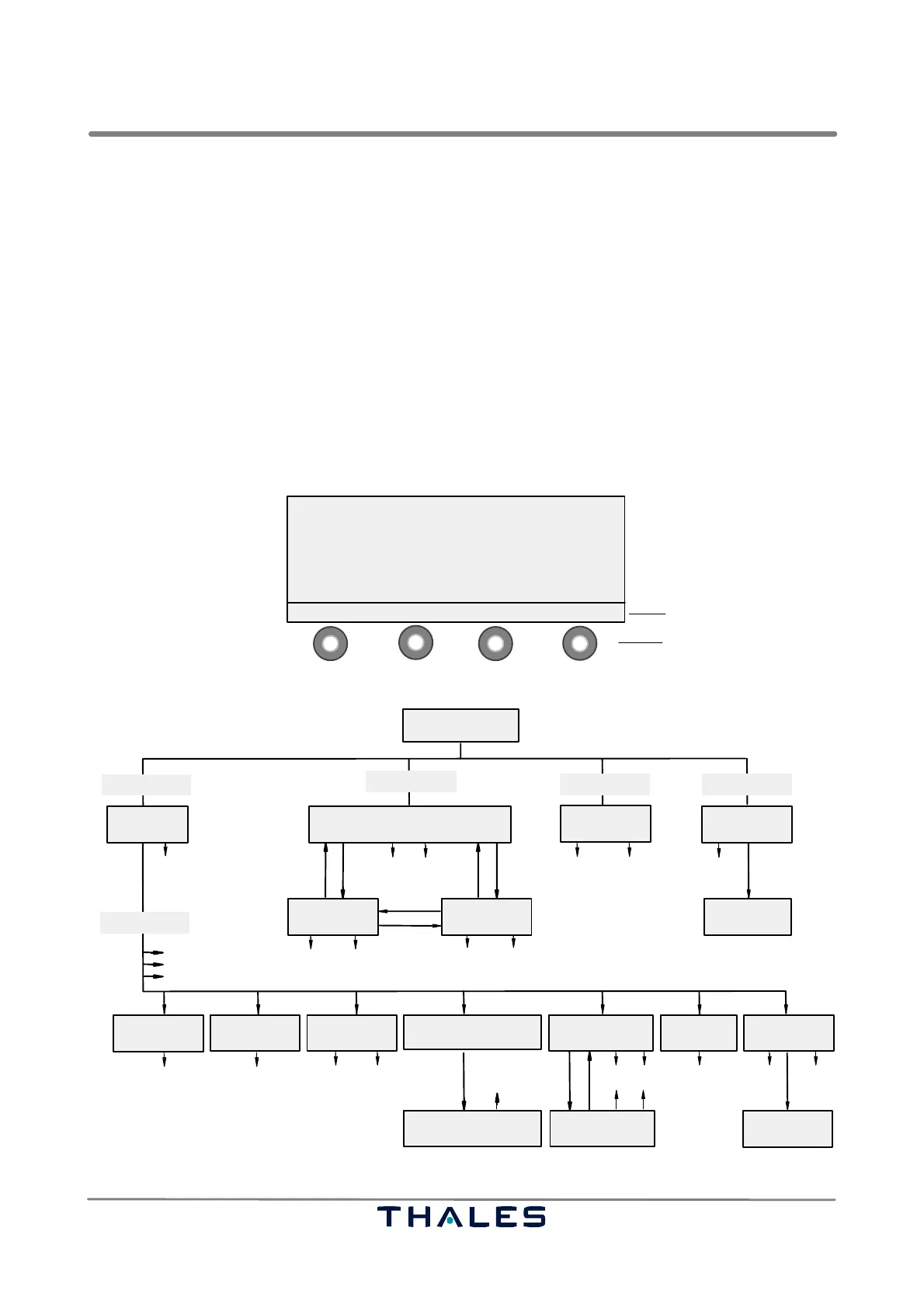
trol buttons S1 to S4 below the LCD screen. The meaning of the buttons changes for the selected
window. The general window structure is shown in Fig. 3−4. The hierarchy of all LCP windows is given
in Fig. 3−5.
NOTE: The alarm indication ’AL’ behind certain parameter values (monitor exec./field/standby
or power supply parameters) shows that the value is out of the defined alarm limits
Menu line with meaning
of control buttons
control buttons S1...S4
MENU MONITOR ALERTS CONTROL
1
4
2
3
data, commands or list items
depending on window type
Fig. 3−4 Structure of an LCP window (example)
Status Window
Monitor
Exec DDM
Menu List
Control
Window
Show Alerts
Menu
WindowList
Status
Status
Window
Status
Window
Menu
List
Status
Window
Menu Menu
Menu
List
Status
Window
Status
Menu
Status
Menu
Status
Menu
Monitor
Exec SDM
Monitor
Standby DDM
Menu Status
WindowList
Menu Status
WindowList
2F
MONITOR
MENU
ALERTS
CONTROL
Select+Enter
Waveform
Selection
Station
Information
Monitor
Exec. & Field
Monitor
Standby
Power Amplifier
Data Course
Power
Supplies
Configuration
Data
Waveform Data CRS/
Flight Check
Power Amplifier
Data Clearance
Waveform Data CLR/
Flight Check
2F
only
only
Window
List List
List
Window
List
Window
List
MTBO
Show Alerts
Control Window
Monitor Exec DDM
*
*
* not for ’REMOTE’
*
Fig. 3−5 Hierarchy of all LCP windows



 To Next Page