LLZ 421
Operation and Maintenance Operation
ILS 420
3−15Ed. 01.10
SOAC
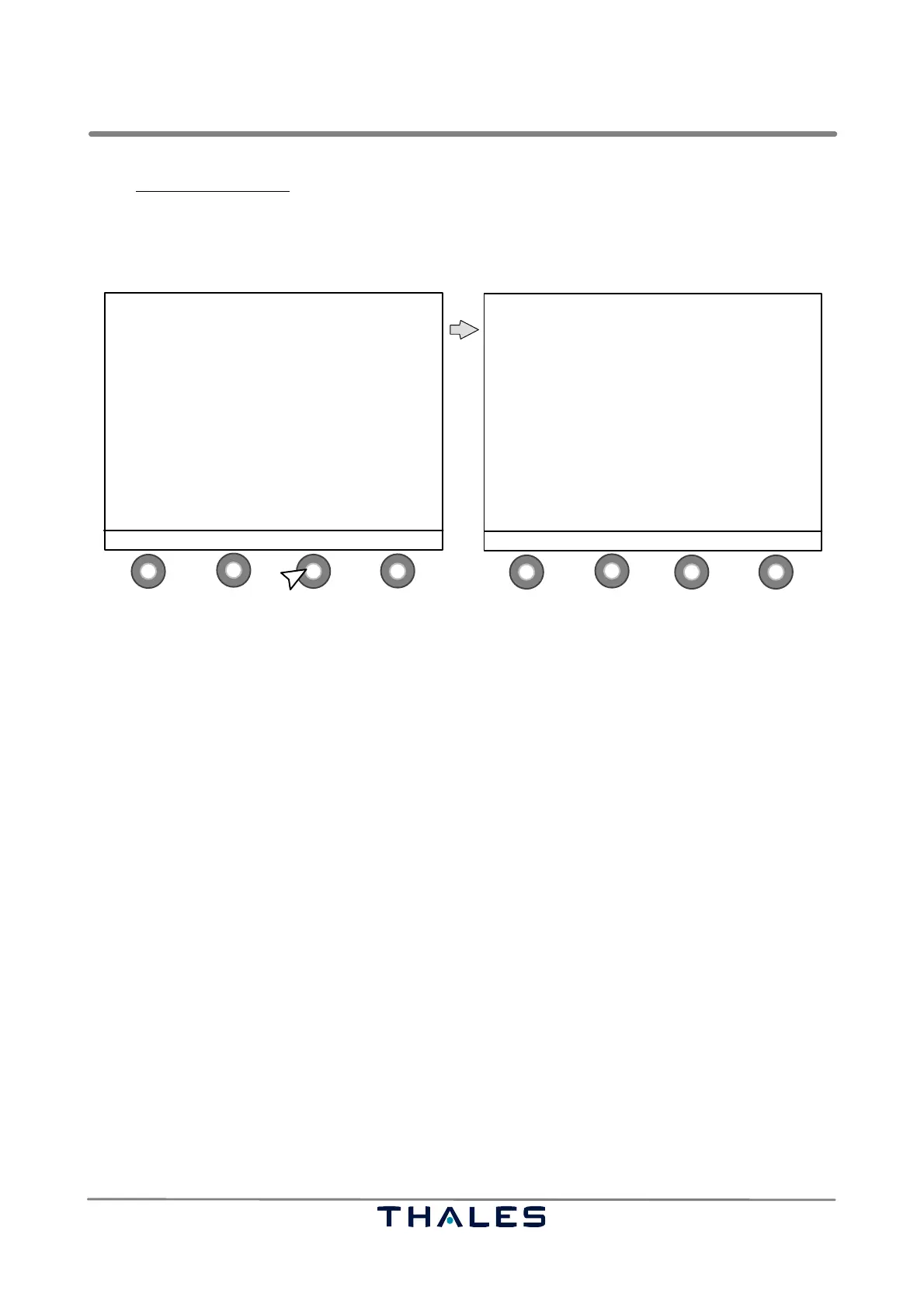
In the Show Alerts window the following button definitions are used:
S1 MENU to go to Menu List window (see Fig. 3−15)
S2 ↑ to select item, upwards
S3 ↓ to select item, downwards
S4 STATUS to return to the Status window (see Fig. 3−6)
1
4
2
3
1
4
2
3
SHOW ALERTS
−−−−−−−−−−−−−−−
All parameters OK ! Mode: remote
MENU ↑ SCROLL ↓ STATUS
ILS 420 LLZ ’LLZ−420T’ 110.10MHz
−−−−−−−−−−−−−−−−−−−−−−−−−−−−−−−−−−−−−−−−
TX 1: ON TX 2: ON
STANDBY MAIN
LOAD AERIAL
WAVEFORM 1 WAVEFORM 1
146 hrs. 145 hrs.
Monitor: −−1−− −−2−−
Executive: NORMAL NORMAL
Farfield: NORMAL NORMAL
Standby: NORMAL NORMAL
RWY: ON
MENU MONITOR ALERTS CONTROL
**
*
* depends on configuration *
control buttons (S)
* contents of window depends on alarm status (list of possible (pre−)alarms see below
Fig. 3−12 ALERTS select and SHOW ALERTS window (example)
The Show Alerts window presents the following alarms/pre−alarms to the user (if existing):
− ECU Data Communication error − Internal voltage alert
− ECU fault − Battery low
− Executive monitor bypass on − Battery driven off
− Farfield* monitor bypass on − Battery fuse defect
− Standby monitor bypass on − Mains OFF
− Executive prealarm − TX1 5V DC OFF
− Standby prealarm − TX2 5V DC OFF
− Farfield * prealarm − BCPS OFF
− Monitor fault − Intrusion alarm
− Monitor BITE − Smoke detector alarm
− Transmitter change over − Obstruction light alarm
− Aerial Transmitter off − Temperature alarm
− Transmitter operational off − LGM−1 data communication error
− Standby Transmitter off − LGM−2 data communication error
− Transmitter fault − LGA−1 data communication error
− Transmitter BITE − LGA−2 data communication error
− Remote control communication lost − Configuration mismatch
− AC 1 failure − Monitors disagree
− AC 2 failure − Spare A/D Alert
* Monitor name depends on configuration of ’Field Monitoring’.
The Show Alerts window also indicates the actual operational mode (following ’Mode:’):
− "remote" Remote mode enabled
− "remote maint." Remote mode with maintenance activity enabled
− "local" Local operation enabled



 To Next Page