LLZ 421
Operation Operation and Maintenance
ILS 420
3−18 Ed. 01.10SOAC
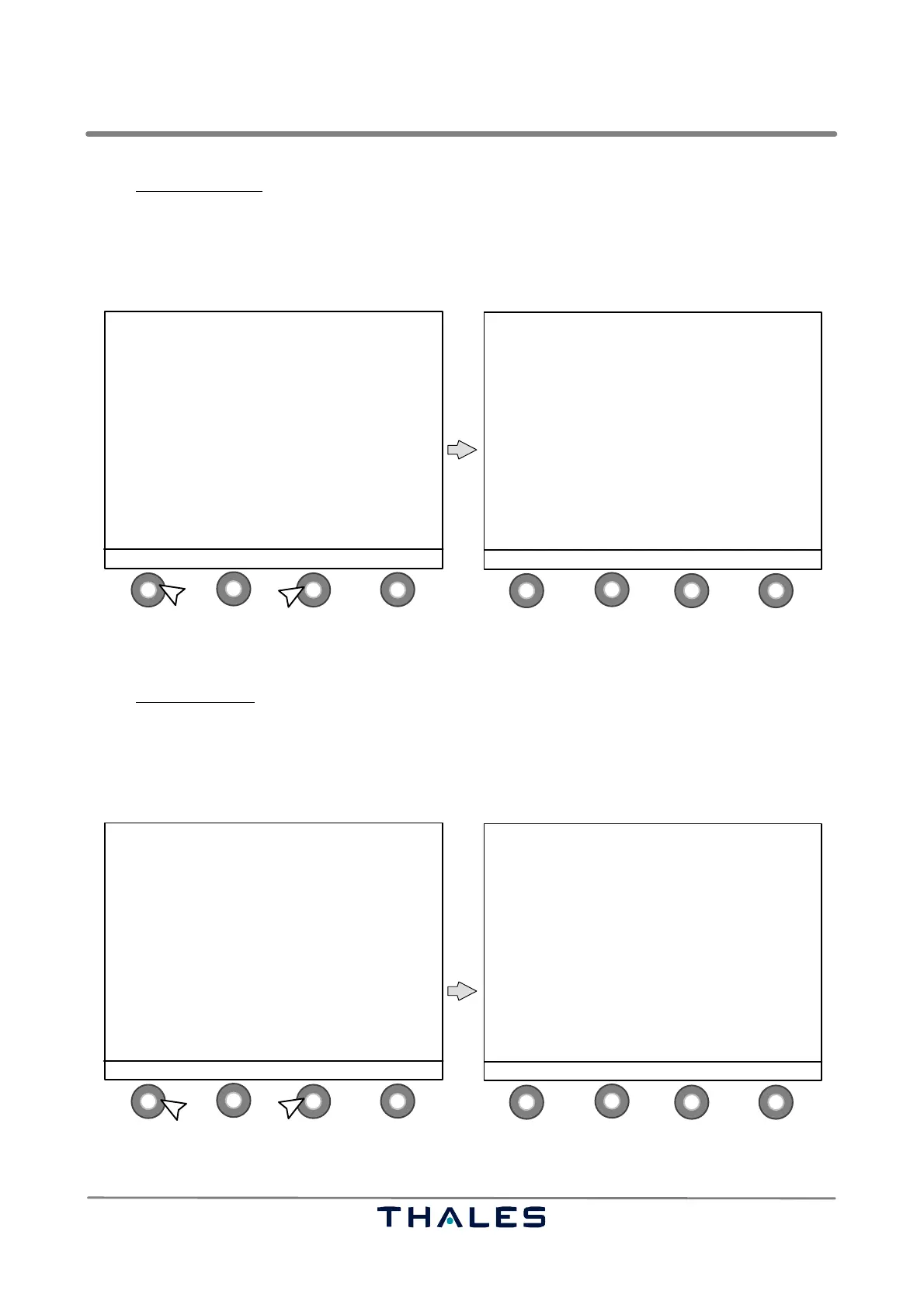
In the Monitor Standby window the following button definitions are used:
− S1 MENU to return to the Menu List window
−S2 blank not used in this window
−S3 blank not used in this window
− S4 EXE−MON to go to Monitor Exec. & Field window (see Fig. 3−16)
1
4
2
3
1
4
2
3
LOAD: TX2 / ON STANDBY−ALL
1 MONITOR 2
CRS POS RF % 100.8 100.8
DDM % 0.0 0.0
SDM % 39.0 39.1
CRS WDTH RF % 100.6 100.6
DDM % 15.6 15.2
SDM % 39.2 39.3
CLR WDTH RF % 100.3 100.2
DDM % 24.0 24.2
SDM % 39.8 39.7
MENU EXE−MON
MENU LIST
−−−−−−−−−−−
SHOW ALERTS
CONTROL
MONITOR QUICK ACCESS
MONITOR EXEC & FIELD all parameters
> MONITOR STANDBY all parameters
POWER SUPPLIES
WAVEFORM DATA / FLIGHT CHECK
POWER AMPLIFIER DATA (CRS and CLR)
MTBO
CONFIGURATION DATA
ENTER ↑ SELECT ↓ STATUS
1.2.
control buttons (S)
Fig. 3−17 MONITOR STANDBY select and Monitor Standby window (example)
In the Power Supplies
window the following button definitions are used:
− S1 MENU to return to the Menu List window
−S2 blank not used in this window
−S3 blank not used in this window
− S4 STATUS to return to the Status window (see Fig. 3−6)
1
4
2
3
1
4
2
3
POWER SUPPLIES TX 1 TX 2
+ 5 VOLTS BUS 5.00 5.00
+ 15 VOLTS BUS 14.85 14.85
− 15 VOLTS BUS −15.00 −15.04
+ 24 VOLTS BUS 24.00 24.00
BATTERY VOLTAGE 53.77 53.77
MENU STATUS
MENU LIST
−−−−−−−−−−−
SHOW ALERTS
CONTROL
MONITOR QUICK ACCESS
MONITOR EXEC & FIELD all parameters
MONITOR STANDBY all parameters
> POWER SUPPLIES
WAVEFORM DATA / FLIGHT CHECK
POWER AMPLIFIER DATA (CRS and CLR)
MTBO
CONFIGURATION DATA
ENTER ↑ SELECT ↓ STATUS
1.2.
control buttons (S)
Fig. 3−18 POWER SUPPLIES select and Power Supplies window (example)



 To Next Page