LLZ 421
Operation Operation and Maintenance
ILS 420
3−16 Ed. 01.10SOAC
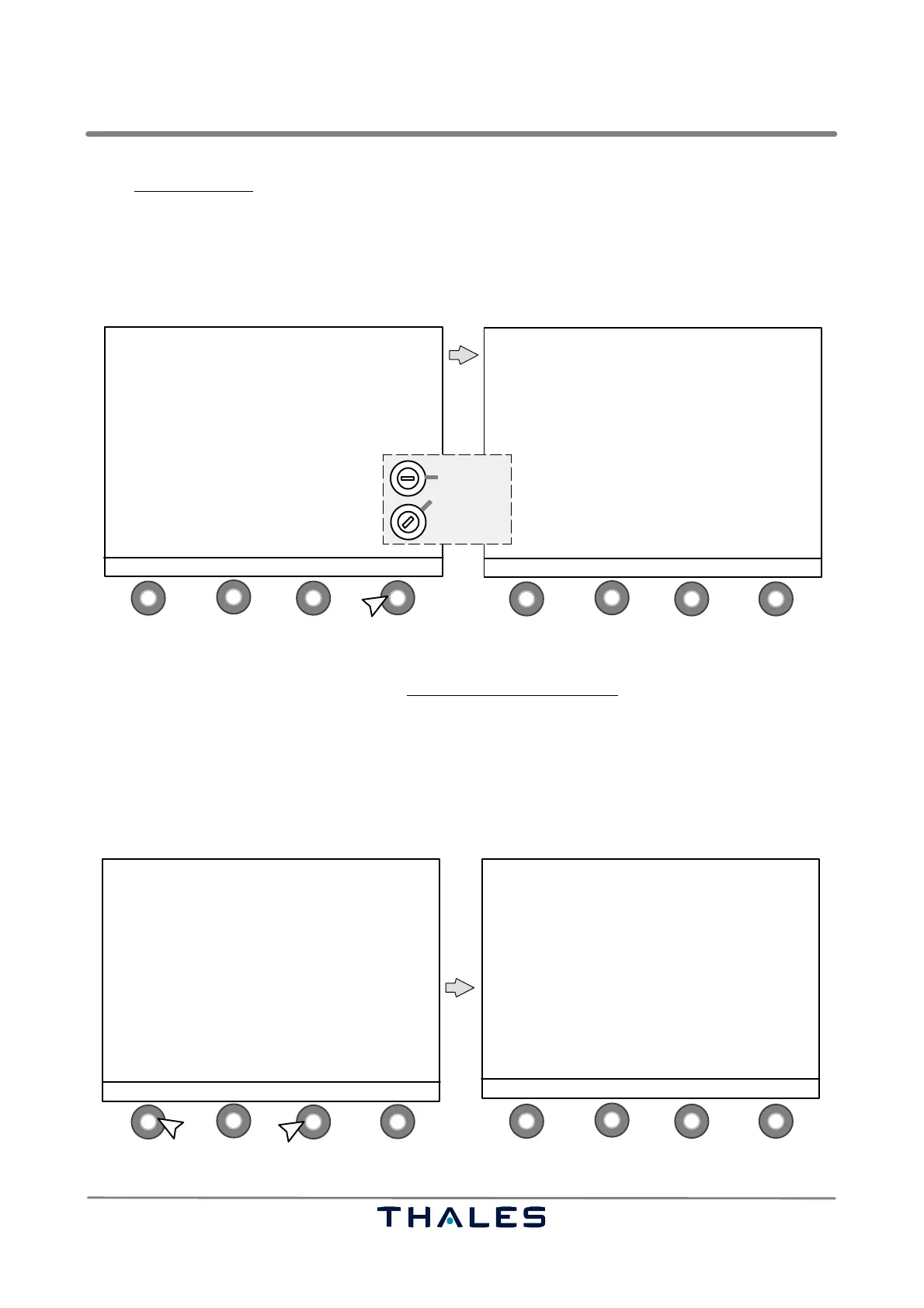
In the Control window (available and visible in key switch position ’LOCAL’ or ’MAINTENANCE’) the
following button definitions are used:
S1 SWITCH to switch selected item to on/off or 1/2;
if once used the STATUS field indication in the display shows the new state.
S2 ↑ to select item, upwards
S3 ↓ to select item, downwards
S4 STATUS to return to the Status window (see Fig. 3−6)
1
4
2
3
1
4
2
3
CONTROLS STATUS
−−−−−−−−− −−−−−−−−
> TX 1 ON
TX 2 ON
TX ANTENNA 1
MON BYPASS EXE OFF
MON BYPASS STANDBY OFF
WAVEFORM SELECTION
RESET ECU/LGX
REBOOT LCP
SWITCH ↑ SELECT ↓ STATUS
ILS 420 LLZ ’LLZ−420T’ 110.10MHz
−−−−−−−−−−−−−−−−−−−−−−−−−−−−−−−−−−−−−−−−
TX 1: ON TX 2: ON
STANDBY MAIN
LOAD AERIAL
WAVEFORM 1 WAVEFORM 1
146 hrs. 145 hrs.
Monitor: −−1−− −−2−−
Executive: NORMAL NORMAL
Farfield: NORMAL NORMAL
Standby: NORMAL NORMAL
RWY: ON
MENU MONITOR ALERTS CONTROL
LOCAL
MAINTENANCE
*
control buttons (S)
Key switch
* depends on
configuration
Fig. 3−13 CONTROL select and Control window (example)
In the Control window the submenu ’Waveform Selection’ can be called using the SELECT keys S2
and/or S3 and then the key SWITCH. In the Waveform Selection window
the defined waveform names
are listed, and the following button definitions are used:
S1 SWITCH to switch selected item to on/off;
if once used, the STATUS field indication in the display shows the new state.
S2 ↑ to select item, upwards
S3 ↓ to select item, downwards
S4 STATUS to return to the Status window (see Fig. 3−6)
NOTE: After reset, WAVEFORM1 is the default setting, i.e. it should be defined as standard waveform.
1
4
2
3
1
4
2
3
CONTROLS STATUS
−−−−−−−−− −−−−−−−−
TX 1 ON
TX 2 ON
TX AERIAL 1
MON BYPASS EXE OFF
MON BYPASS STANDBY OFF
> WAVEFORM SELECTION
RESET ECU/LGX
REBOOT LCP
SWITCH ↑ SELECT ↓ STATUS
control buttons (S)
WAVEFORM SELECTION OF TX 1
−−−−−−−−−−−−−−−−−−−−−−−−−−−−−−−
WAVEFORM1: Standard
WAVEFORM2: Waveform 2
WAVEFORM3: Waveform 3
WAVEFORM4: Waveform 4
WAVEFORM5: Waveform 5
WAVEFORM6: Waveform 6
WAVEFORM7: Waveform 7
WAVEFORM8: Waveform 8
CURRENTLY ACTIVE: Standard
SWITCH ↑ SELECT ↓ STATUS
1.2.
Fig. 3−14 Waveform Selection select and Waveform Selection window (example)



 To Next Page