LLZ 421
Operation and Maintenance Operation
ILS 420
3−23Ed. 01.10
SOAC
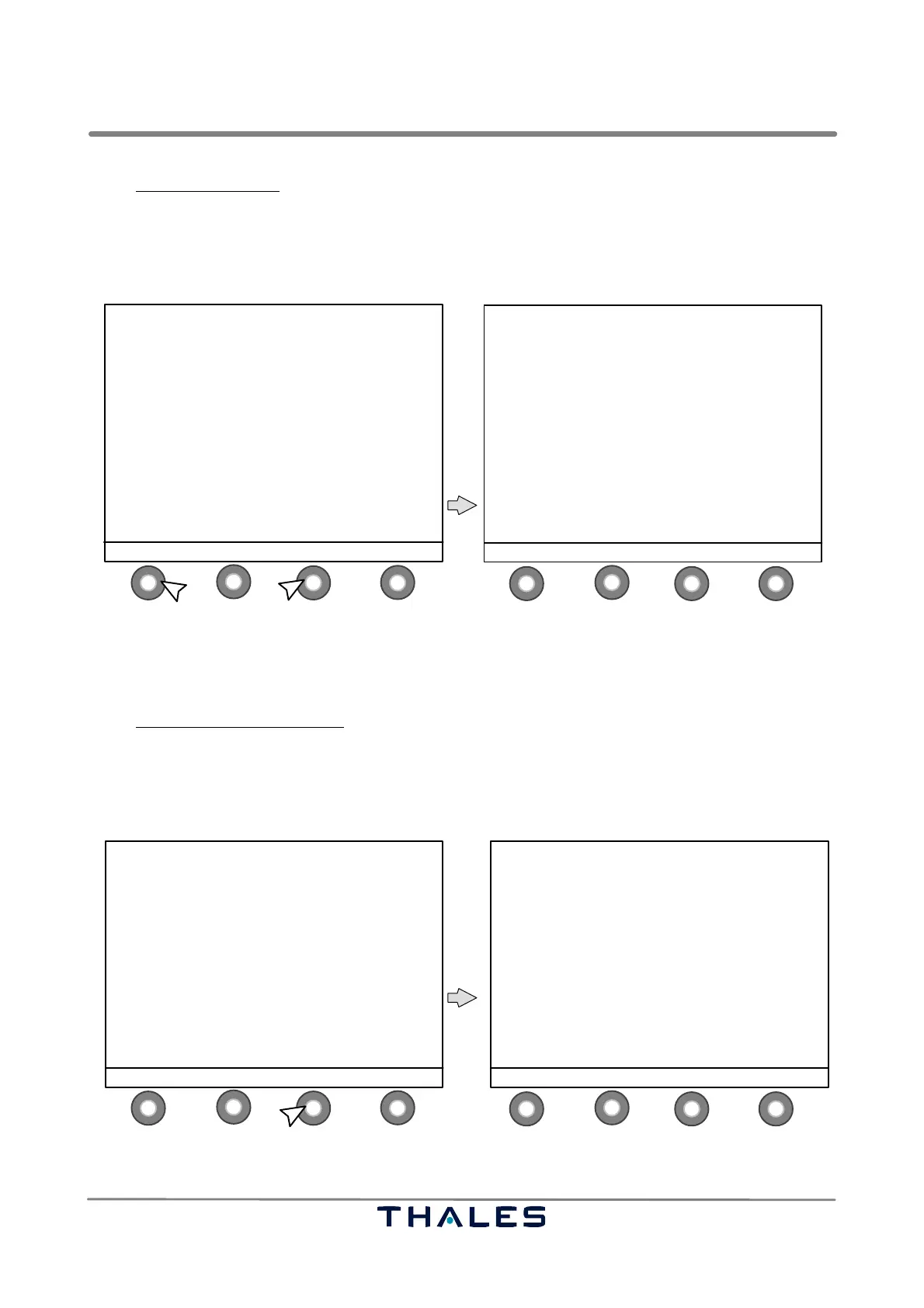
In the Configuration Data window the following button definitions are used:
− S1 MENU to return to the Menu List window
−S2 blank not used in this menu item
− S3 INFO to go to the Station Information window (see Fig. 3−28)
− S4 STATUS to return to the Status window (see Fig. 3−6)
1
4
2
3
1
4
2
3
ILS420 CONFIGURATION DATA
−−−−−−−−−−−−−−−−−−−−−−−−−−−
Site name: LLZ−420T
Station name: LLZ−420 (RWY−I)
Frequency : 110.10MHz
Station type: LLZ−2F FULLY DUALIZED
Hot standby : present
Antenna type: 21 el. dipole
Field Mon. : FarField only
− FF is executive
Cable fault : absent
Battery : absent
Env. Sensor : absent
MENU INFO STATUS
MENU LIST
−−−−−−−−−−−
SHOW ALERTS
CONTROL
MONITOR QUICK ACCESS
MONITOR EXEC & FIELD all parameters
MONITOR STANDBY all parameters
POWER SUPPLIES
WAVEFORM DATA / FLIGHT CHECK
POWER AMPLIFIER DATA (CRS and CLR)
MTBO
> CONFIGURATION DATA
ENTER ↑ SELECT ↓ STATUS
1.2.
control buttons (S)
Fig. 3−27 CONFIGURATION DATA select and Configuration Data window (example)
Select INFO in the Configuration Data window (see also Fig. 3−27) to get the Station Information.
In the Station Information window
the following button definitions are used:
S1 MENU to go to the Menu List window (see Fig. 3−15)
S2 CONFIG to return to the Configuration Data window (see Fig. 3−27)
S3 ALERTS to go to the Show Alerts window (see Fig. 3−12)
S4 STATUS to return to the Status window (see Fig. 3−6)
1
4
2
3
1
4
2
3
ILS420 CONFIGURATION DATA
−−−−−−−−−−−−−−−−−−−−−−−−−−−
Site name: LLZ−420T
Station name: LLZ−420 (RWY−I)
Frequency : 110.10MHz
Station type: LLZ−2F FULLY DUALIZED
Hot standby : present
Antenna type: 21 el. dipole
Field Mon. : FarField only
− FF is executive
Cable fault : absent
Battery : absent
Env. Sensor : absent
MENU INFO STATUS
control buttons (S)
STATION INFORMATION
−−−−−−−−−−−−−−−−−−−−−
13.07.2008 08:11:34
LCP: ’4.2 ’ (K−TAB: 4.00)
Software Version of Subsystems:
LGA1: 3.00 LGA2: 3.00
LGM1: 5.00 LGM2: 5.00
MENU CONFIG ALERTS STATUS
Fig. 3−28 INFO select and Station Information window (example)



 To Next Page