LLZ 421
Operation Operation and Maintenance
ILS 420
3−20 Ed. 01.10SOAC
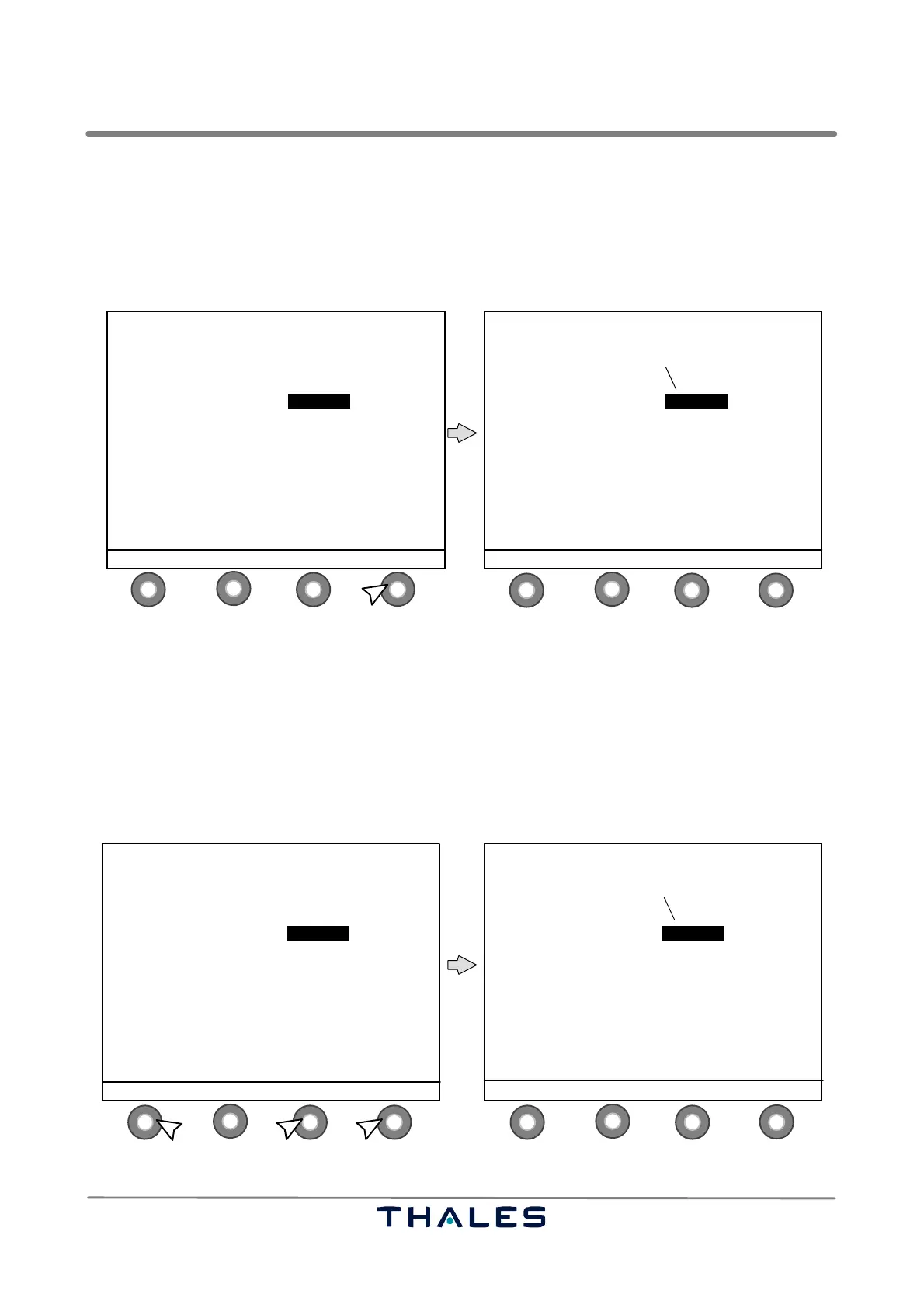
Use the scroll buttons to select the parameter to be adjusted and select MODIFY. The next window
(2nd step) with changed buttons appears. This 2nd step window uses the following button definitions:
− S1 READY to enter set value and to indicate close of enter procedure
−S2 ↑ to increase selected digit (value)
−S3 ↓ to decrease selected digit (value)
− S4 SEL−DIGIT to select digit to be changed (scrolling through parameter digits)
1
4
2
3
1
4
2
3
control buttons (S)
AERIAL: TX1 / ON IDENT:MORSE
LOAD: TX2 / ON
CRS
TX1 TX2
CRS CSB POWER W 26.16 25.29
CRS CSB DDM % 0.00 0.00
CRS CSB SDM % 40.05 40.11
CRS SBO LEVEL % 60.00 60.00
CRS SBO PHASE ° 90 90
MOD 1020Hz % 8.00 8.00
IDENT MORSE MORSE
CLEARANCE ↓ SELECT → MODIFY
AERIAL: TX1 / ON IDENT:MORSE
LOAD: TX2 / ON
CRS
TX1 TX2
CRS CSB POWER W 26.16 25.29
CRS CSB DDM % 0.00 0.00
CRS CSB SDM % 40.05 40.11
CRS SBO LEVEL % 60.00 60.00
CRS SBO PHASE ° 90 90
MOD 1020Hz % 8.00 8.00
IDENT MORSE MORSE
READY ↑ MODIFY ↓ SEL−DIGIT
1st digit
is flashing
Fig. 3−21 Select parameter to change in Active Waveform Data CRS window, 2nd step (example)
Select the digit of parameter to be changed with SEL−DIGIT; the selected digit is flashing (Fig. 3−22,
1.). Change value of digit with scroll buttons (up or down; Fig. 3−22, 2.). Use READY (Fig. 3−22, 3.)
to finish the setting procedure. The next window (3rd step) with changed buttons appears.
This window (3rd step) uses the following button definitions:
−S1 blank not used in this window
− S2 ABORT to abort the adjustment procedure without change of values
− S3 PROGRAM to confirm/program the changed value of the selected parameter
− S4 MODIFY to change again a parameter value (return to Fig. 3−21)
1
4
2
3
1
4
2
3
1.3.
control buttons (S)
AERIAL: TX1 / ON IDENT:MORSE
LOAD: TX2 / ON
CRS
TX1 TX2
CRS CSB POWER W 25.16 25.29
CRS CSB DDM % 0.00 0.00
CRS CSB SDM % 40.05 40.11
CRS SBO LEVEL % 60.00 60.00
CRS SBO PHASE ° 90 90
MOD 1020Hz % 8.00 8.00
IDENT MORSE MORSE
READY ↑ MODIFY ↓ SEL−DIGIT
2.
AERIAL: TX1 / ON IDENT:MORSE
LOAD: TX2 / ON
CRS
TX1 TX2
CRS CSB POWER W 25.16 25.29
CRS CSB DDM % 0.00 0.00
CRS CSB SDM % 40.05 40.11
CRS SBO LEVEL % 60.00 60.00
CRS SBO PHASE ° 90 90
MOD 1020Hz % 8.00 8.00
IDENT MORSE MORSE
ABORT PROGRAM MODIFY
all digits
are flashing
Fig. 3−22 Select digit, change value in Active Waveform Data CRS window, 3rd step (example)



 To Next Page