7.1. If using VRC maps
72
l Shapefiles
l ISOXML
l CropSpec (if enabled)
Note that shapefiles and ISO XML cannot be used at the same
time. However CropSpec can be used in conjunction with
shapefiles or ISO XML.
If Shapefiles or ISO XML are selected at step 2, all maps
previously imported to the current field are displayed so that
previously used maps can be recalled.
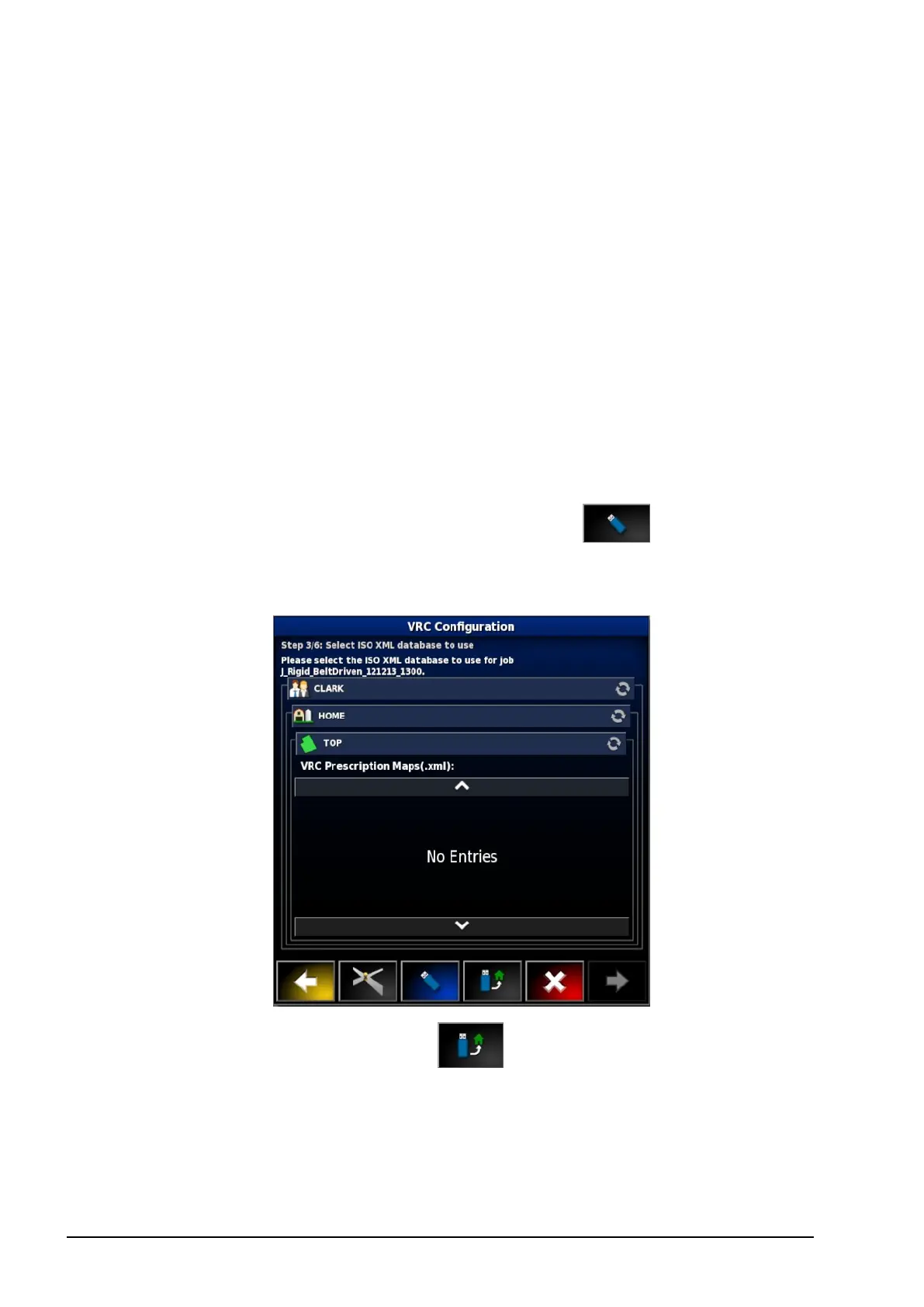
l If the desired maps are not already on the console, insert a USB
with prescription maps.
l
Select the USB icon at base of the screen . The window
background turns blue to indicate you are viewing the USB file
list.
l
Select the USB home icon to view the root of the USB
file structure. Files and folders on the USB root are displayed.
l Select a folder to open it. Find the required file and select it. It
will display as white and next is now enabled. Note that
multiple files may be selected.



 To Next Page