Chapter 7 – Variable Rate Control
73
l Select next.
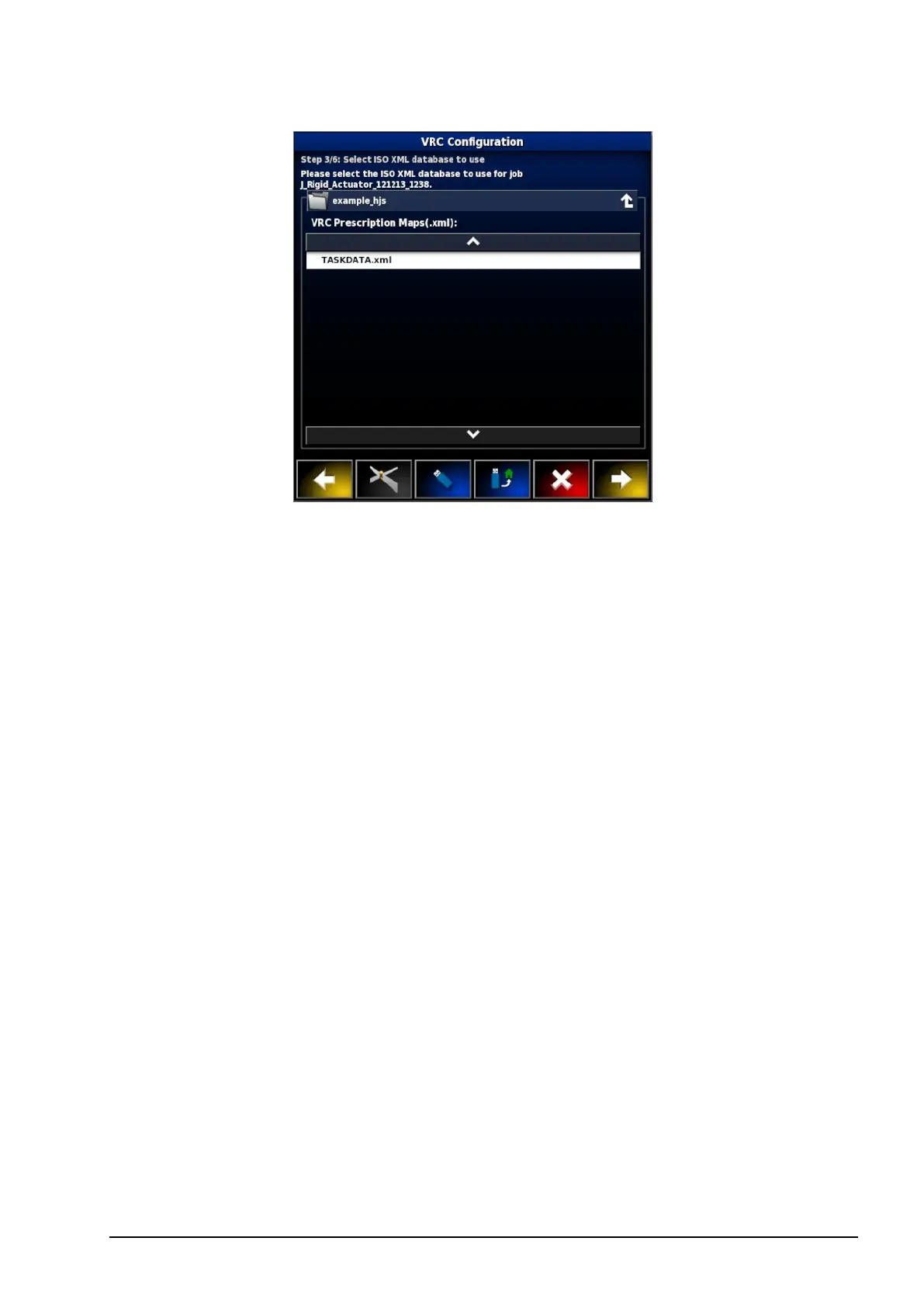
6. If ISOXML was selected in step 2, select the task that you wish to
run. The file may have several tasks listed. Select the task that
matches the implement that is hooked up.
7. Select next.
Source and Attributes must now be assigned to channels.
l Channel: The tank that is being controlled.
l Source: The source of the prescription map for that channel. The
list of files that were selected earlier on will appear here or you
can also select a live source like CropSpec or Yara.
l Attribute: One of the properties in the shape file or ISOXML file
or the sensor output from CropSpec. The same shape file may
have multiple attributes to define the rates for more than one tank
so this allows the operator to map the prescription to the
appropriate tank.
l Rescale: This column defaults to 1, which means that the
prescription defined in the source will be used directly. However,
depending on weather conditions, the operator may choose to
increase or decrease the rate of application. This allows a uniform
increase for all defined rates. For example, a rescale of 1.1 will
apply 110 percent of the rate defined in the source.



 To Next Page