Configuration
HiPer Pro Operator’s Manual
2-24
• Occupation mode switch – pressing FN (less than one
second) will insert into the corresponding log file a message
indicating that the survey type has been changed from static
to kinematic, or vice versa. If the REC LED blinks green, the
current mode is dynamic, if it blinks orange, the current mode
is static. For more details, see Table 4-1 on page 4-5, and
refer to the MINTER User’s Manual and PC-CDU User’s
Manual.
Initial Data Collection Dynamic Mode parameter
These radio buttons specify the starting occupation type
descriptor inserted at the beginning of receiver files logged.
Select Static or Kinematic to specify that the corresponding log
file will start with a static (STOP) or kinematic (GO, Trajectory)
occupation, respectively.
Data Recording Auto-start parameter
These radio buttons allow you to program your receiver’s
behavior in the event of a power failure.
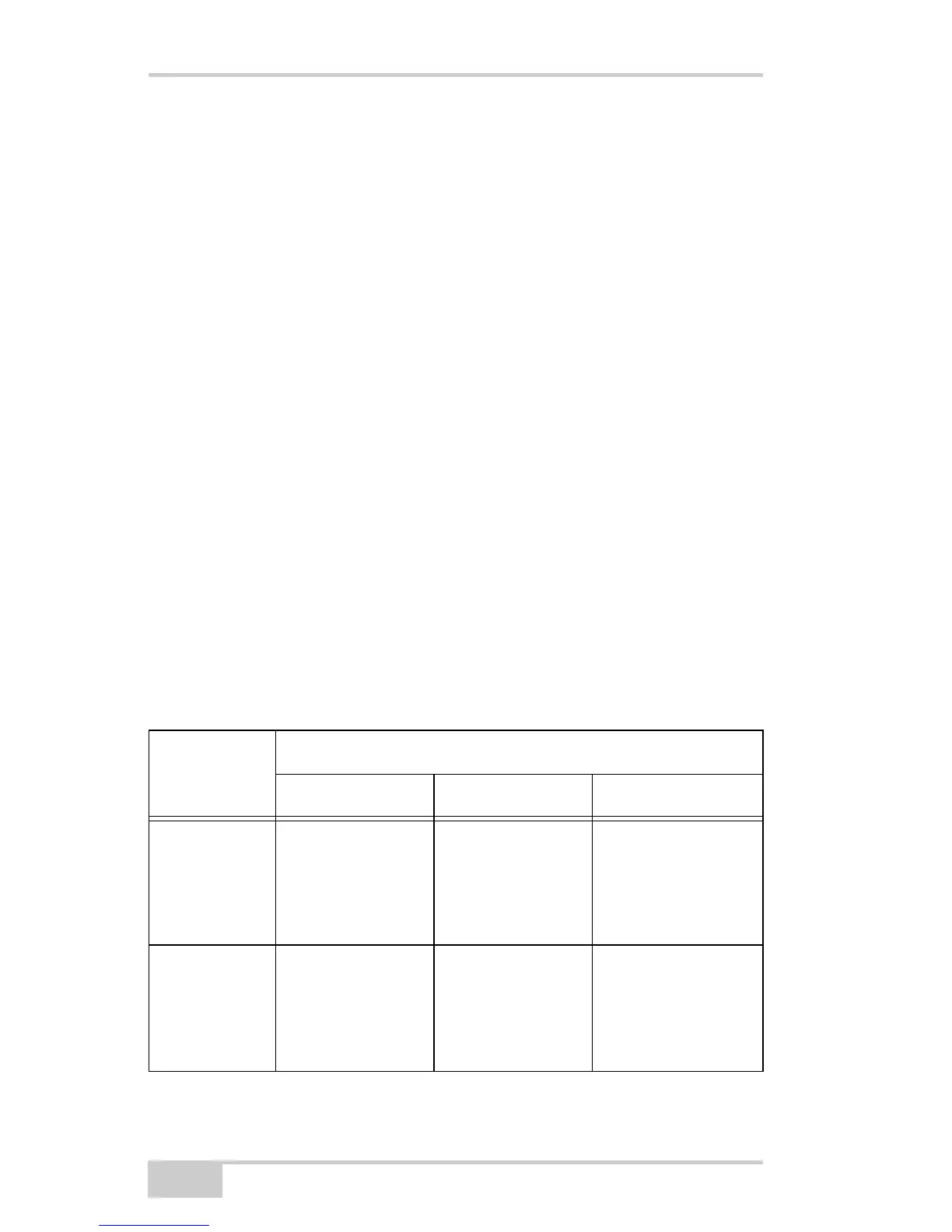
Table 2-2 gives the different scenarios available and the results
after power is restored to the receiver. “Specified file” refers to
the file name entered in the Always append to file parameter.
Table 2-2. Data Recording Parameter Behavior
Before
Power
Failure
Enabled Radio Button Results
Off On Always
1
Receiver data
logged to file
specified.
Data logging will
not resume when
power is restored.
Receiver will
resume data
logging to the
same file when
power is restored.
Receiver will
resume data logging
to the same file
when power is
restored.
2
Receiver data
logged to
default file.
Data logging will
not resume when
power is restored.
A new log file will
open when power
is restored and
data will log to
this file.
A new log file will
open when power is
restored and data
will log to this file.



 To Next Page