24
The S-4 Sculpting Sampler - Ofcial Manual
25
The S-4 Sculpting Sampler - Ofcial Manual
2.1 Project Management
Projects are the highest structural element in the S-4 that contains all the
audio components and is an aid to organising S-4 activities. Projects can
be created, saved and loaded and the number stored is limited only by the
available memory.
▌ CREATING A NEW PROJECT
1. Press [PROJECT] to open the project management options.
2. Press [NEW], action button to request creation of a new project.
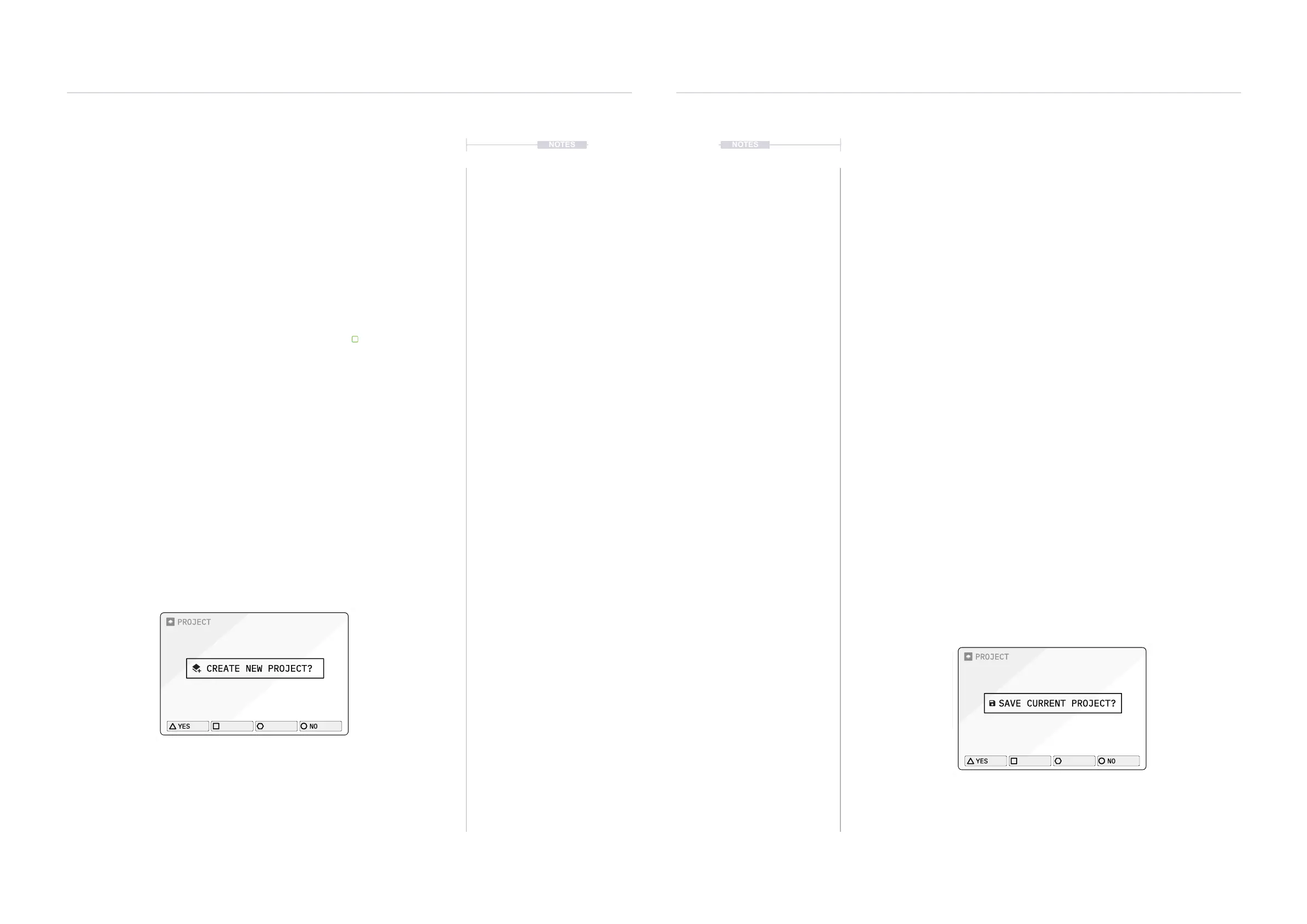
3. The prompt ‘create new project?’ will be presented.
• Press [YES], action button to conrm and proceed.
• Alternatively, [NO], action button will cancel the request and exit
the menu without creating a project.
4. A prompt to ‘save the current project?’ will be presented.
• Press [YES], action button to conrm and proceed.
• Alternatively, [NO], action button will proceed without saving.
5. The current project will be saved and a new, blank project will be
created. It is advised to save the project at the outset and during project
development.
NOTES
Projects & Tracks
2
Projects & Tracks
2
NOTES
▌ SAVING THE CURRENT PROJECT
1. Press [PROJECT] to open the project management options.
2. Press [SAVE], action button to request saving the current project.
3. The prompt ‘save current project?’ will be presented.
• Press [YES], action button to conrm and proceed.
• Alternatively, [NO], action button will cancel the request and exit
the menu without saving the project.
4. An option to save as a new le and create a new name is also available
as an alternate choice. Press [SAVE AS], action button to request
saving the current project.
5. The prompt to assign a name will be presented. Use the naming editor
to change the name of the le to save.
6. Once a name is edited and dened:
• Press [SAVE], action button to conrm saving and proceed.
• Alternatively, [CANCEL], action button will exit without saving.
7. A prompt may be shown ‘File already exists, overwrite?’. Select the
desired option, [YES], or [NO], action button to conrm
overwriting an existing le if one exists.
8. The project will be saved.
PROJECT
CREATE NEW PROJECT?
YES
NO
PROJECT
SAVE CURRENT PROJECT?
YES
NO



 To Next Page