72
The S-4 Sculpting Sampler - Ofcial Manual
73
The S-4 Sculpting Sampler - Ofcial Manual
Audio Engine
3
Audio Engine
3
NOTES
NOTES
3.6.1 Vast - Space Device
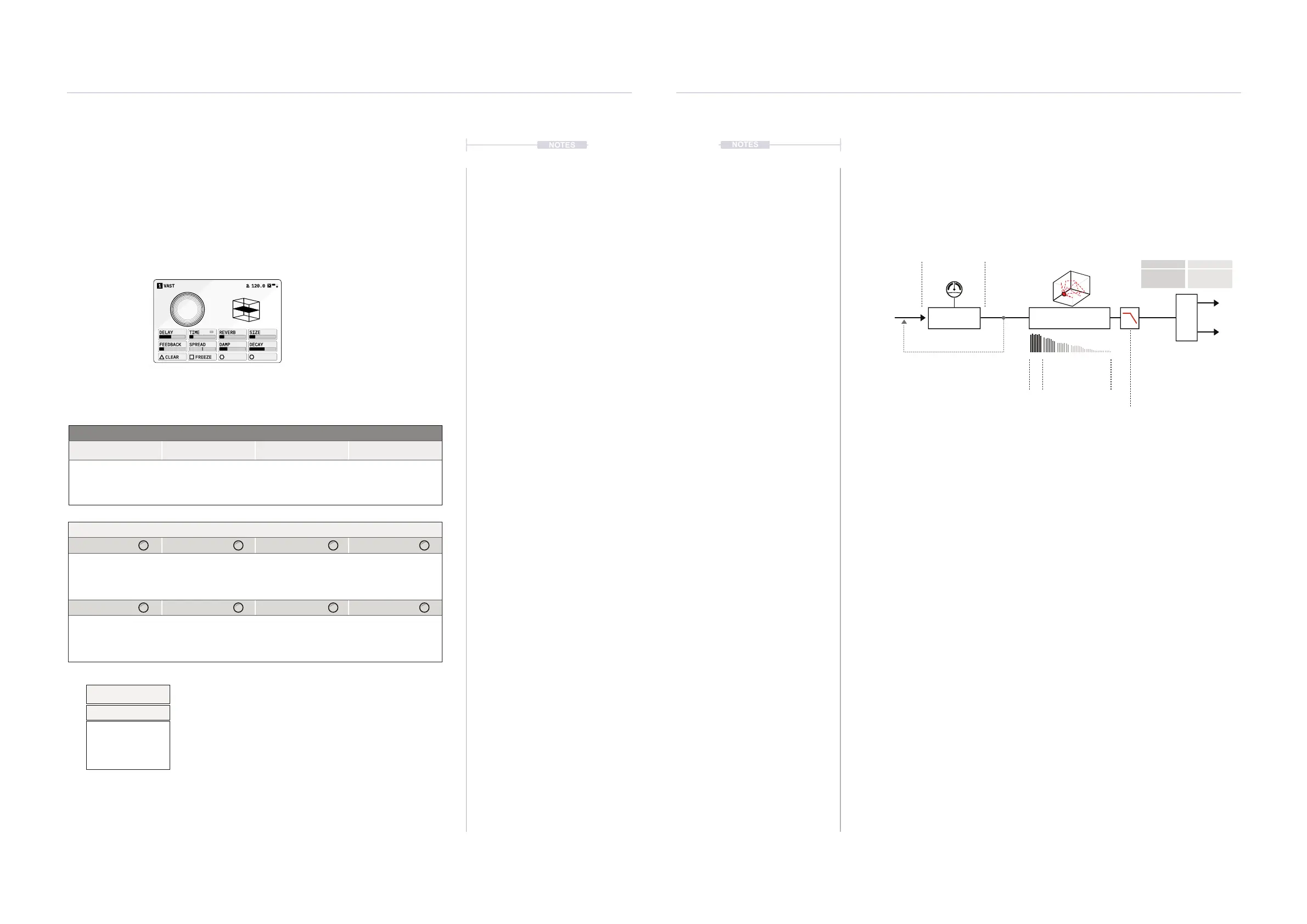
The Vast device is an integrated delay and hall style reverb. The
parameters not only offer effect conguration options but also form an
interesting and useful collection of live performance controls.
DELAY
TIME
REVERB SIZE
FEEDBACK SPREAD DAMP DECAY
CLEAR FREEZE
VAST1 120.0
Space Hold [CTRL] + Press [SPACE] to select Vast
Page 1/1
Parameter Knobs Page 1
Delay
Time
Reverb Size
Amount of delay
effect applied.
Sets the delay time.
Can be set freely or in
time intervals. Press +
Turn to change mode.
Amount of hall style
reverb effect applied
Adjust the reverb
room size.
Feedback Spread Damp Decay
Adjusts the amount of
audio fed back into
the delay line.
Stereo widening of
the delay effect.
Amount of low pass
ltering applied to the
delay and reverb
feedback.
Reverb decay time.
Action Buttons
Clear Freeze
Clears both the delay
and reverb buffers.
Freezes the reverb
and the delay effect.
Toggles the freeze
function on or off.
Delay and Reverb are classic effects often paired together. A delay will
create repeated audio taps and thicken sounds while adding musical
rhythms and patterns. A reverb emulates the natural characteristics of how
a sound behaves in a room or space, whether large or small.
▌ SETTING UP VAST
1. To adjust the amount of each effect applied to the audio chain, Turn
(DELAY) and / or (REVERB).
2. To adjust the delay parameters, Turn (FEEDBACK) to adjust the
amount of audio fed into the input. This creates echo and repeat style
characteristics.
3. Turn (TIME) to set the timing of the delays, which can be set in note
intervals if synchronised. Press & Turn (TIME) to choose the mode in
which to set the time parameter. Options are ‘Straight’ for dened
intervals or ‘Free’ to freely adjust.
4. To adjust the reverb parameters, Turn (SIZE) to adjust the
expansiveness and room emulation. Vast is based on Hall style reverb.
Turn (DECAY) to extend or shorten the reverb time.
5. Typically high frequencies need to be managed in reverb and delay
based applications. To do so Turn (DAMP) to help control and tame the
high frequencies using the low pass lter cutoff.
6. There are a number of common spread macros that apply stereo
characteristics for delay and reverb. Turn (SPREAD) where the setting
value will apply the dened macro. Turn left 0-50% to adjust as a ping-
pong delay or right 50-100% to adjust the stereo diffusion.
Feedback Decay
Track Out
From Color
Delay Time
Time delay between input & output.
Output audio fed to the input
increases the delay ‘events’.
Reverb decay time
Delay Line Reverb
Spread
Size
Emulates physical space
Spread
Damping
Low pass lter to tame the
higher feedback frequencies.
Ping Pong
Delay
0-50%
Stereo
Diffusion
50-100%
Some parameters tagged offer a number of ‘Mode
Select’ options from a pop-up list. This can be
accessed for some parameters by pressing the knob.
Press and turn to select an item from the presented list.
See Appendix for full rate list.
Time
Time Mode
Straight
Dotted
Triplet
Free



 To Next Page