4 Software
Instrument leveling Disable compensator Auto level check Instrument leveling
Out of Range Unchecked Unchecked Enabled
Unleveled
Leveled
Out of Range Checked Disabled
Unleveled
Leveled Enabled
Out of Range Checked Unchecked Enabled
Unleveled
Leveled
Out of Range Checked
Unleveled
Leveled
3.
You can interrupt the acquisition in progress by tapping Stop.
4.
You can pause and resume the acquisition in progress by tapping Pause or wait until it finishes.
5.
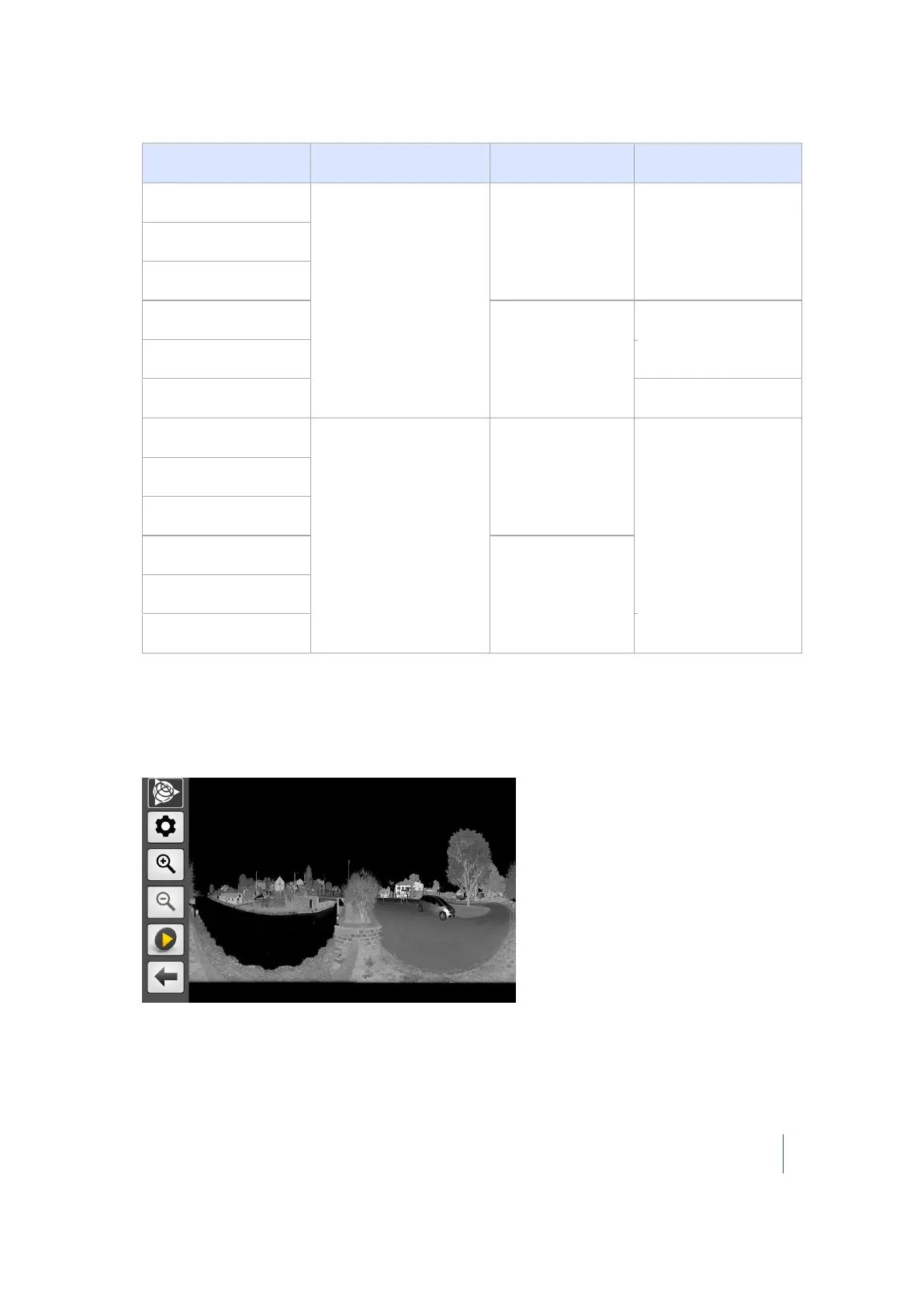
On completion of the operation, the acquired data is written to the USB flash drive and a visual
of the scan appears:
Note – If there is no USB flash drive in the instrument when tapping the Scan icon, a message
appears and prompts you to insert one.
Trimble TX8 3D Laser Scanner User Guide 61



 To Next Page