4 Software
Canceling a scan
1. Tap Stop.
2.
Either tap or to return to the main menu. A message appears asking whether or
not you want to return the instrument to its origin.
3. Tap Yes. The instrument rotates to be positioned to its origin.
Note – A TZF file is created even if the scan has been interrupted.
Pausing and resuming a scan
1.
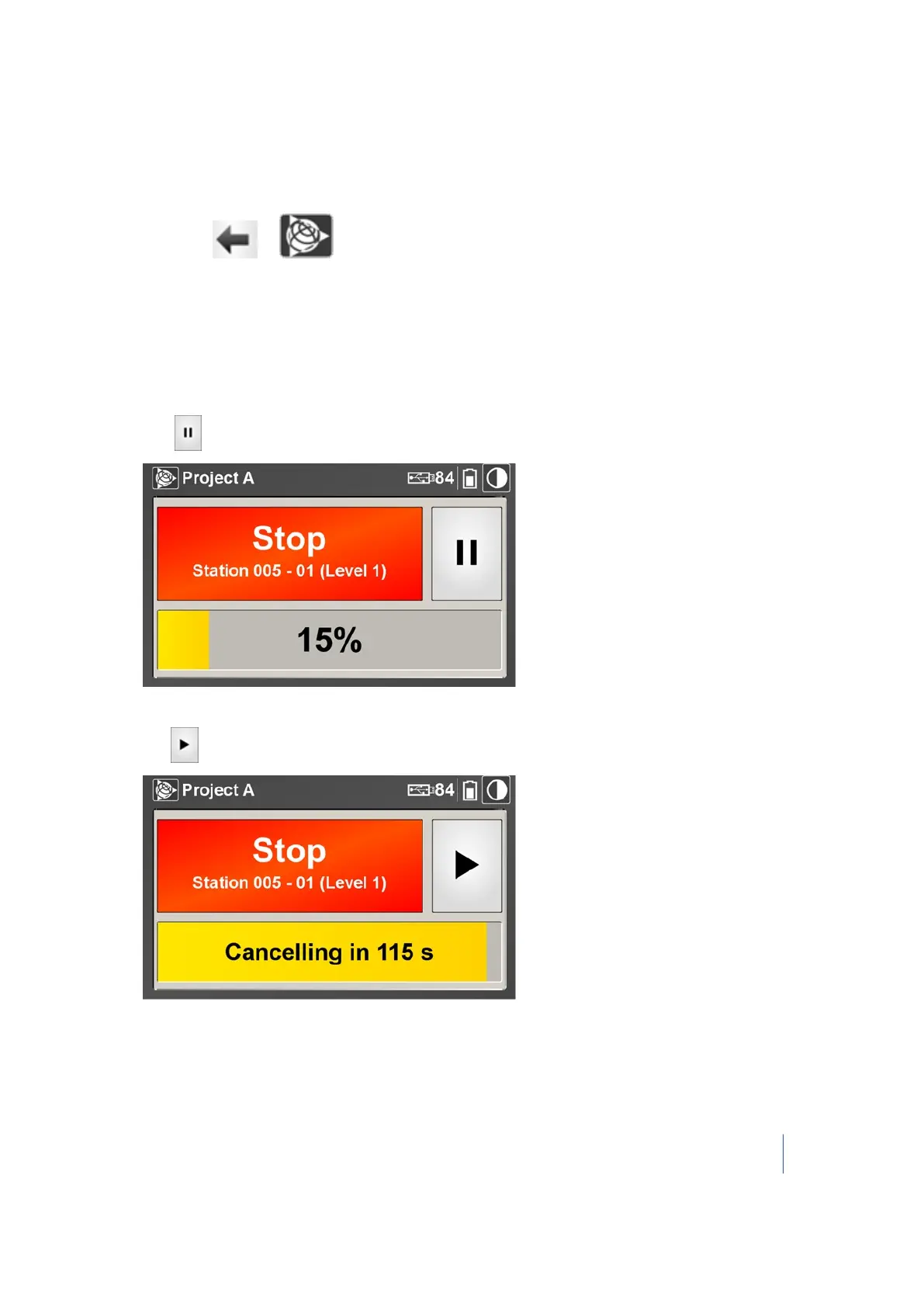
Tap to pause the scan in progress:
A countdown begins with a time of 2 minutes.
2.
Tap to resume the scan in progress:
3.
If you do not resume the scan before the end of the countdown, it is canceled and saved.
A dialog appears asking if you want the instrument to return to its origin or not.
4. Tap Yes. The instrument rotates to be positioned to its origin.
Trimble TX8 3D Laser Scanner User Guide 65



 To Next Page