7–6
VIEW
To view the sample data for a selected project, press 〈3〉 at the
Project Menu shown on page 7–3. The oven displays:
View
1. Scroll Projects
2. Enter Project ID
Press 〈1〉 to scroll through the stored projects, or 〈2〉 to enter a
known project ID. Follow the same procedures as described in the
Select section on page 7–3 to select or enter the desired project ID.
If the selected project contains no sample data, the oven displays the
message No Samples found in selected project and returns to
the Project Menu.
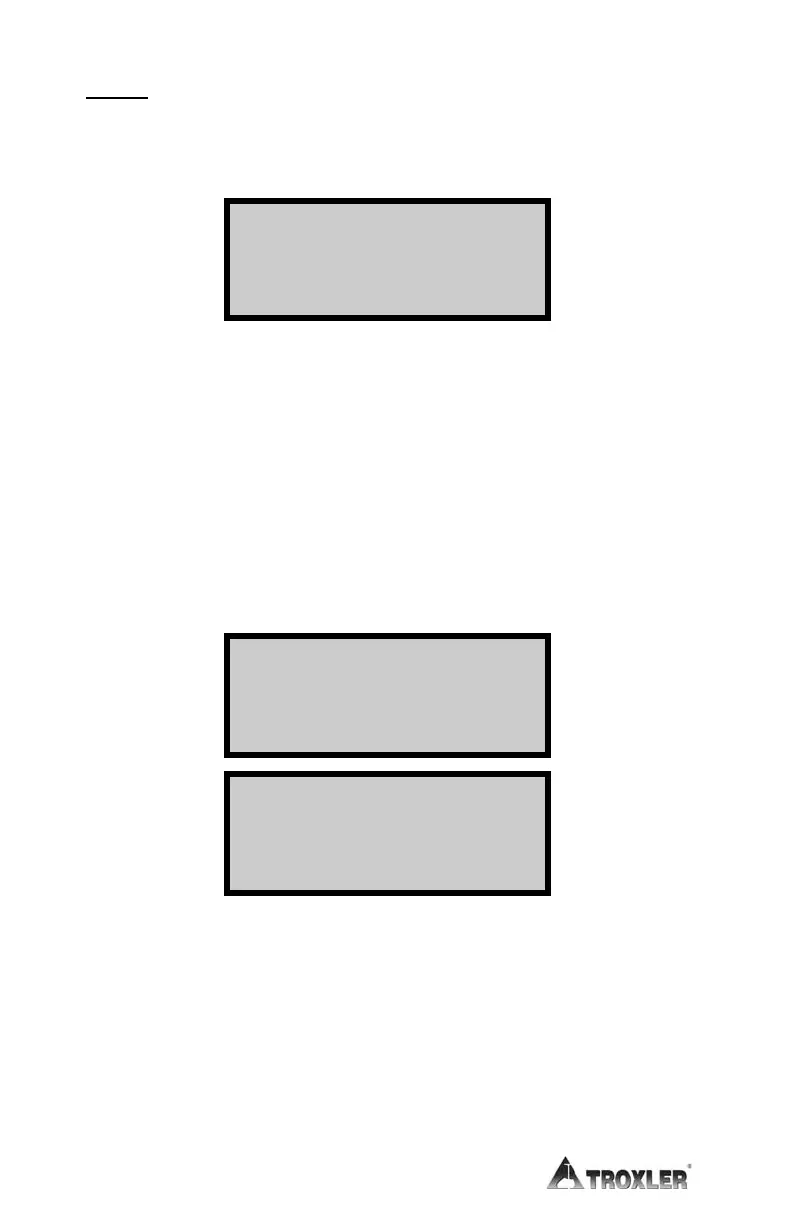
If the selected project contains sample data, the oven displays the
data for the first sample. Two screens of data are shown for each
sample, as follows:
Sample #xx ¦
Burn Time xxx.x m
Sample Mass xxxx.x g
Mass Lost -xxx.x g
Sample #xx ¦
% Loss -x.xxx
% AC +x.xxx
ACF Value +x.xx %
Use the arrow keys to scroll through the sample data.
NOTE
To print the minute-by-minute burn cycle data for the
selected sample, press 〈ENTER〉 while the sample data is
displayed.
When finished, press 〈ESC〉 to return to the Project Menu.


 To Next Page
 Loading...