UAV-1004234-001, AV-30-E Installation Manual 109
Rev H
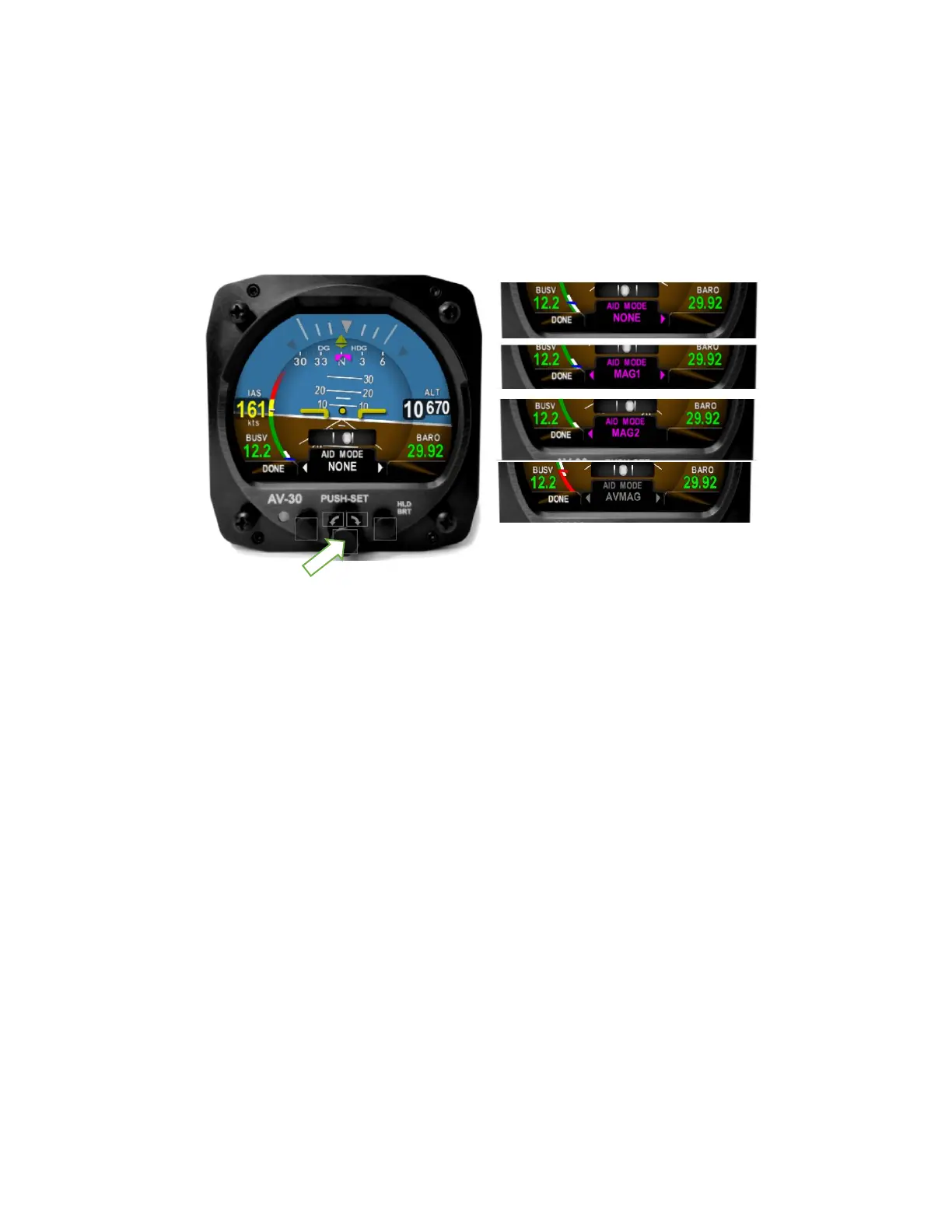
magnetometer is available (P/N UAV-1004035-002) then you will have a
choice of NONE, MAG1, and MAG2. If the internal magnetometer is not
If Serial 4 is set to AVMAG, AID
MODE will be automatically set to AVMAG and is not otherwise settable.
Figure 39 - AID Mode Selection
Push the center knob and rotate to select your choice of Magnetometer
aiding then push the center knob again to confirm your choice.
13.1.10 Demo Mode
Set Demo Mode to DISABLED. Demo Mode will automatically be
disabled when reaching an airspeed of 35 knots.
13.2 System Checkout
The following procedures must be performed prior to returning the
aircraft to service.
13.2.1 Alignment
During initial startup, the ALIGN annunciator should be presented as a
flashing red flag. This indicates internal sensor stabilization is occurring.
During the alignment, do not move the aircraft.



 To Next Page