UAV-1004234-001, AV-30-E Installation Manual 20
Rev H
8 Installation Locations & Operating Modes
8.1 Installation Locations
-
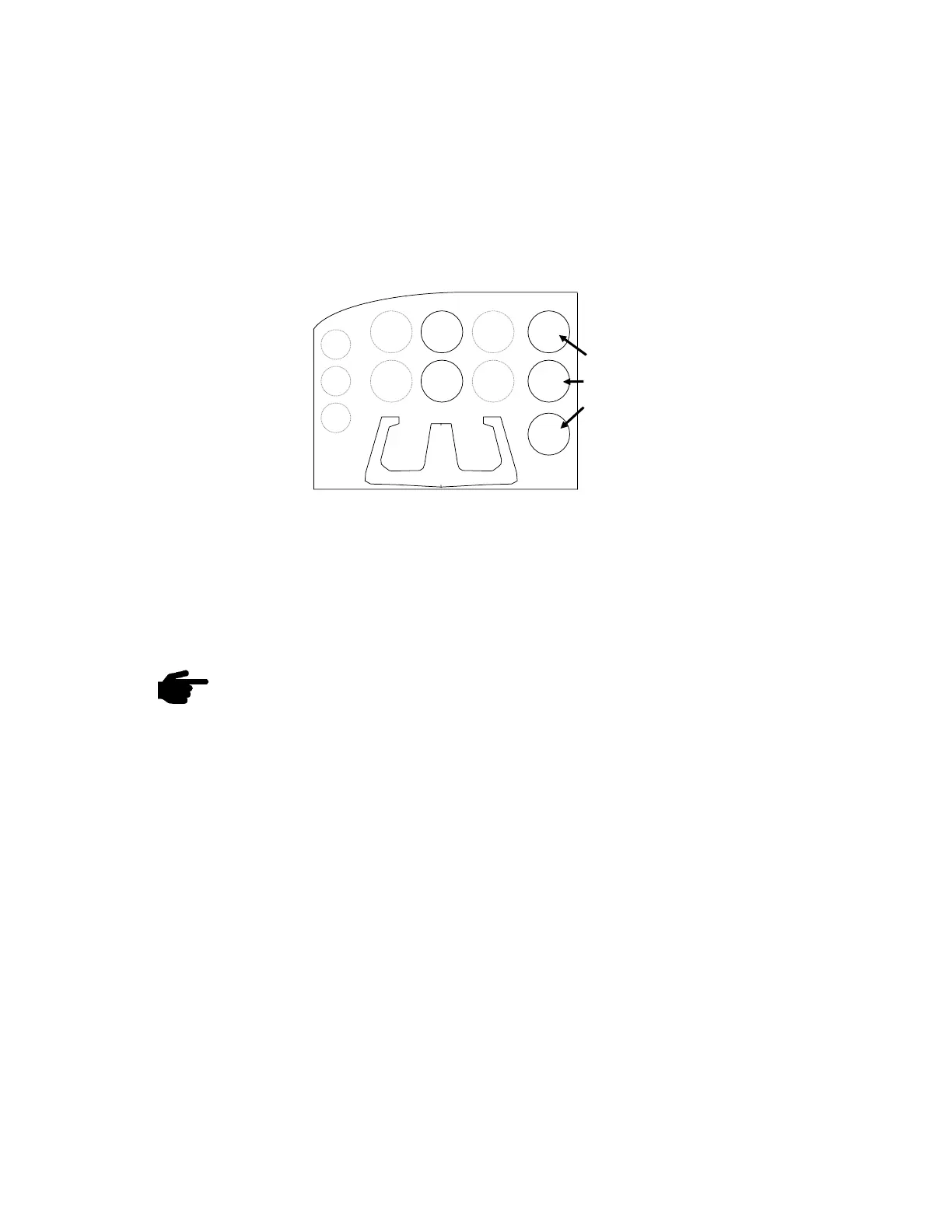
arrangement of instrument locations:
Figure 2 – Mechanical Gauge Replacement
Note that the physical arrangement in many aircraft varies from the
configuration shown above. The AI/DG/MFD locations are examples of
installation locations as a non-required instrument.
The existing mechanically based altimeter and airspeed
indicator must remain in their factory locations for this
installation configuration.
8.2 Operating Mode Configuration
The AV-30 operating mode is configured during installation and can be
set as follows:
• Unit locked as a dedicated Attitude Indicator (AI Mode)
• Unit locked as a dedicated Direction Indicator (DG Mode); can
be toggled between DG and MFD mode by the pilot.
• Unit unlocked; can be toggled between AI, DG, and MFD mode
by the pilot.



 To Next Page