UAV-1004234-001, AV-30-E Installation Manual 80
Rev H
11.5.2 Autopilot Testing
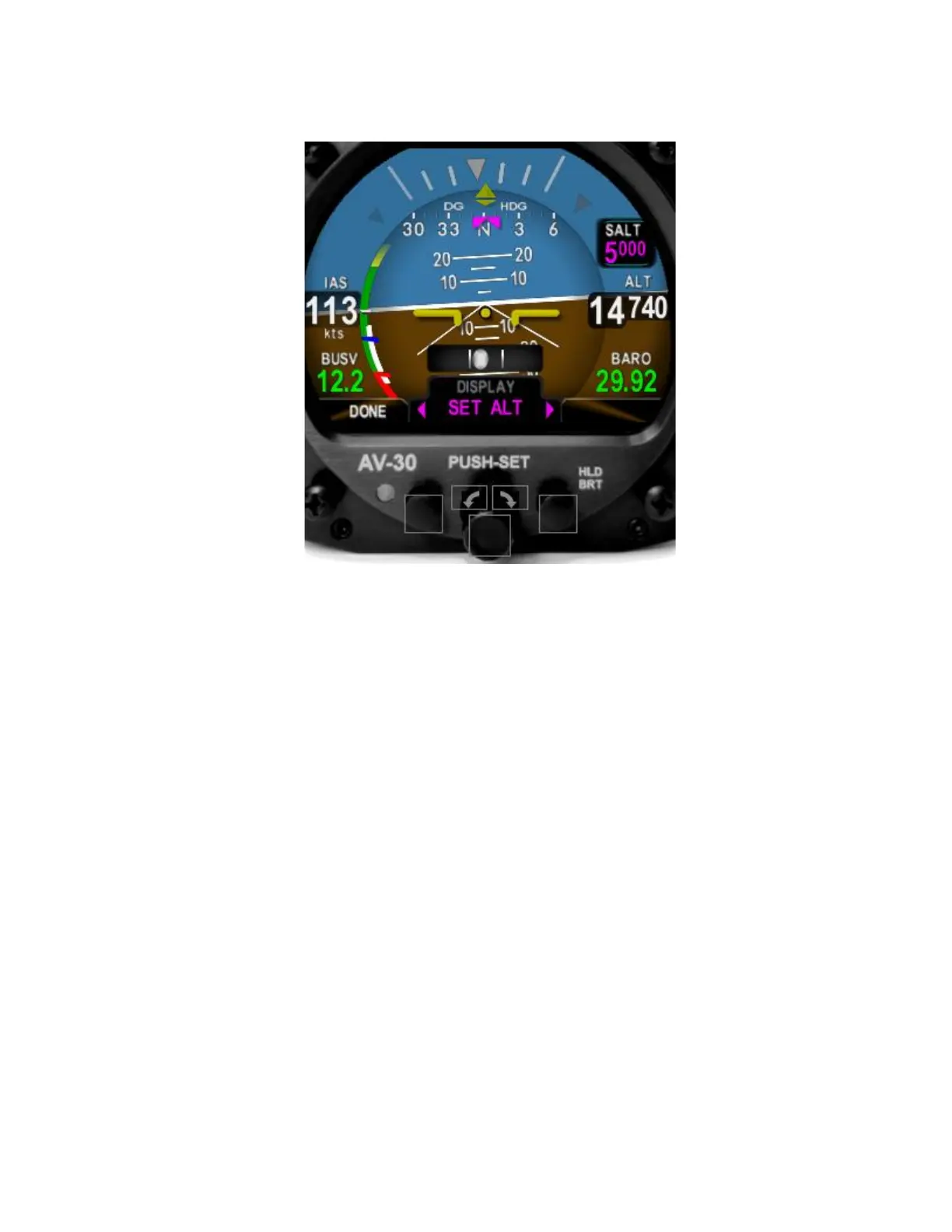
Display Set Altitude (SALT)
• If the AV-30 is not already in AI mode, switch it to AI mode by
pressing and holding the center knob to cycle through the
available modes
• Select a display field in which to display Set Altitude (SALT). This
rotating the center knob until a blank field is selected
• Press and release the center knob to enable selection
•
• Press and release the center knob to save the selection
• Press and release the left button under
Input SALT
• Press and release the center knob until
• Rotate the center knob to select an altitude
• Press and release the center knob to save



 To Next Page