UAV-1004234-001, AV-30-E Installation Manual 125
Rev H
TRIM HI menu item. If the AV-30 perceives the airspeed difference to
be less than 70 knots more than the speed used to set the LO trim, IAS
TRIM HI will be grayed out and un-selectable. If that is the case, keep
increasing the IAS on the test set until IAS TRIM HI turns from gray to
white. Press and release the center knob then turn the knob until the IAS
displayed is equal to the IAS on the air data test set. Press and release
the center knob to exit the menu.
Record the IAS TRIM LO and IAS TRIM HI values in the aircraft records.
13.2.11 AV-APA Checkout
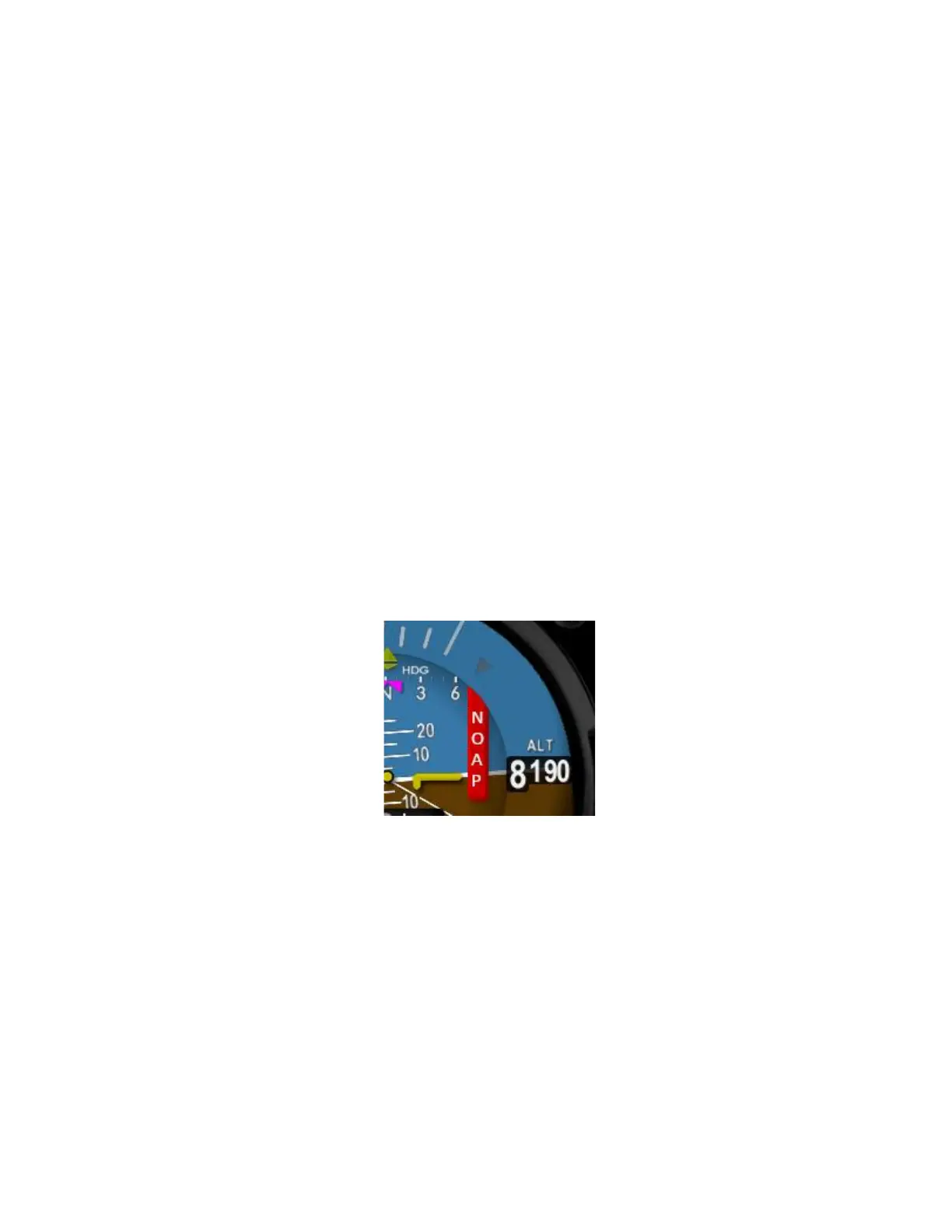
Power up the AV-30 and AV-
displayed. This flag indicates that the AV-APA is not providing valid
is an indication that the AV-APA and AV-30-E are not communicating.
flag can also indicate that the pilot
h
a pilot selecting a GPS-based mode without a GPS or flight plan loaded.
Follow the ground checkout procedure from your autopilot installation
manual. In general, this involves setting the autopilot to heading mode
and observing that the flight controls move in the correct direction as the
heading bug is changed left and right of the current heading.



 To Next Page