UAV-1004234-001, AV-30-E Installation Manual 48
Rev H
11.1.7 Mounting
AV-Link is mounted in series between the AV-30 and the AV-30
backshell connector.
11.1.8 Removing AV-30 From Instrument Panel (Optional)
It may be necessary, because of space limitations, to remove the AV-30
unit for performing AV-Link installation. Using a Phillips screwdriver,
remove the four [4] screws that attach the AV-30 to the aircraft
instrument panel. Pull unit down to a workable position. Note that it may
also be necessary to disconnect the Pitot and Static lines to bring it into
reach. Ensure that the lines are properly labeled before disconnecting.
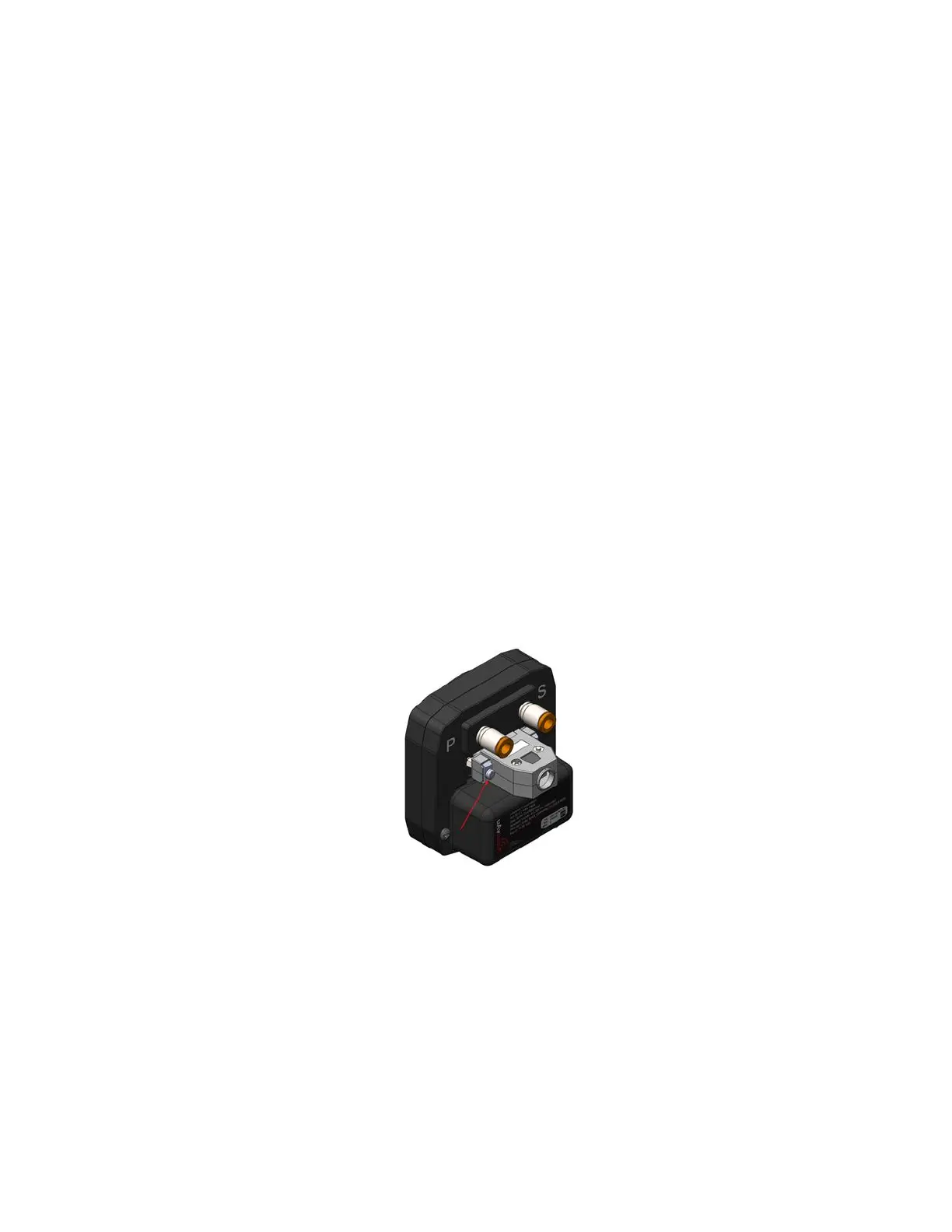
11.1.9 AV-30 Backshell Connector Removal
Using a flat screwdriver, loosen the two [2] screws that hold the
backshell connector to the DB-15 connector on the back of the AV-30
until the backshell connector is free to detach from the AV-30. If present,
leave the bonding/ground strap attached to the backshell connector.
Figure 17 - AV-Link Backshell Connector Removal
11.1.10 AV-Link Attachment
Do not attempt to remove the two [2] captive Jack Screws from the AV-
Link housing. Attach AV-Link to the back of the AV-30 by inserting the
unit into the DB-15 connector on the back of the AV-30.



 To Next Page