UAV-1004234-001, AV-30-E Installation Manual 124
Rev H
Now increase the altitude on the air data test set to a value at least
item. If the AV-30 perceives the altitude difference to be less than
-selectable. If that is the
case, keep increasing the altitude until ALT TRIM HI turns from gray to
white. Press and release the center knob then turn the knob until the
value displayed for BaroCorrAlt + Trim: is equal to the altitude on the air
data test set. Press and release the center knob to exit the menu.
Record the ALT TRIM LO and ALT TRIM HI values in the aircraft
records.
13.2.10 Air Data – IAS Trim
As the AV-30-E ages or is exposed to unusual conditions, the pressure
sensors may require field adjustment to maintain accuracy. If the
indicated air speed appears to be accurate at some airspeeds and
increasingly inaccurate as airspeed increases or decreases, a trim
adjustment may be beneficial. This function requires a calibrated air data
test set connected to the AV-30-E to simulate multiple airspeeds.
To execute this function, select the AI Mode on the AV-30-E. Go to the
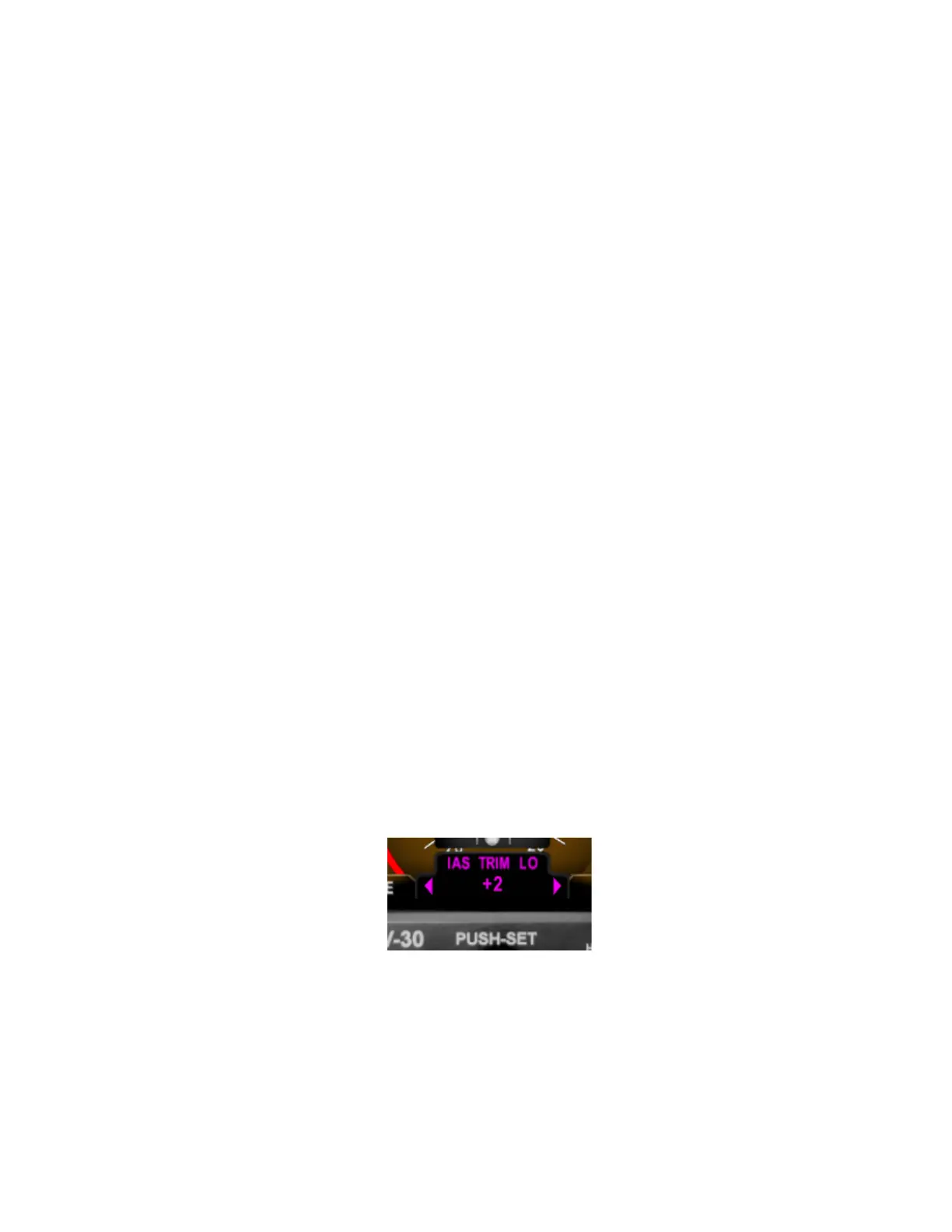
installation menu and select IAS TRIM LO. Set the air data test set to 45
knots or the stall speed or your aircraft, whichever is greater. Press and
release the center knob then turn the knob until the airspeed displayed
on the AV-30-E is equal to the airspeed indicated on the test set. Press
and release the center knob to set.
Now increase the airspeed on the air data test set to a value at least 70
knots higher than the airspeed used to set the LO trim point. Using your
high-speed cruise airspeed is recommended. Go to the IAS



 To Next Page