UAV-1004234-001, AV-30-E Installation Manual 99
Rev H
13 Installation Menu
The installation menu is used to configure the AV-30 after installation and
should only be accessed on the ground and changed by the installer.
Setting Angle of Attack limits and calibrating the internal magnetometer are
exceptions to this rule.
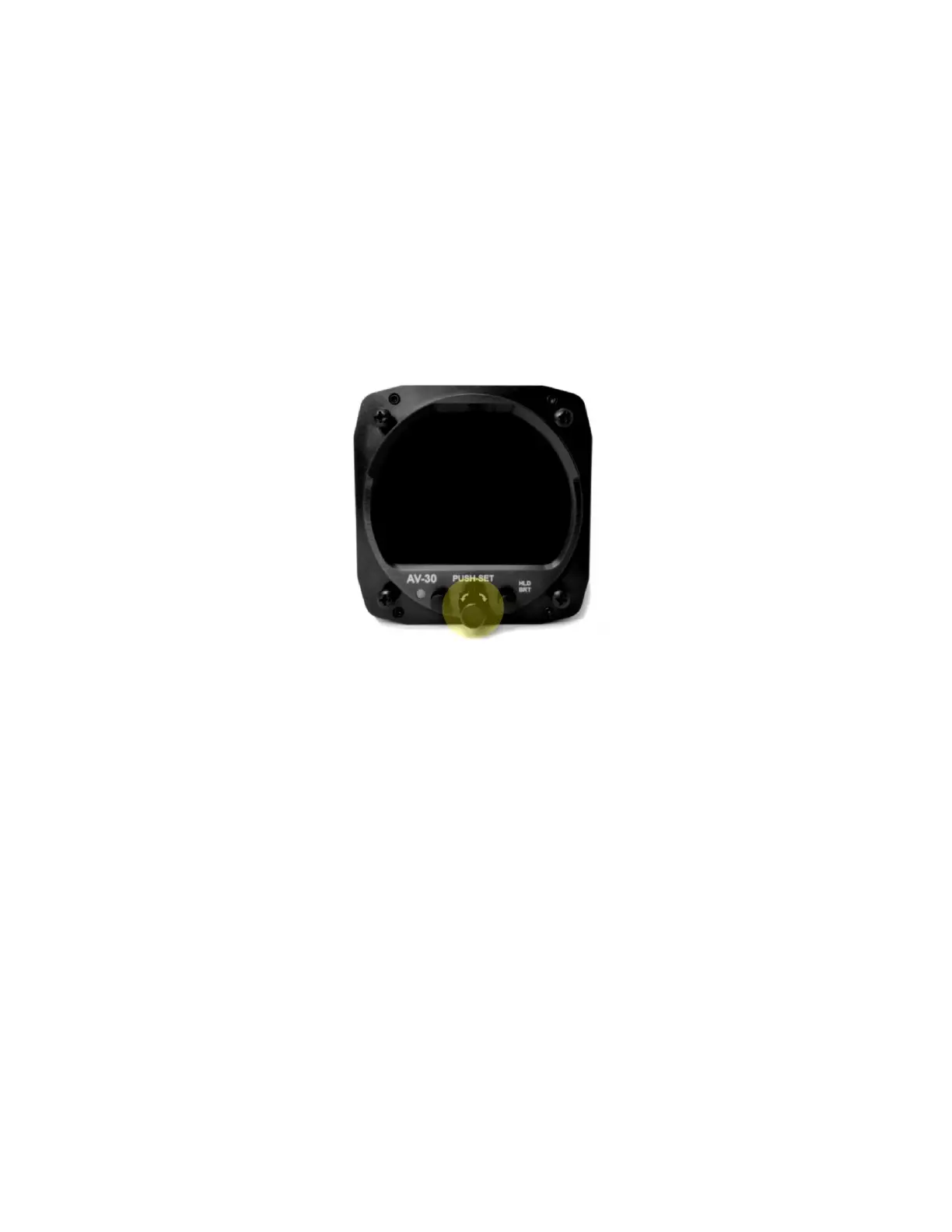
To enable access the installation menu, ensure the unit is completely
turned off. Push and hold the main control knob in while power is applied.
Figure 35 – Installation Menu Access
Keep the knob pressed until the startup logo has cleared. The installation
menu will now be enabled for access but will not automatically appear on
the screen.
Ensure the unit is in AI or DG mode; select the mode by pushing and
holding the center button until the mode display changes. When in AI or DG



 To Next Page