UAV-1004234-001, AV-30-E Installation Manual 100
Rev H
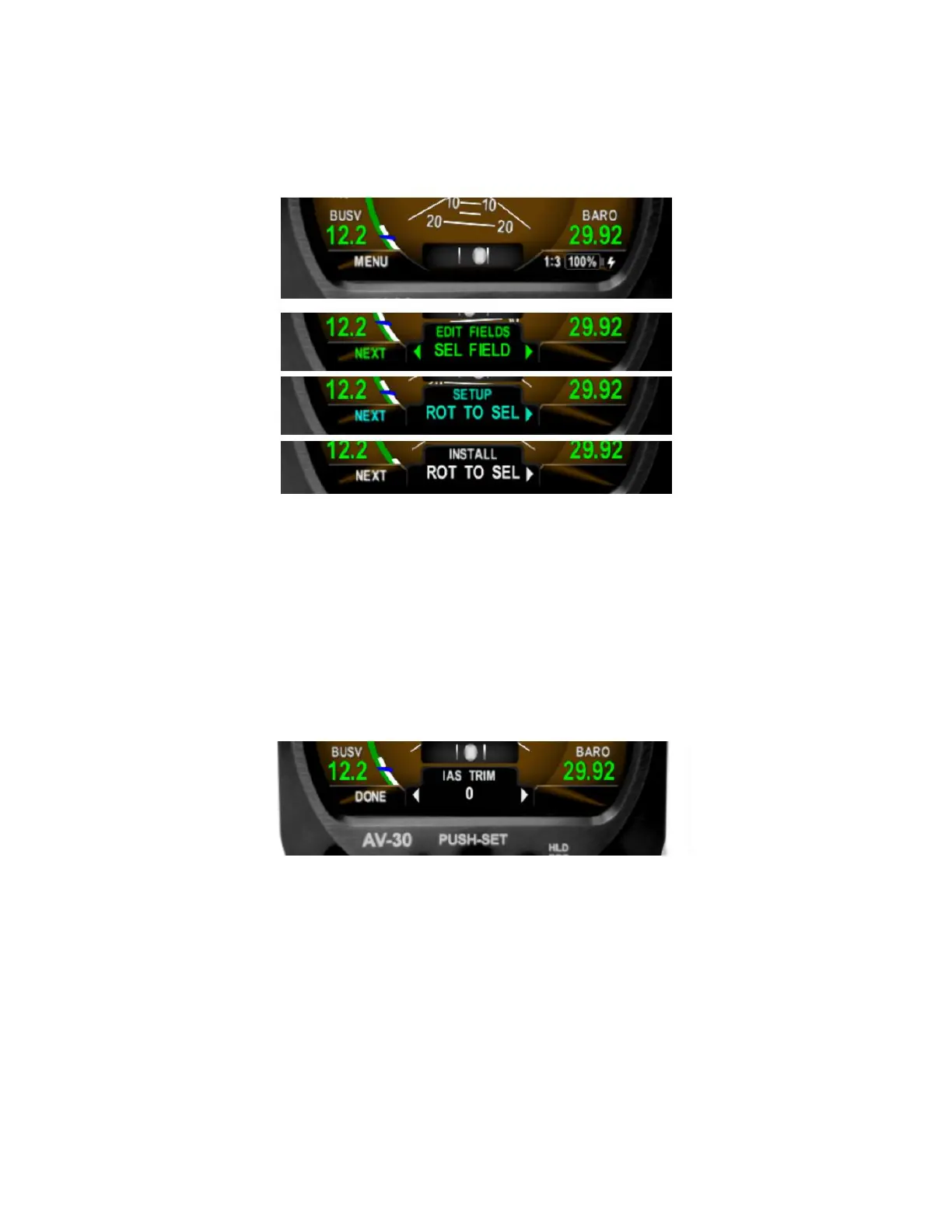
The sequence of fields displayed is shown in
Figure 36.
Figure 36 – Installation Menu Access
Rotating the knob left and right will access the various parameters that may
be configured. Pressing the knob when the desired field is shown will allow
the associated setting to be adjusted.
After adjustment, pressing the knob again will exit the editing mode but the
installation menu will remain active.
Figure 37 – Exiting Edit Mode
Pressing DONE or a lack of user input for 30 seconds will exit the
installation menu and return to the primary screen.



 To Next Page