UAV-1004234-001, AV-30-E Installation Manual 74
Rev H
• One 9-pin D-Sub pin connector and shell
• M39029/63-368 sockets
• M39029/64-369 pins
• Ring terminals for shield termination
The following additional components will be required:
• Two conductor shielded wire, 22 or 24-gauge, M27500-
22TG2T14 or M27500-24TG2T14
• Single conductor power and ground wire, 22 or 24-gauge, MIL-
W-22759/16 or equivalent
• Pins for the autopilot connector. See autopilot installation
manual for specification
• #8 fasteners appropriate to mount AV-APA to airframe
The AV-APA installation kit includes machined pins. These pins should
be crimped with a Daniels AFM8 crimp tool using a K13-1 positioner, or
equivalent M22520/2-01 crimp tool.
11.4.5 Configure the AV-30-E for the AV-APA
Use of the AV-APA is enabled through the AV-30 installation menu.
Before applying power, push and hold the center rotary knob and apply
power. As the AV-30 splash screen appears, check that a minimum
version of 2.4.1 is displayed. AV-APA support is not available on units
with software versions prior to 2.4.1.
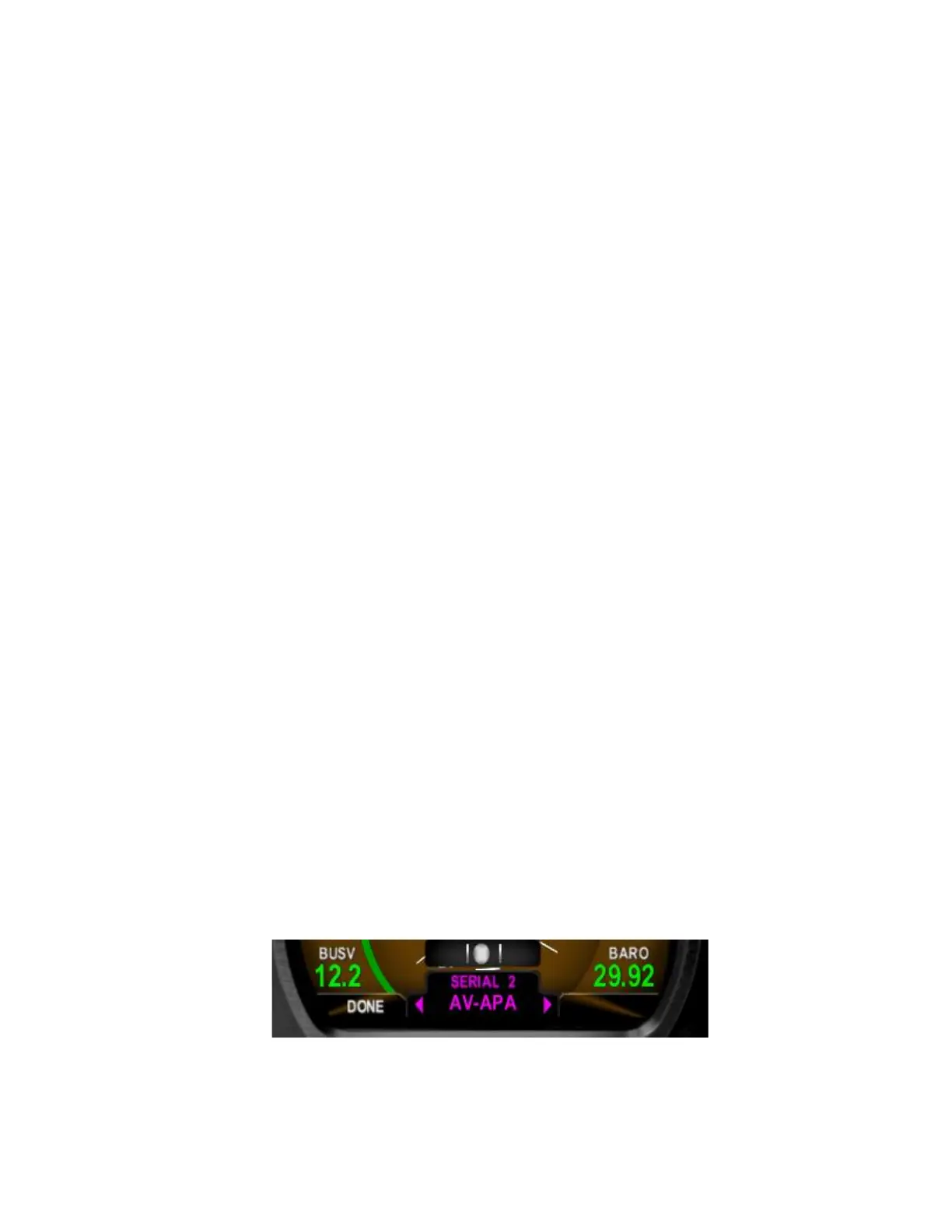
Enter the AV-30 installation menu and navigate to the serial 2 interface
option (SERIAL 2). Set SERIAL 2 to AV-APA.



 To Next Page