APX 525/625 Generator Revision C Service Adjustments
©
2005 Del Medical Imaging Corporation
7/5/2005 Page 137
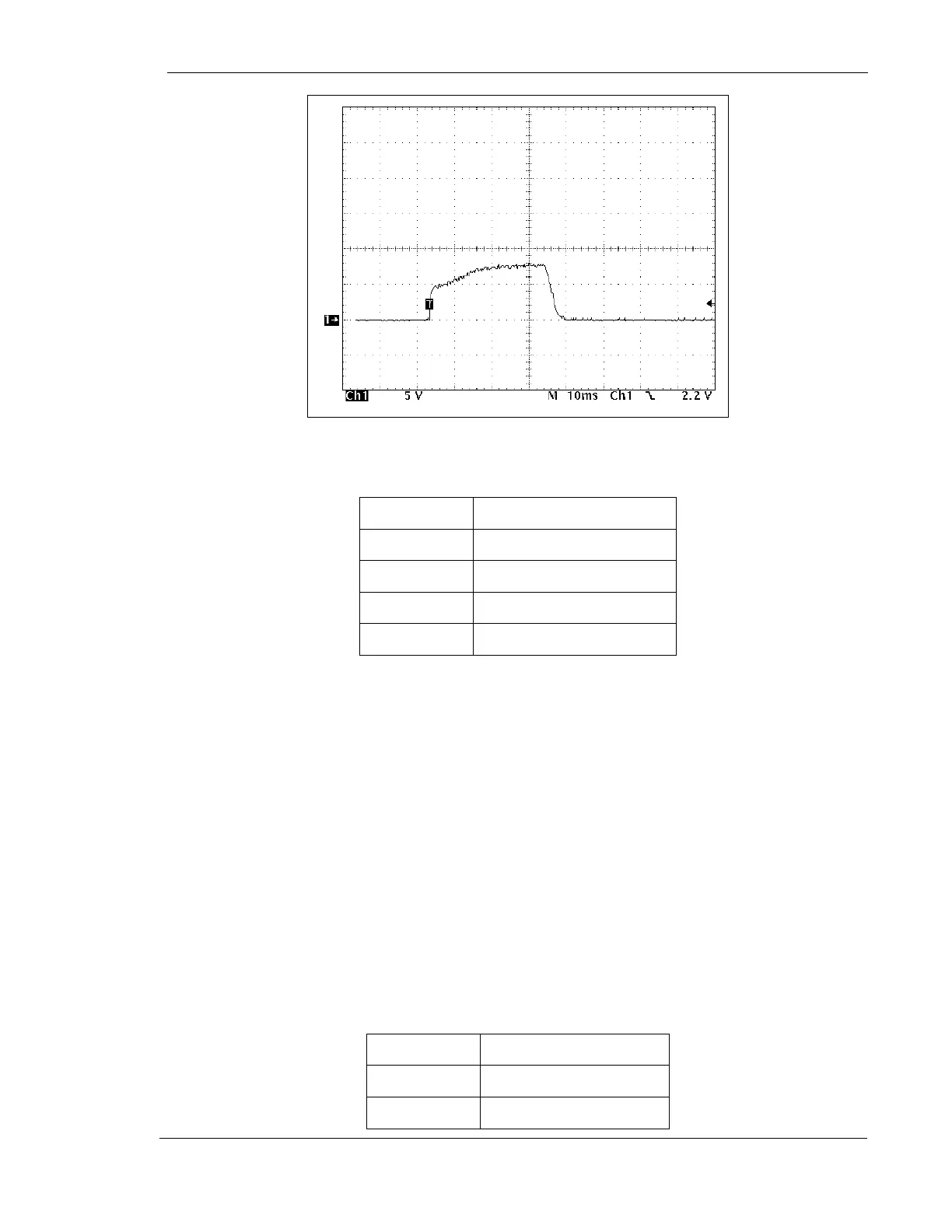
Figure 67 – Preheat Adjustment Set Too Low
9. Set the generator as follows:
Mode
3 point
Focal Spot
Small
kV
84 kV
mAs
150 mA
Time
100 mSec
10. Make exposure and adjust R70 on mA Rotor (124-0095G1) PWB for a flat
waveform
11. Turn the generator OFF.
12. Remove the mA Rotor (124-0095G1) PWB from the card extender and insert it
back into the card cage
Calibrate mAs
Initial Voltage to Frequency Calibration
1. Place the mAs (124-0145G1) PWB on the card extender
2. Turn the generator ON.
3. Set the generator as follows:
Mode
3 Point
Focal Spot
Large
kV
84 kV



 To Next Page