APX 525/625 Generator Revision C Operating Manual
©
2005 Del Medical Imaging Corporation
7/5/2005 Page 25
USER SERVICE AND MAINTENANCE
Cleanliness is a fundamental rule in maintaining equipment. At least once a month,
external metallic surfaces should be wiped to remove dust build-up or any other
foreign material that may have accumulated. Enameled metal surfaces should be
cleaned using a clean cloth slightly moistened in clean water. Do not use cleaners or
solvents of any kind as they may dull the finish. Polish with PURE liquid or paste
wax. Do not use a wax containing a cleaning substance.
Note: This piece of X-Ray equipment contains operating safeguards to insure
maximum safety. Aside from routine maintenance, any abnormal noise, vibration or
unusual performance should be investigated by a qualified service engineer. Before
requesting service, however, be sure the equipment is being operated in accordance
with the foregoing instructions.
SAFETY INFORMATION
If a malfunction is suspected, turn the power off at the main line disconnect and have
a qualified service engineer inspect the equipment. Never open a component cover,
because potentially dangerous voltages are present.
Personnel engaged in maintenance activities should exercise normal caution and
care while working with electro-mechanical equipment. Before removing or opening
any electrical power panels or covers, verify that the incoming power supply is
turned OFF. In the event maintenance procedures require power to be supplied to
the unit, extreme care MUST be exercised to insure the safety of service and any
other personnel in the area. Always verify that the equipment is properly grounded
before attempting any electrical operation or adjustment.
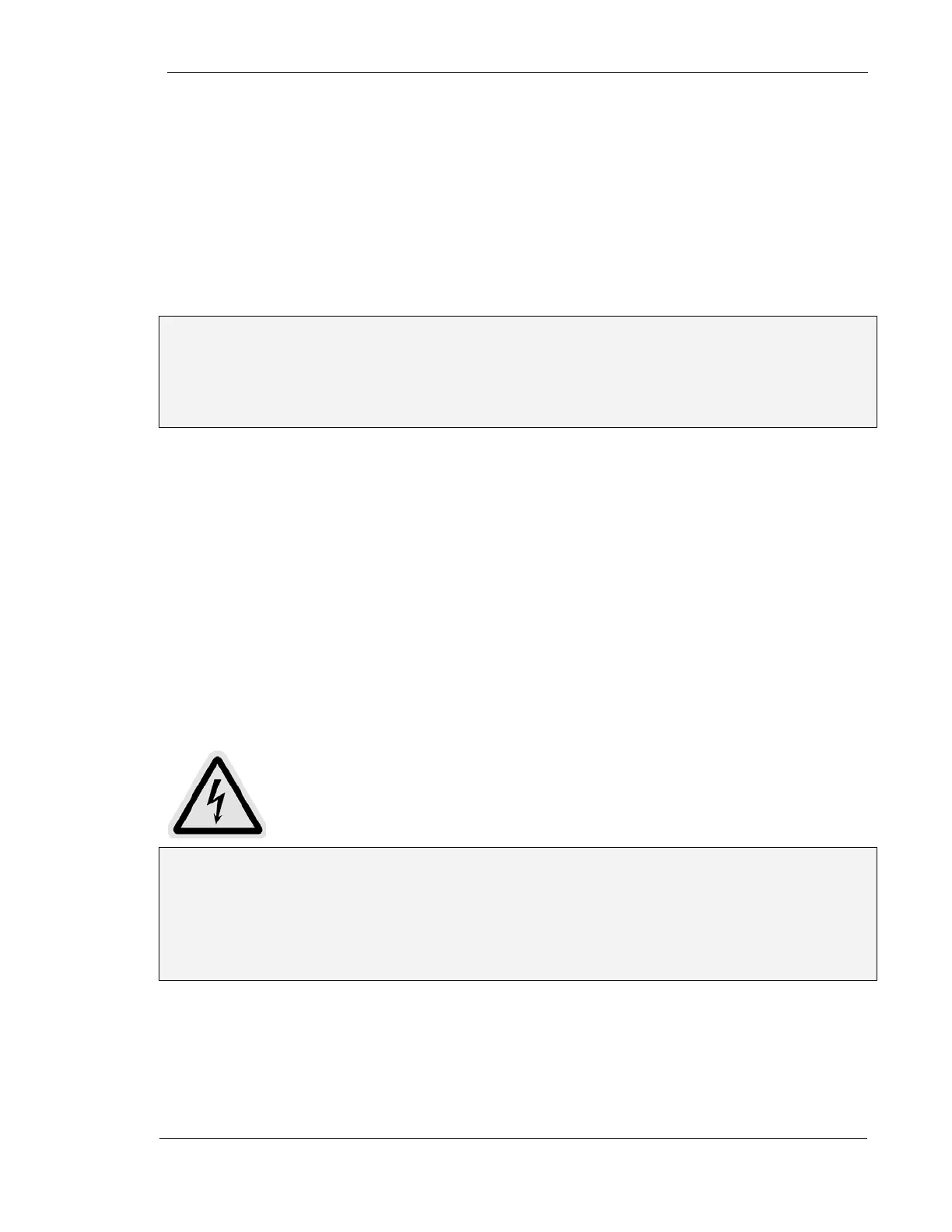
Warning: The main SCR capacitor bank (located in the bottom of the Power
Module) contains a very high charge when power is applied. This charge is a fatal
shock hazard. After power has been disconnected from the system, with power off,
allow a minimum of five minutes for the capacitor bank to discharge. Check the
capacitor bank for zero volts with a DC voltmeter before working on any internal
circuitry.



 To Next Page