APX 525/625 Generator Revision C Using Del APR Utility
©
2005 Del Medical Imaging Corporation
7/5/2005 Page 187
USING THE DEL APR UTILITY TO MANAGE APR
DATABASES
Software Version 1.0.4 -February 18, 2003
Installation of the program
Download the Del APR Utility from the technical support section of
http://www.delmedical.com
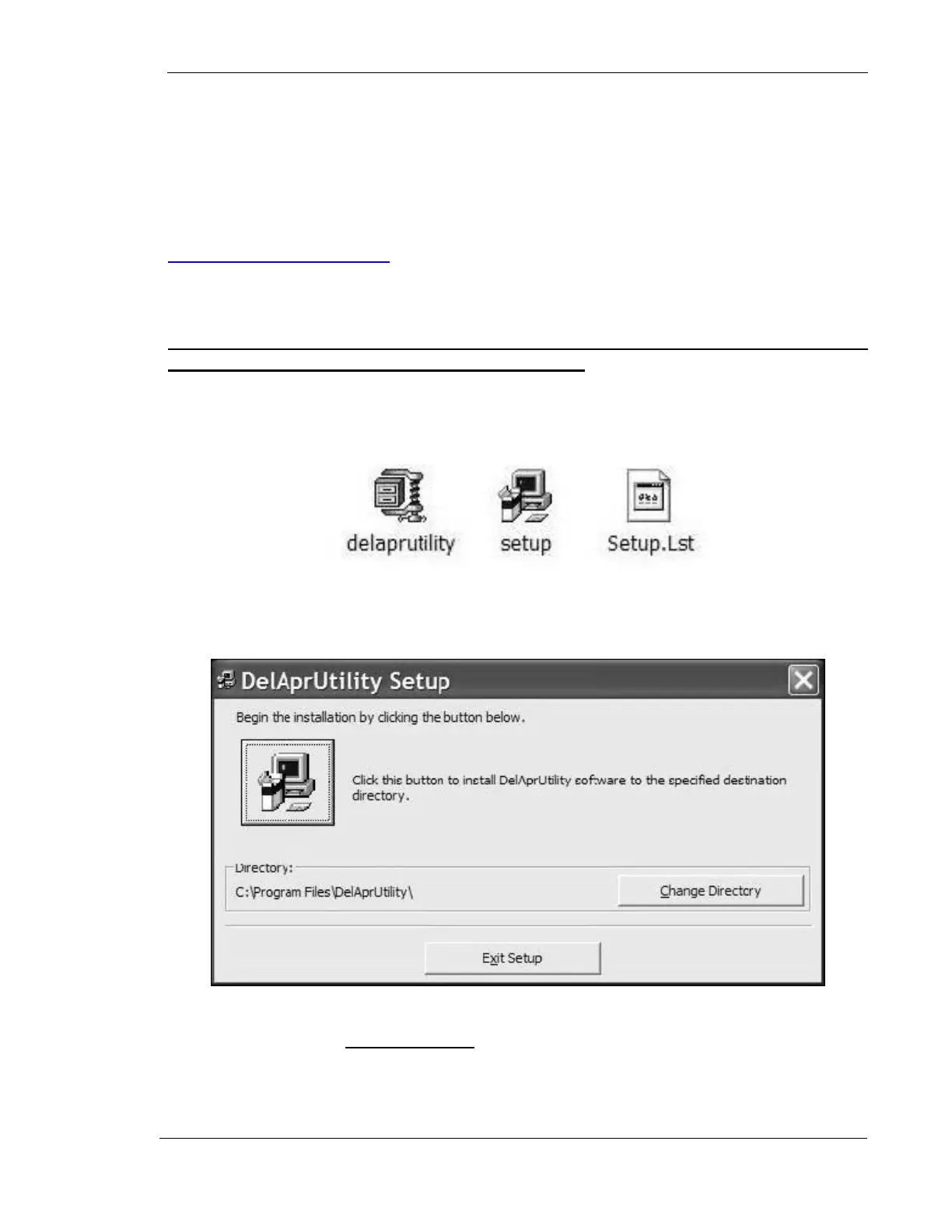
Unzip the Del APR Utility files into a temporary folder (c:/temp).
It is necessary to download the files to a temporary folder on your hard drive,
and to perform the installation from that folder.
It is recommended that you exit and close any other programs before beginning the
installation of the APR utility program.
Run the Setup file to install the APR utility to its default program group (C:\Program
files\DelAprUtility).
Once installed in the default folder, the executable file that will start the actual
program is named delaprutility.exe. For your convenience, you may create a
shortcut on your desktop for this program.



 To Next Page