APX 525/625 Generator Revision C Service Adjustments
©
2005 Del Medical Imaging Corporation
7/5/2005 Page 145
kV Calibration
1. With power off, place the kV regulator board on the extender card
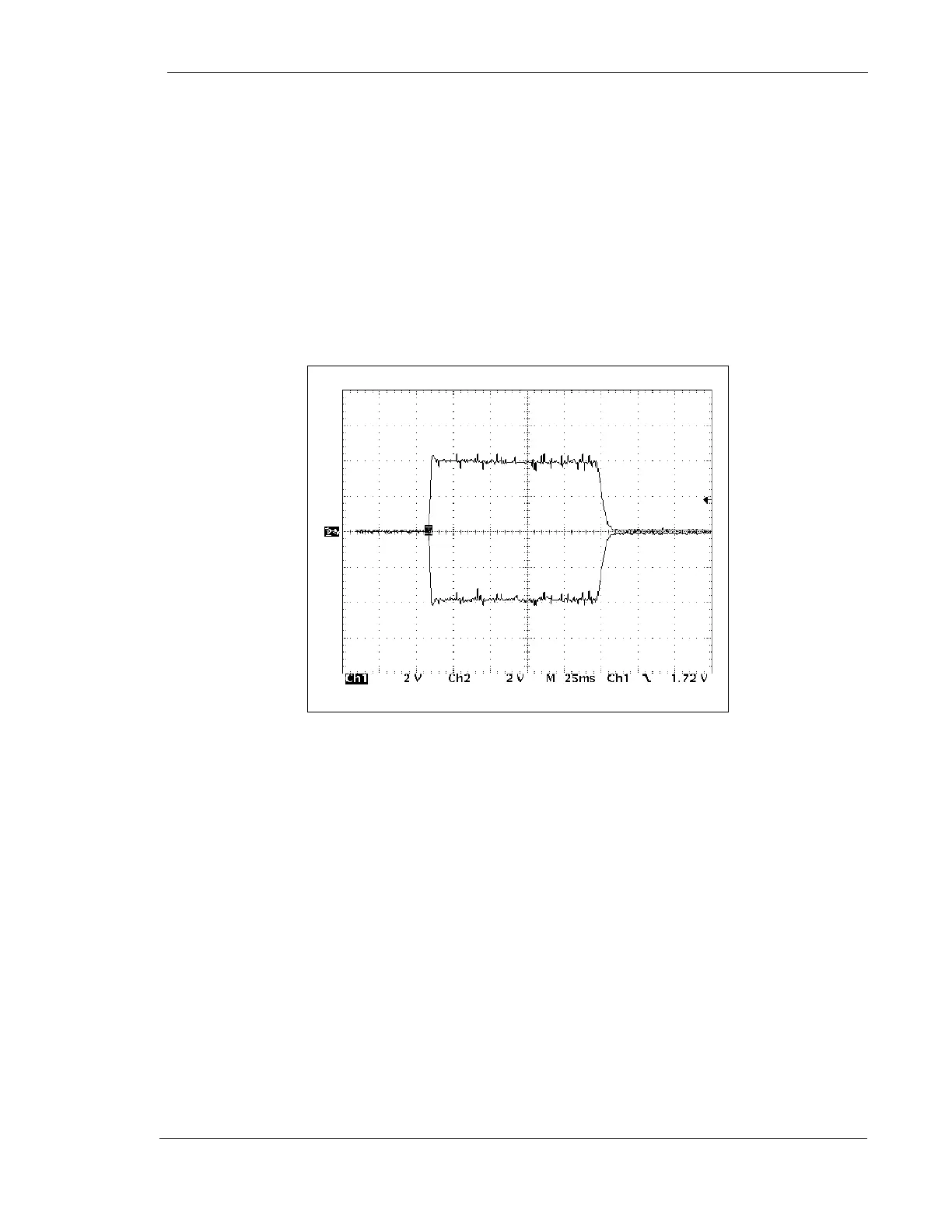
2. Connect a scope (2 channels) to kV+ (TP11) and kV- (TP10) with respect to DC
return (TP-12) on the motherboard. Scale 1V = 10 kV
3. Turn the controller "ON"
4. Set the generator at manual mode, tube one, large focus, 84 kV, 15 mAs
5. Make an exposure, observe the kV value. Adjust (if necessary) R77 on the kV
regulator board for the selected kilovoltage plus/minus 1 kV)
Figure 72 – Typical Anode and Cathode kV Waveforms
6. Turn the controller "OFF"
7. Disconnect test equipment from the x-ray generator
mAs Adjustment
mAs has been pre-adjusted and verified at the factory. However, it may become
necessary to test or adjust mAs in the field. Del Medical Imaging recommends using
a Dynalyzer™ (or equivalent) for this measurement.



 To Next Page